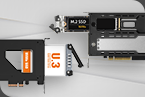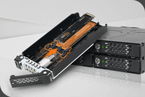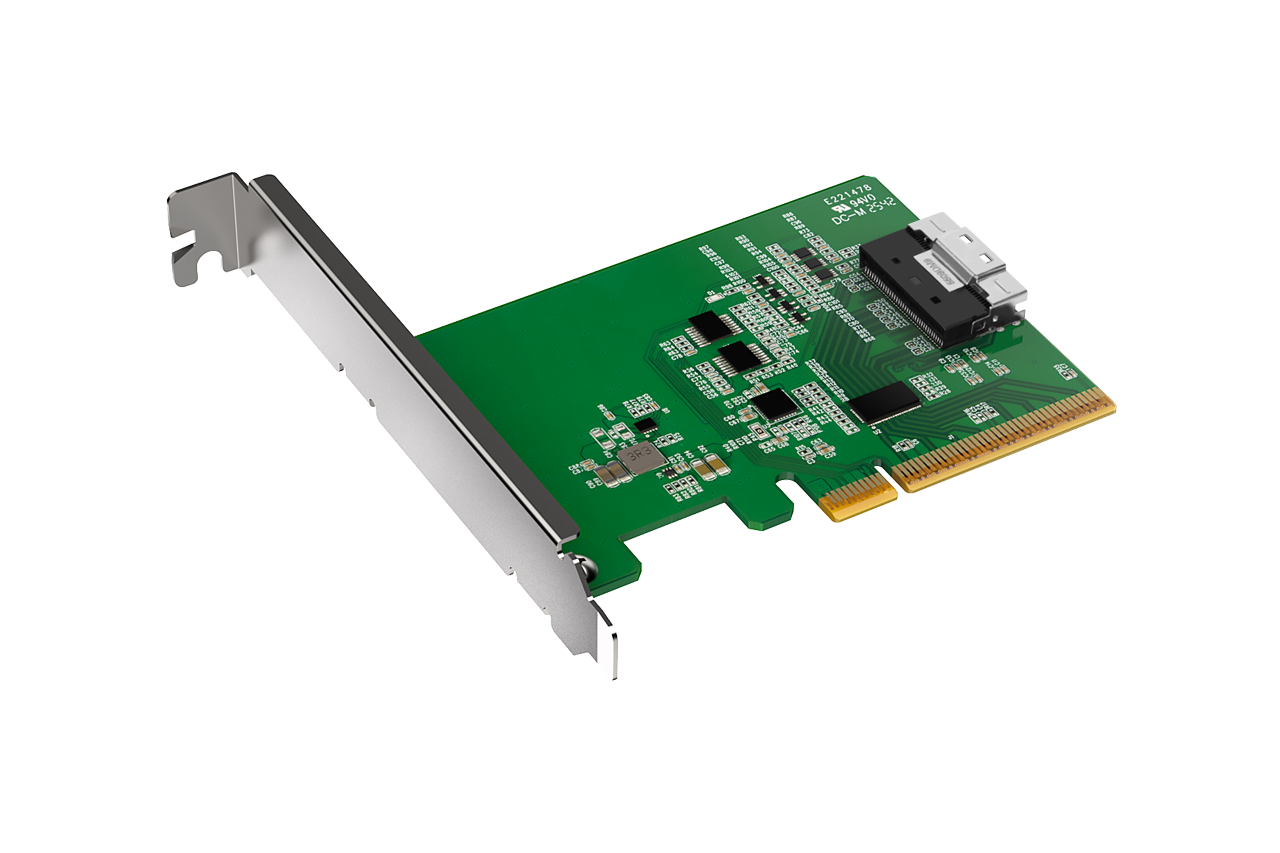
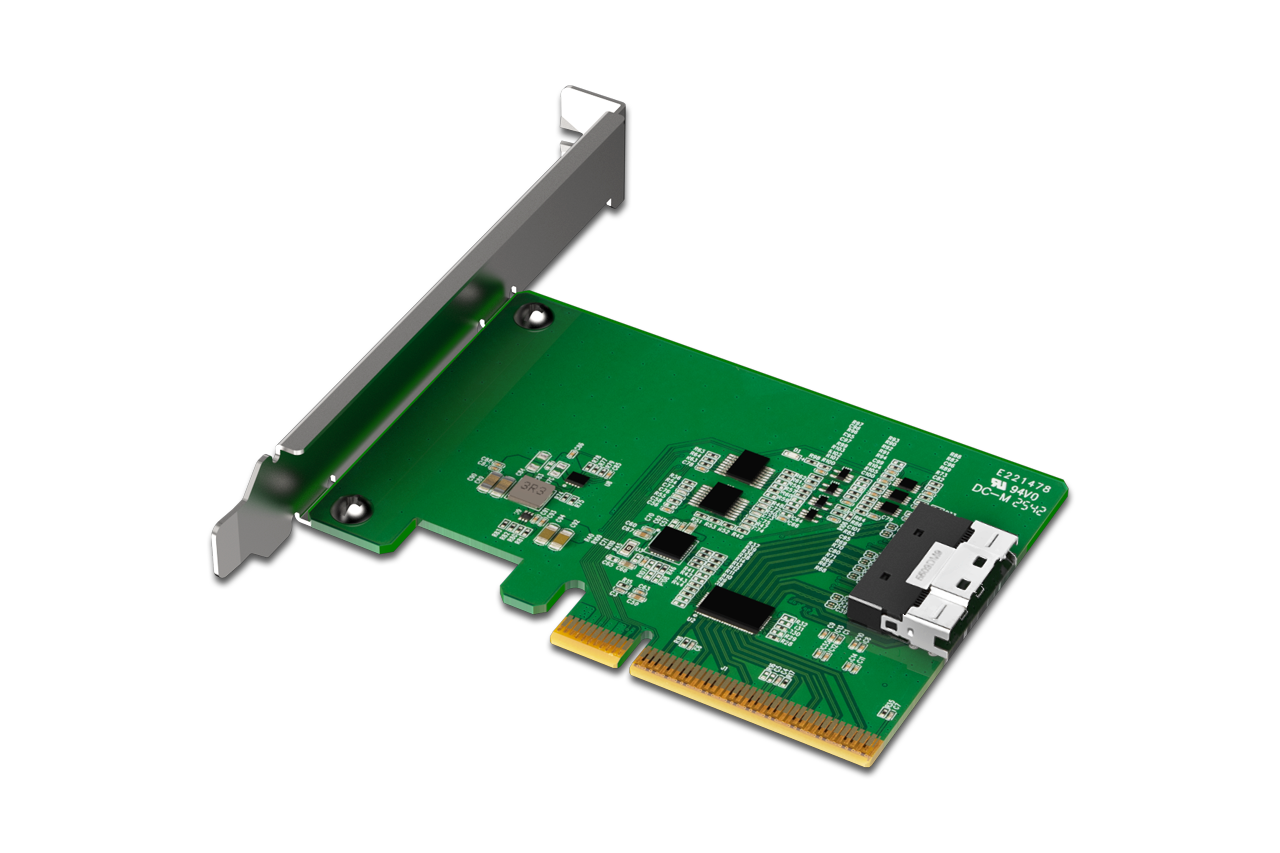
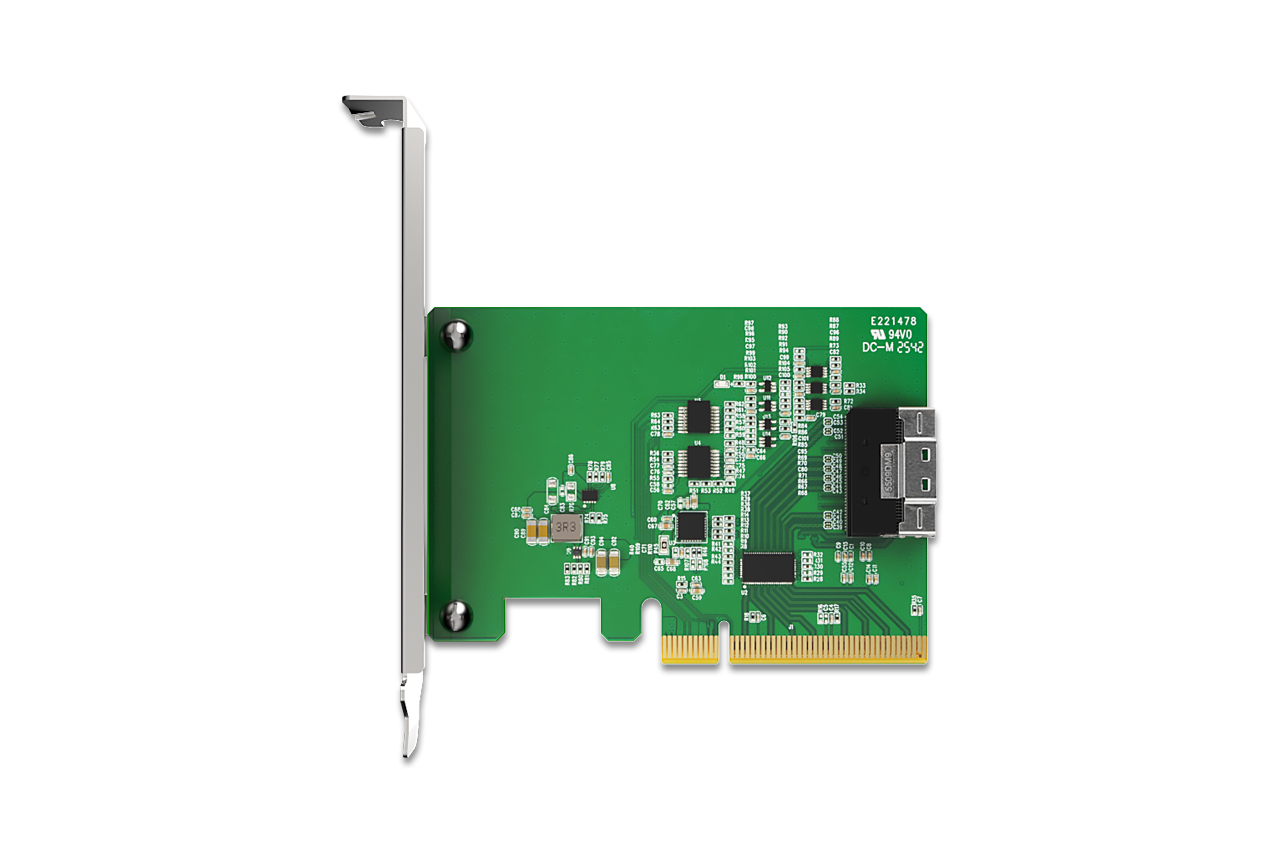
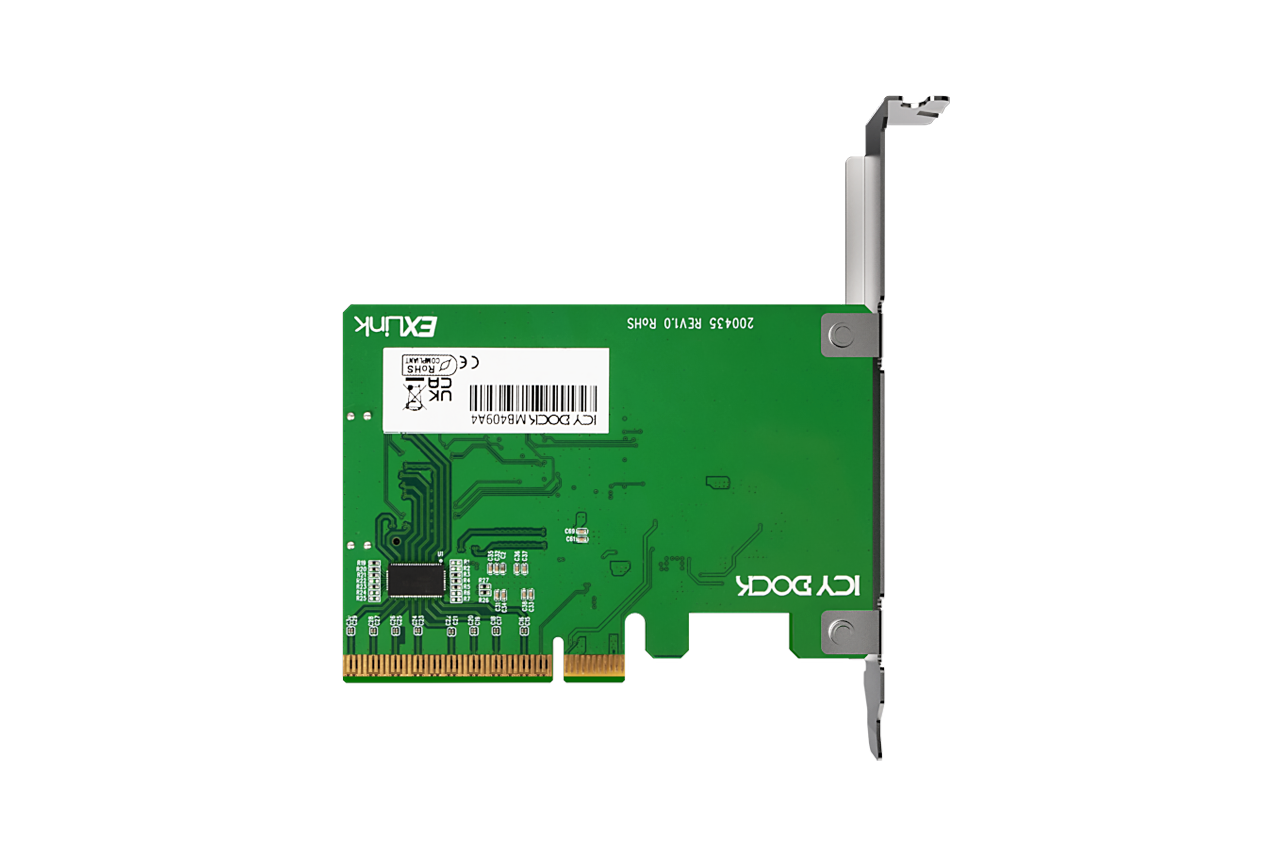
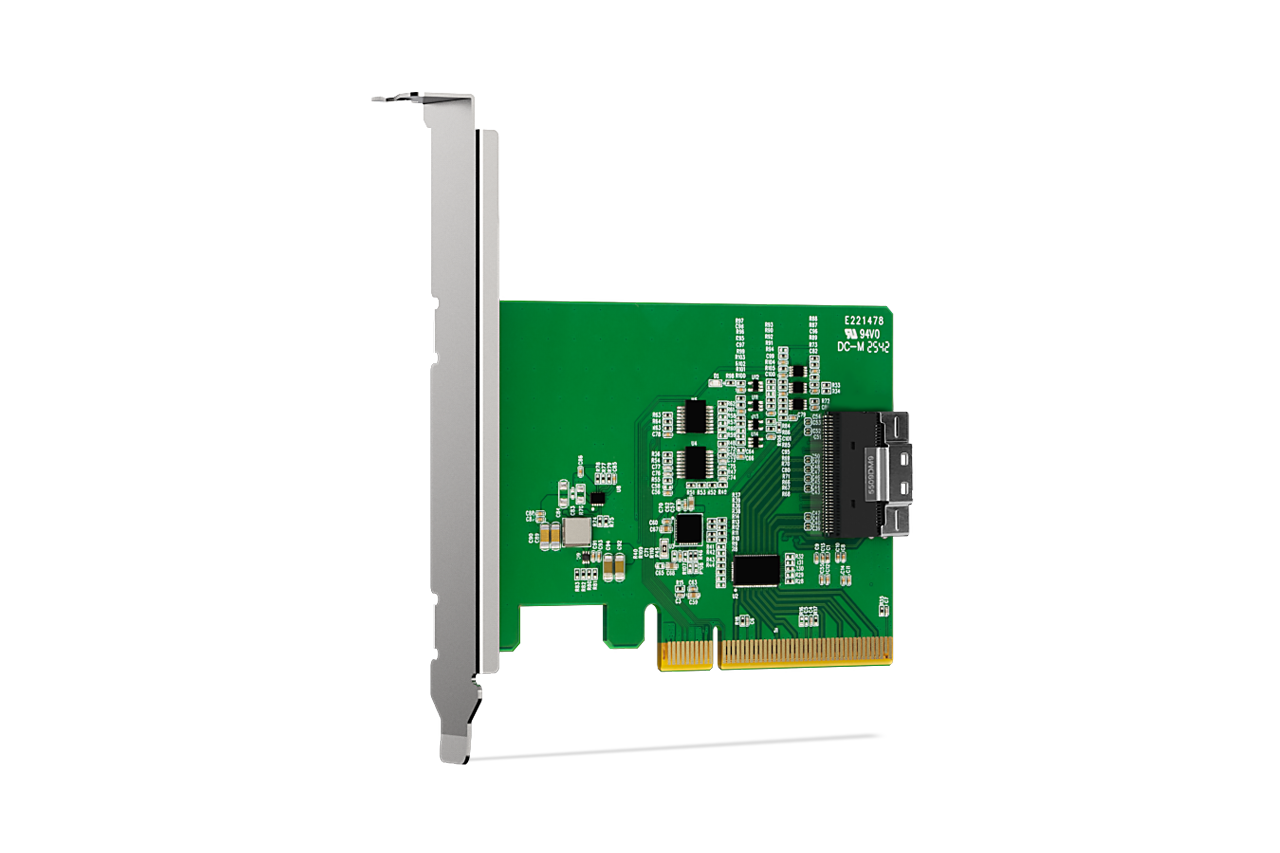
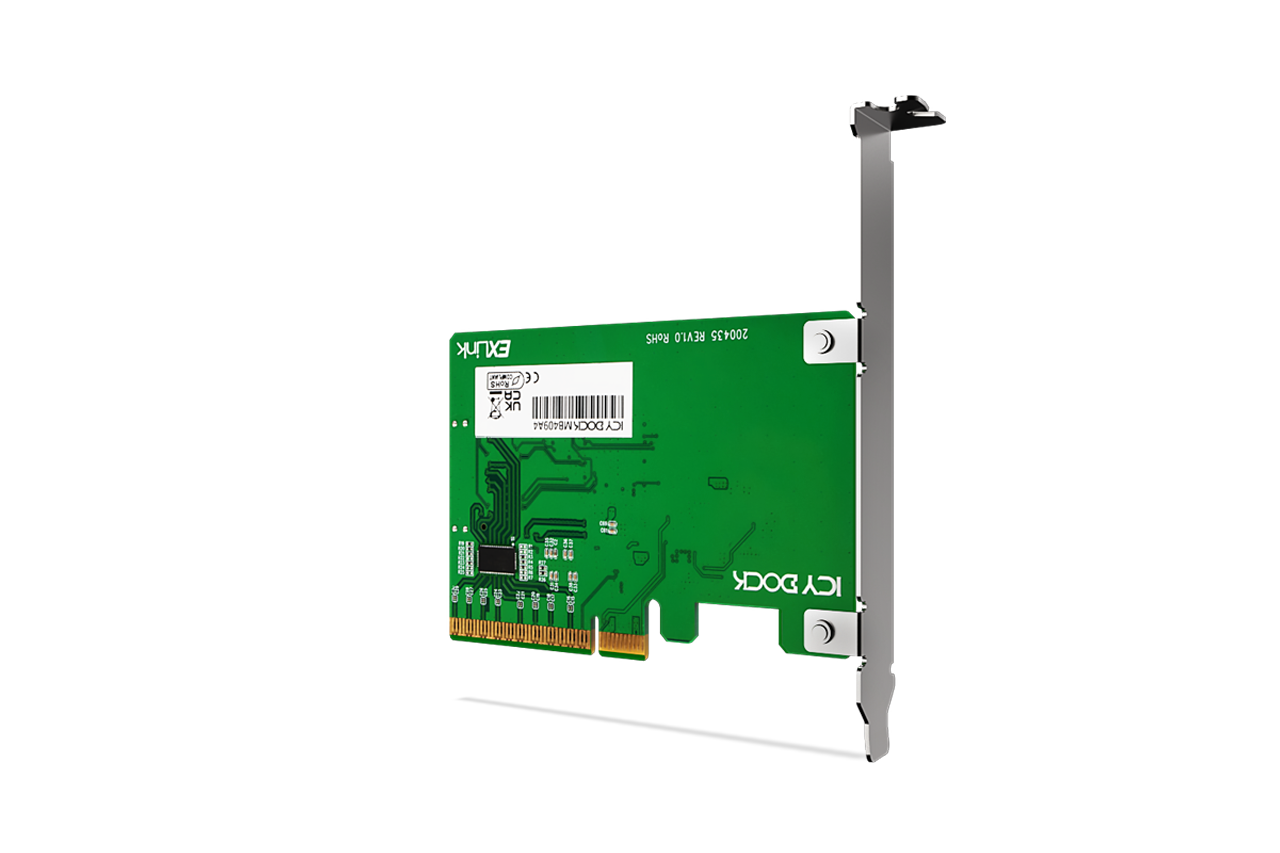
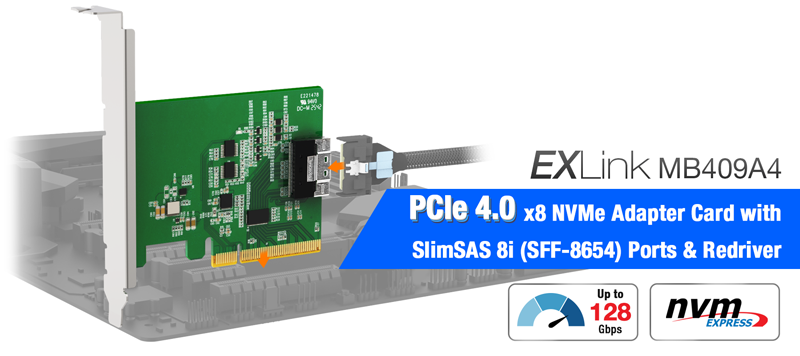
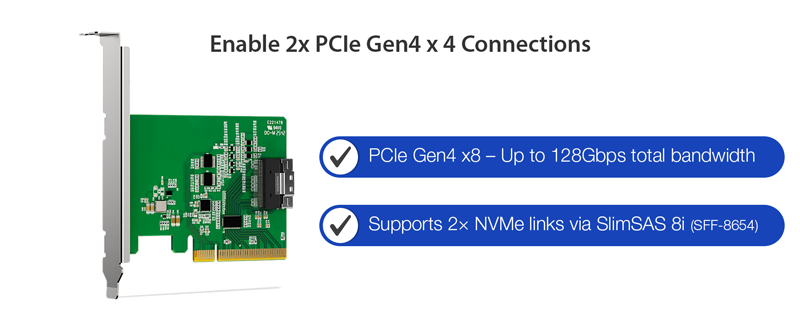
| • | PCIe Gen4 x8 interface with up to 128Gbps total bandwidth |
| • | SlimSAS 8i (SFF-8654) connector for high-speed NVMe signal transmission |
| • | Supports PCIe lane bifurcation (x4 / x4) for dual x4 NVMe configurations |
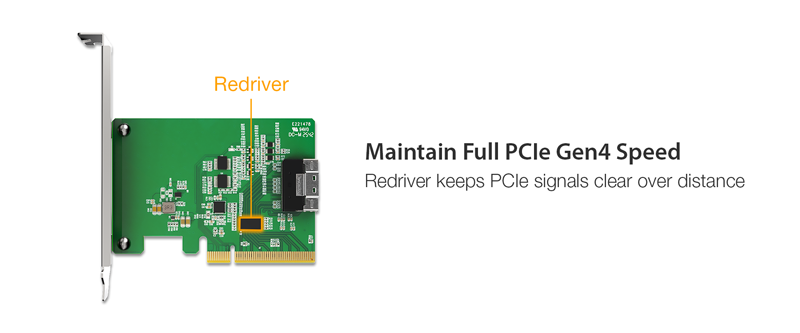
| • | Integrated PCIe Gen4 redriver for enhanced signal integrity over extended traces and cables |
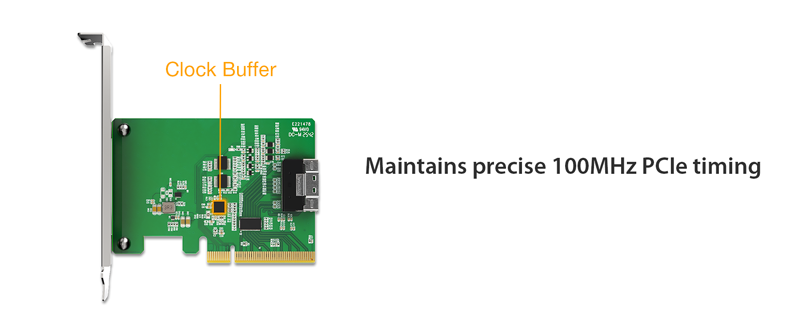
| • | 100MHz PCIe clock buffer for stable enterprise timing |
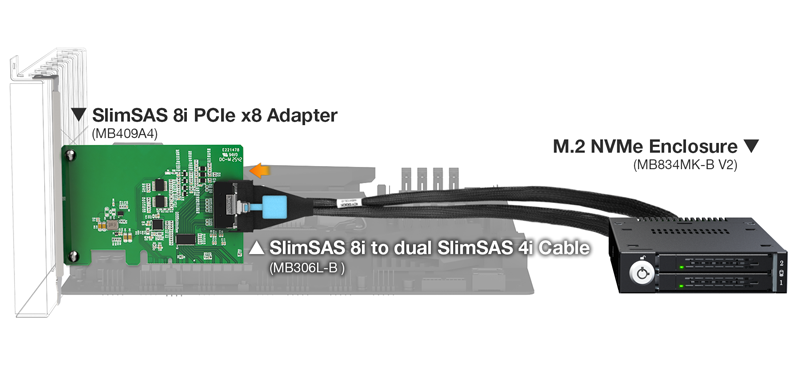
| • | Validated compatibility with ICY DOCK NVMe mobile racks and cables |
| • | Buffered PERST#, WAKE#, CLKREQ# signals |
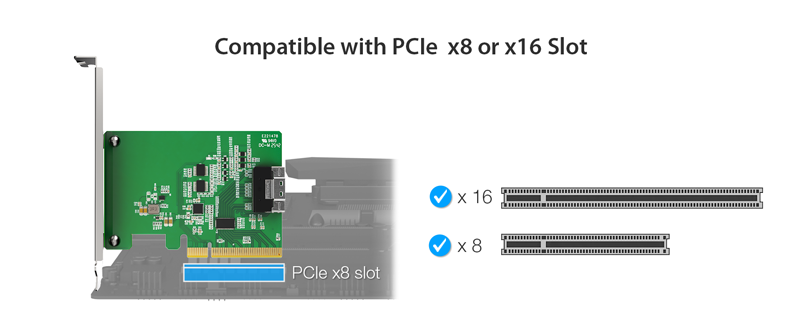
| • | Universal PCIe slot support: PCIe 2.0 / 3.0 / 4.0 / 5.0 |
| • | Requires motherboard PCIe bifurcation (x4, x4) to access two SSDs (This adapter card itself does not perform bifurcation) |
| • | CE/UKCA/RoHS/REACH compliant |
| • | 2-year limited warranty |
| Model: | MB409A4 |
| Compatible Drive Type: | NVMe |
| Support Slots: | Works with x8/x16 PCIe 2.0/3.0/4.0 or 5.0 slots on motherboards |
| Host Interface: | 1 x PCIe x8 connector |
| Endpoint Interface: | 1 x SlimSAS 8i (SFF-8654), pin-out defined by SFF-9402 Rev 1.1 (Tri-mode HBA/RAID card compatible) |
| Transfer Rate: | PCIe 4.0 x8 up to 128Gbps |
| Supported Operating Systems: | No limitation |
| Product Dimension (W x H x D): | 109.7 x 120.8 x 21.5mm |
| Product Net Weight: | 45.5g |
| Package Gross Weight: | 137.7g |
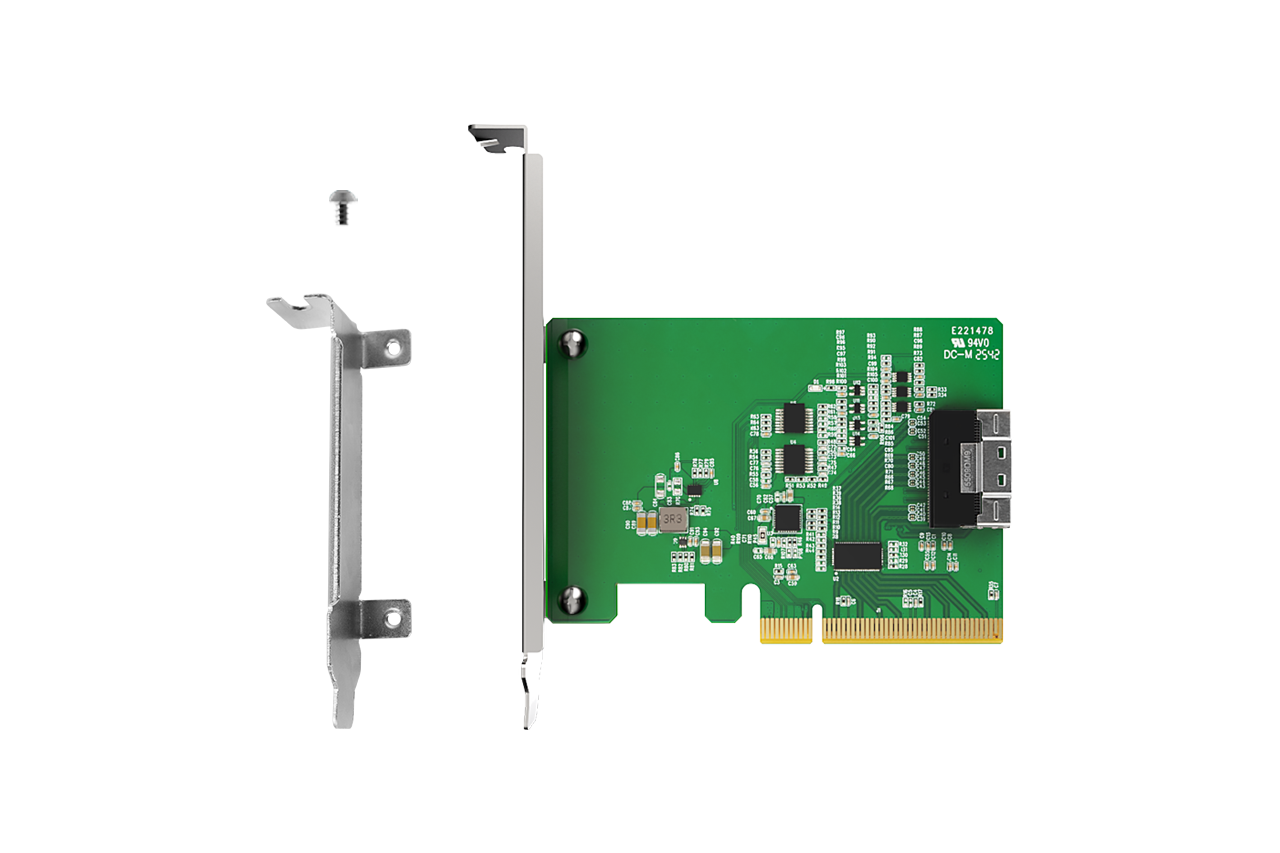
| Package Contents: | Device, mounting screws, user manual, I/O faceplate |
| Connector Insertion Rate: | 5,000 |
| Humidity: | 5%~65% RH |
| Operating Temperature: | 0°C to 70°C (32°F to 158°F) |
| Storage Temperature: | -35°C to 70°C (-31°F to 158°F) |
| Compliance: | CE, UKCA, RoHS, REACH |
| Warranty: | 2 years limited warranty |
Q: How can I ensure my motherboard is compatible with the MB409A4 and can detect and read the two NVMe SSDs installed in it?
A: Your motherboard must meet the following criteria to recognize and read two NVMe SSDs:
Key Tip: The availability of PCIe lanes depends on your motherboard and CPU specifications, as well as how many PCIe SSDs and other devices you have installed. Therefore, we cannot guarantee compatibility with the MB409A4 based solely on a compatibility list. We strongly recommend consulting your motherboard supplier to confirm how many PCIe lanes are available in your system and whether any remaining empty PCIe slots can fully support the MB409A4 with two NVMe SSDs.
If you're unable to obtain this information from your motherboard supplier, you can follow the steps below to verify compatibility yourself (applies to Asus, ASRock, and AORUS motherboards only).
Step 1: Open the motherboard compatibility list and locate your motherboard model. As an example, we will use the ASUS AMD TUF GAMING B450-PLUS II motherboard.
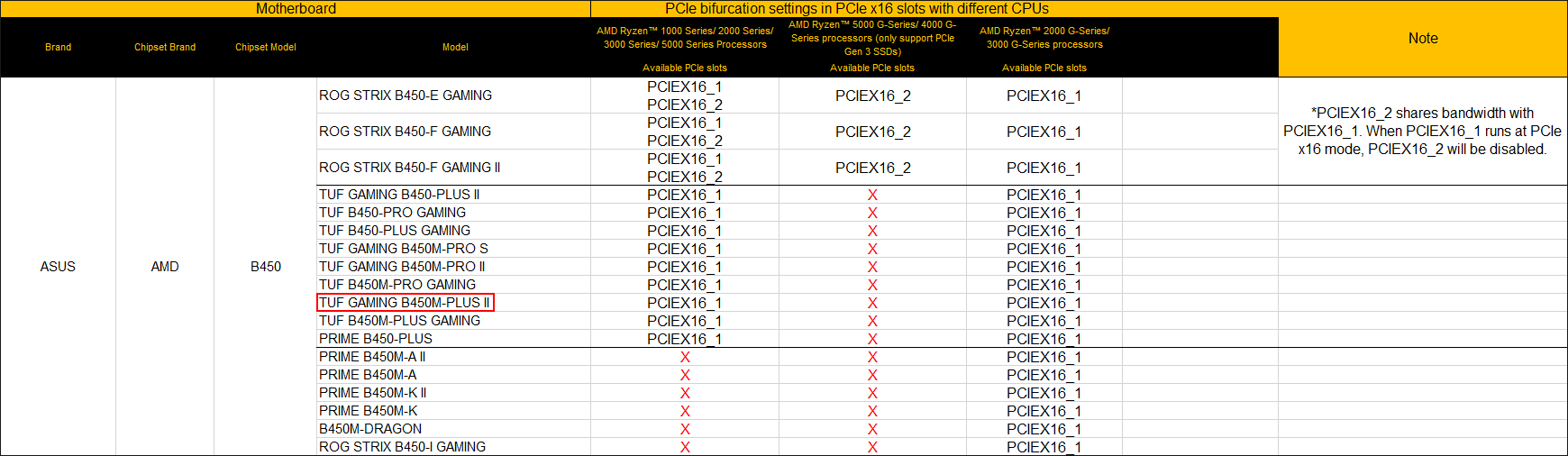
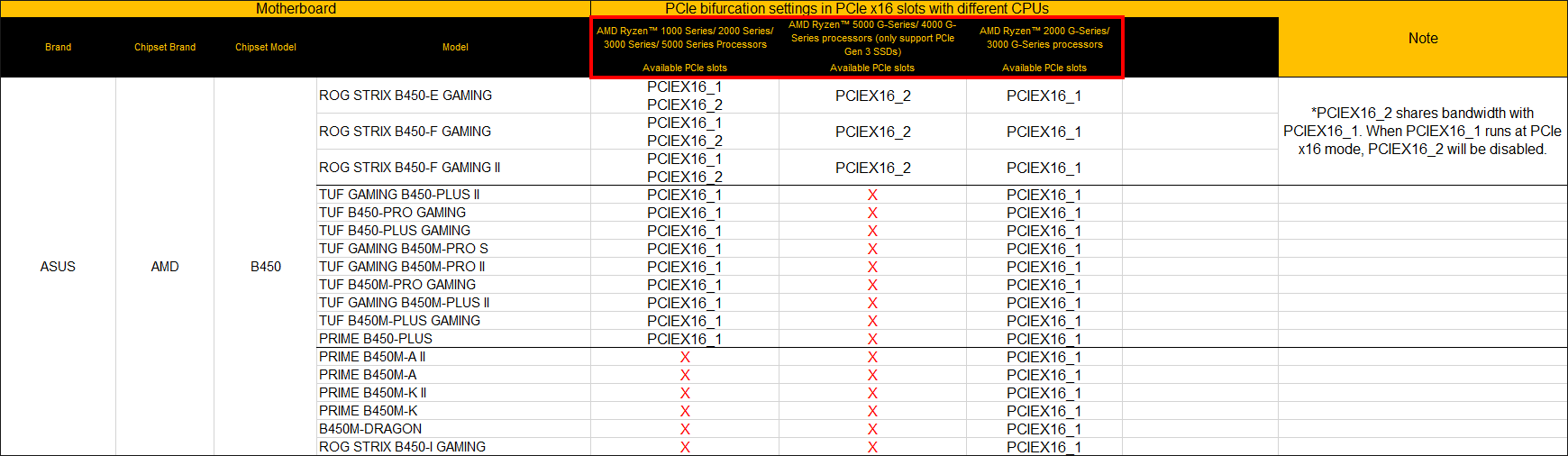
Step 2: Once you find your motherboard model, check the PCIe slot that can support the MB409A4 based on the CPU you are using. For the ASUS AMD TUF GAMING B450-PLUS II, if you are using AMD Ryzen 1000/2000/3000/5000 series or 2000/3000 G-Series CPUs, the PCIEX16_1 slot on the motherboard can support the MB409A4. However, if you are using an AMD Ryzen 4000/5000 G-Series CPU, none of the PCIe slots will support the MB409A4.
Important Notes:
To report a compatible or incompatible motherboard, or to check the compatibility of a motherboard not listed, please click here