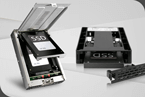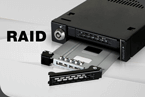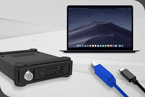
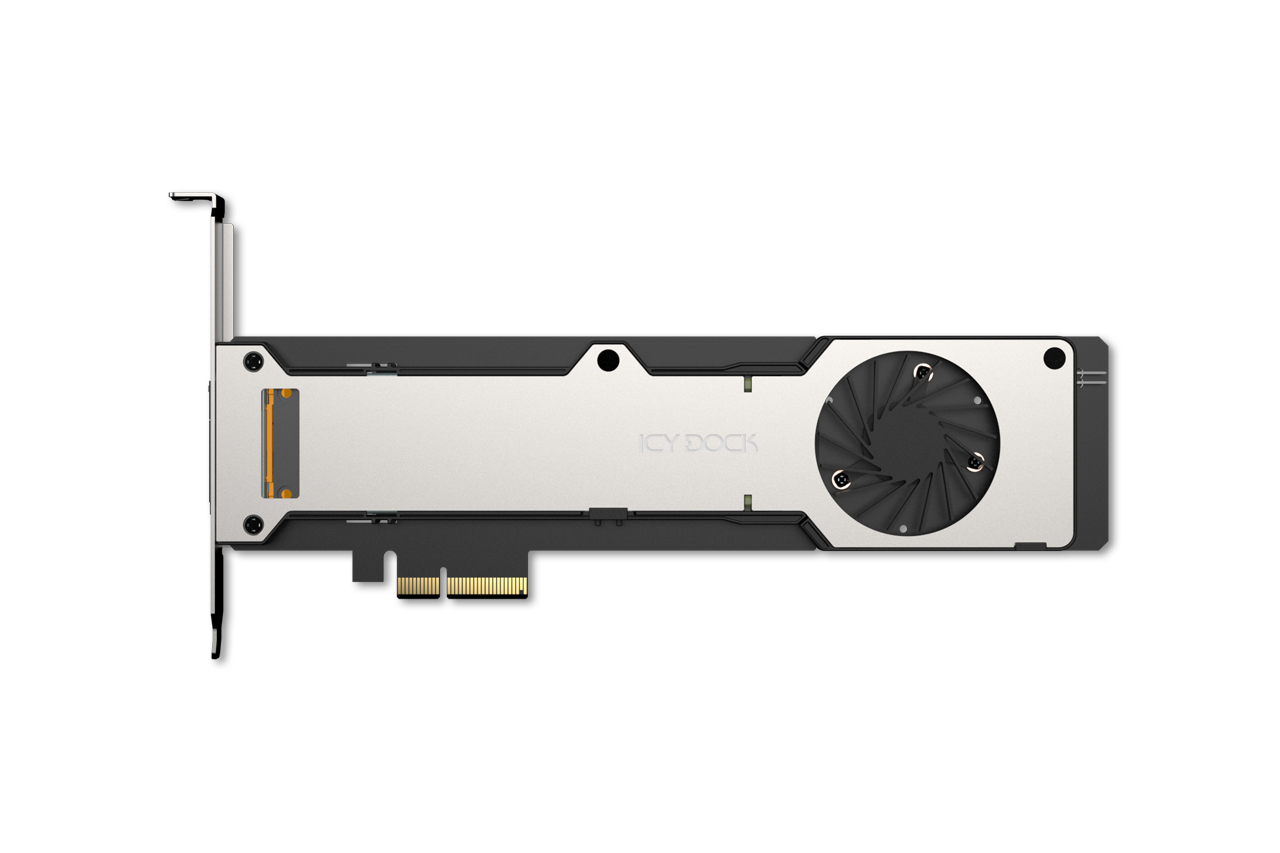
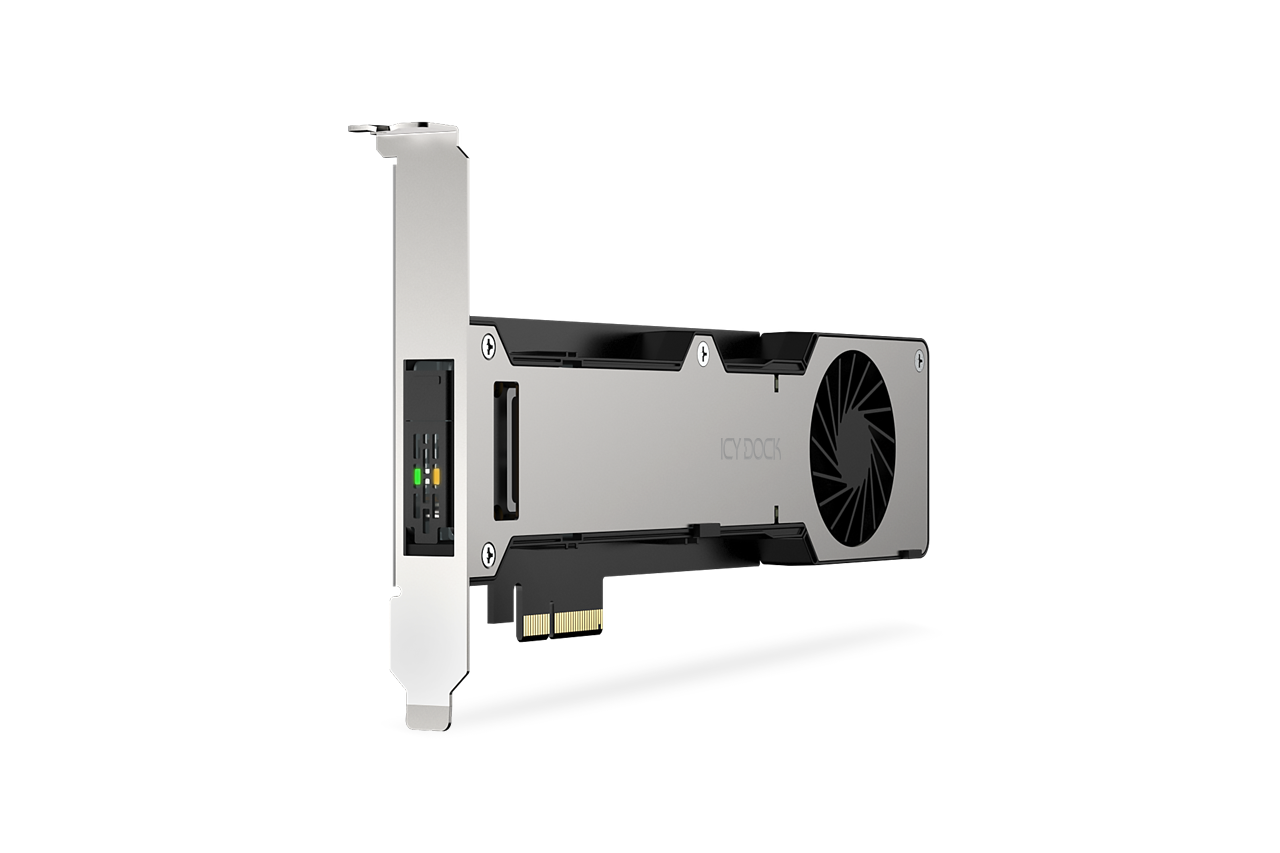
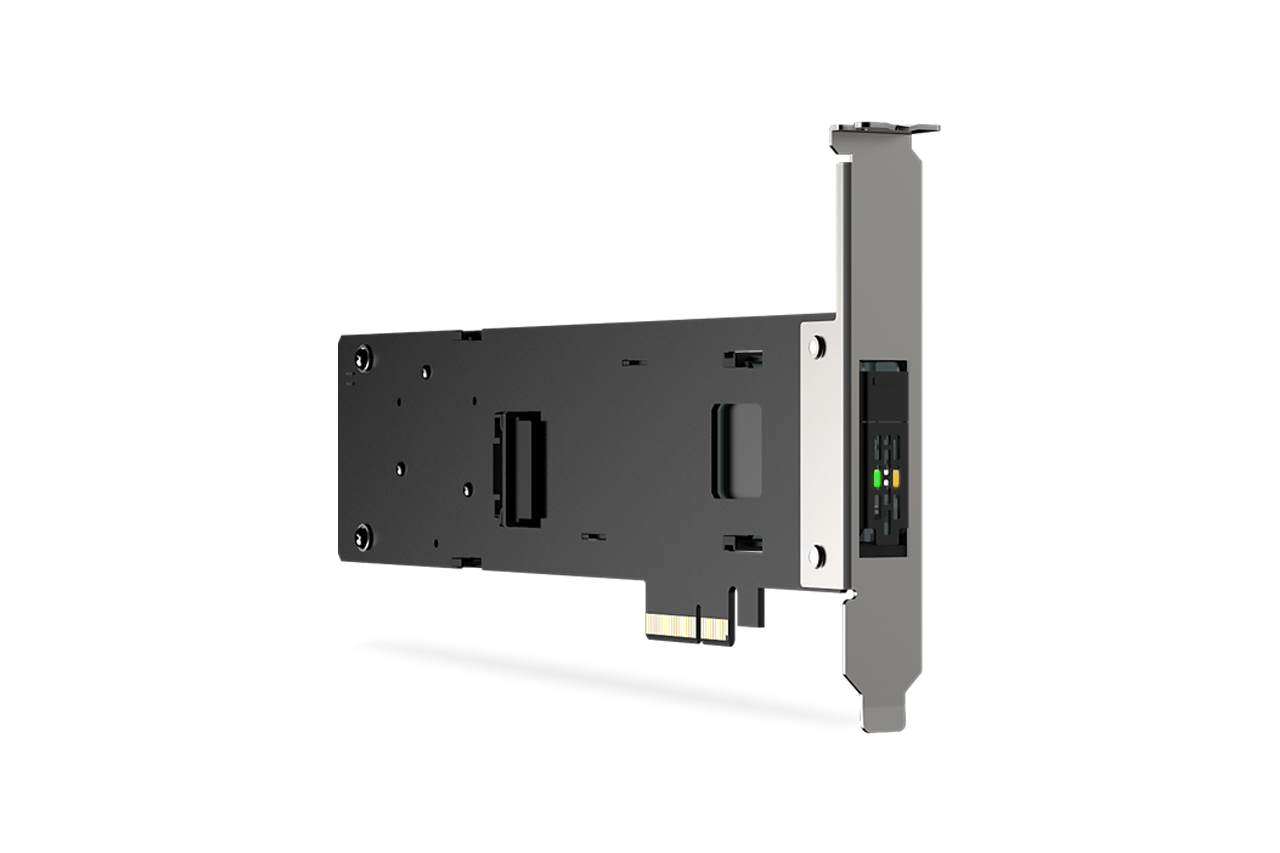
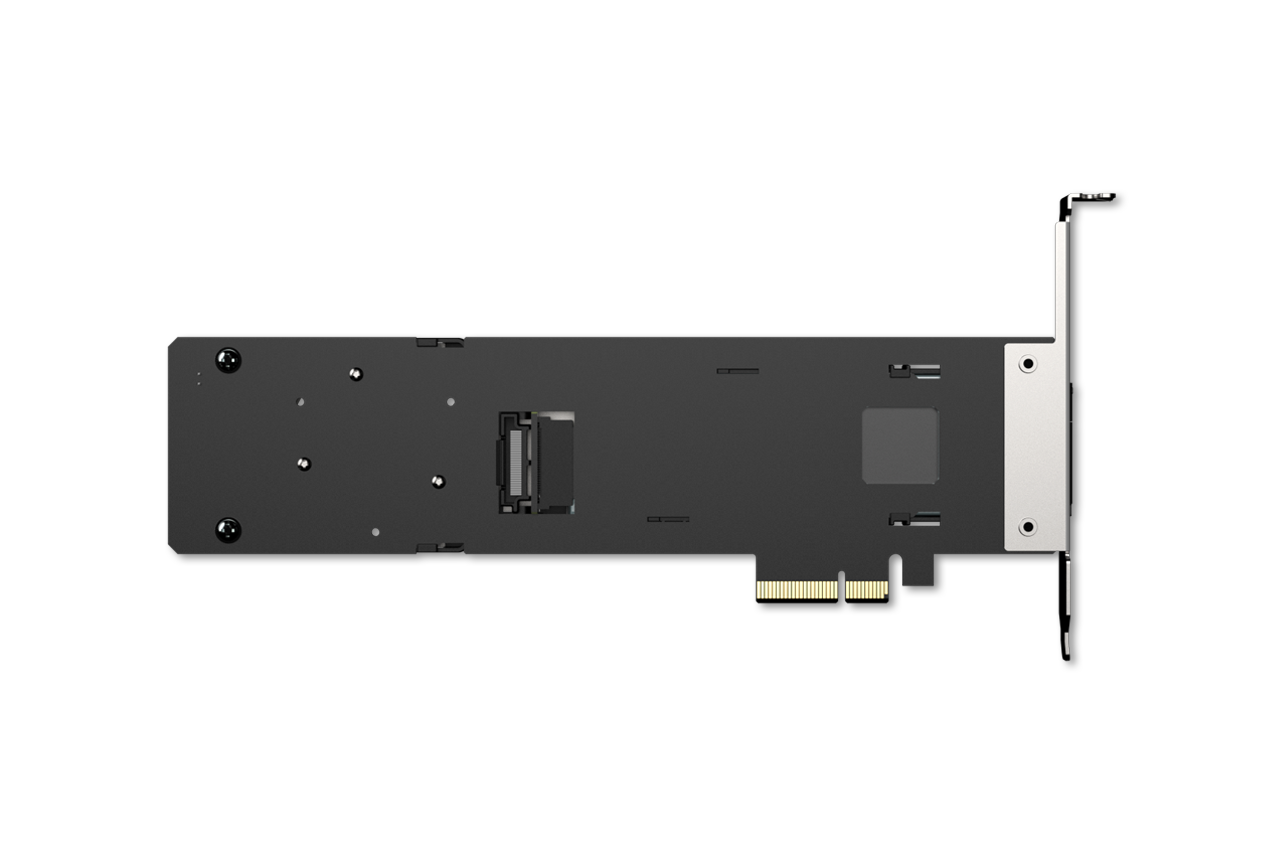


E1.S (EDSFF) SSDs are increasingly adopted in modern platforms that prioritize density, serviceability, and PCIe Gen5 performance. The MB221E5P-B is well suited for use cases such as:

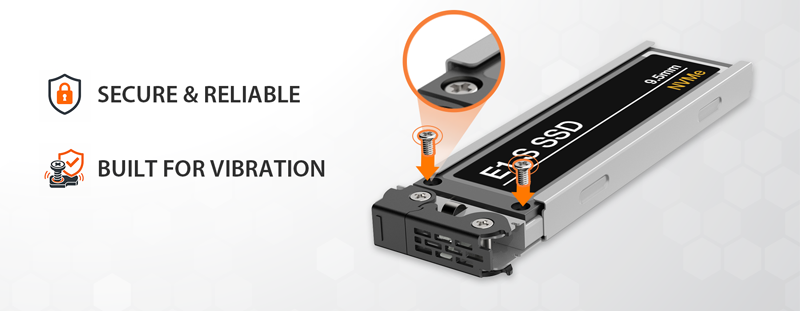
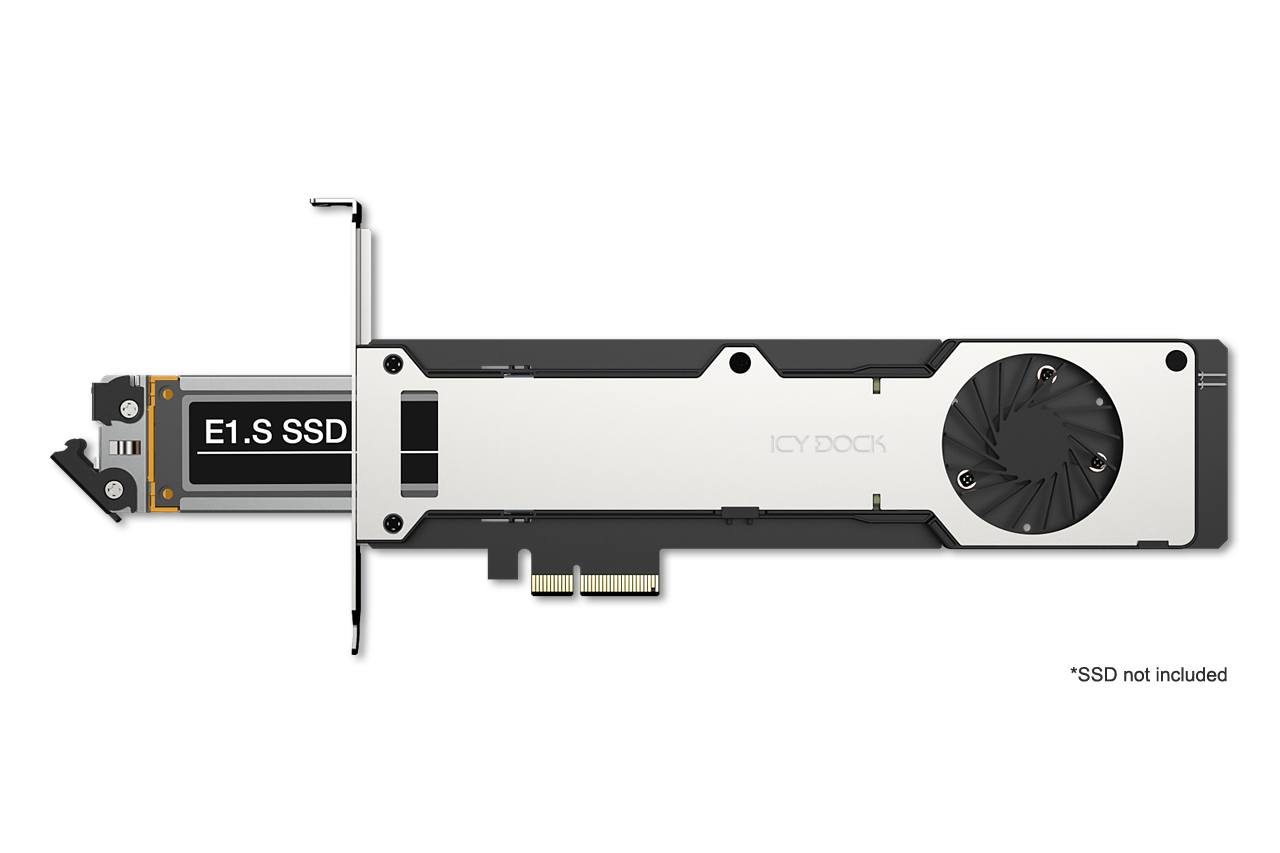
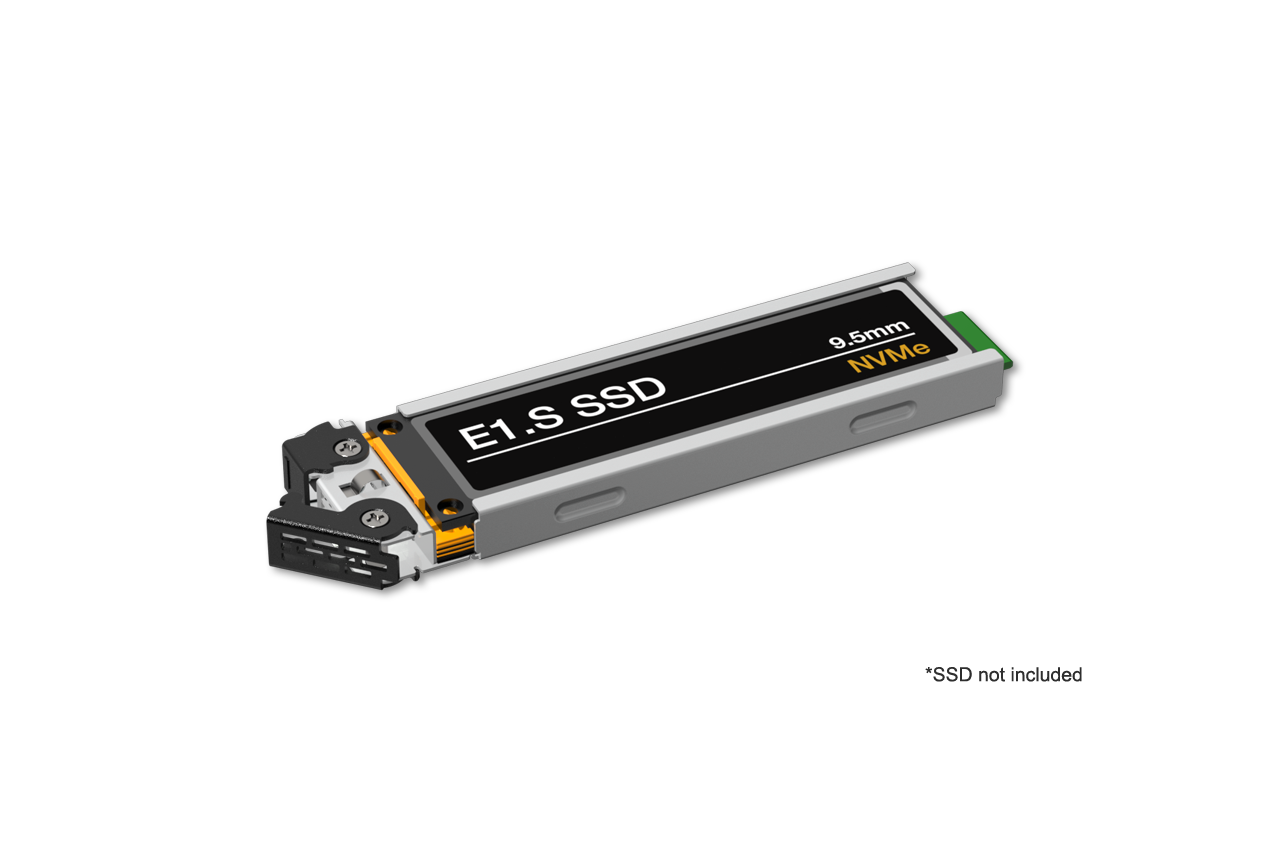
| • | Supports 1 × E1.S NVMe SSD (9.5mm) with screwless installation |
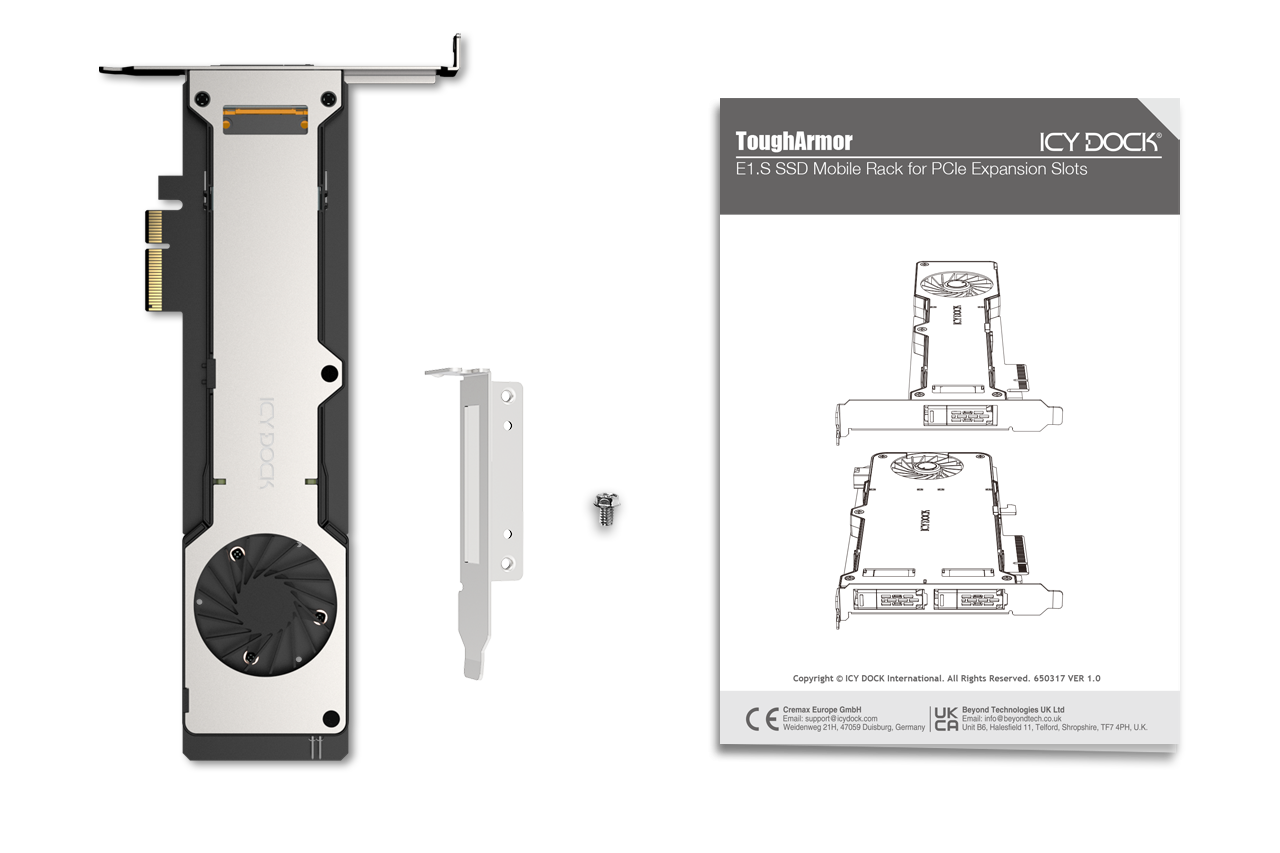
| • | Fits single-slot, half-height 3/4-length PCIe card specification |
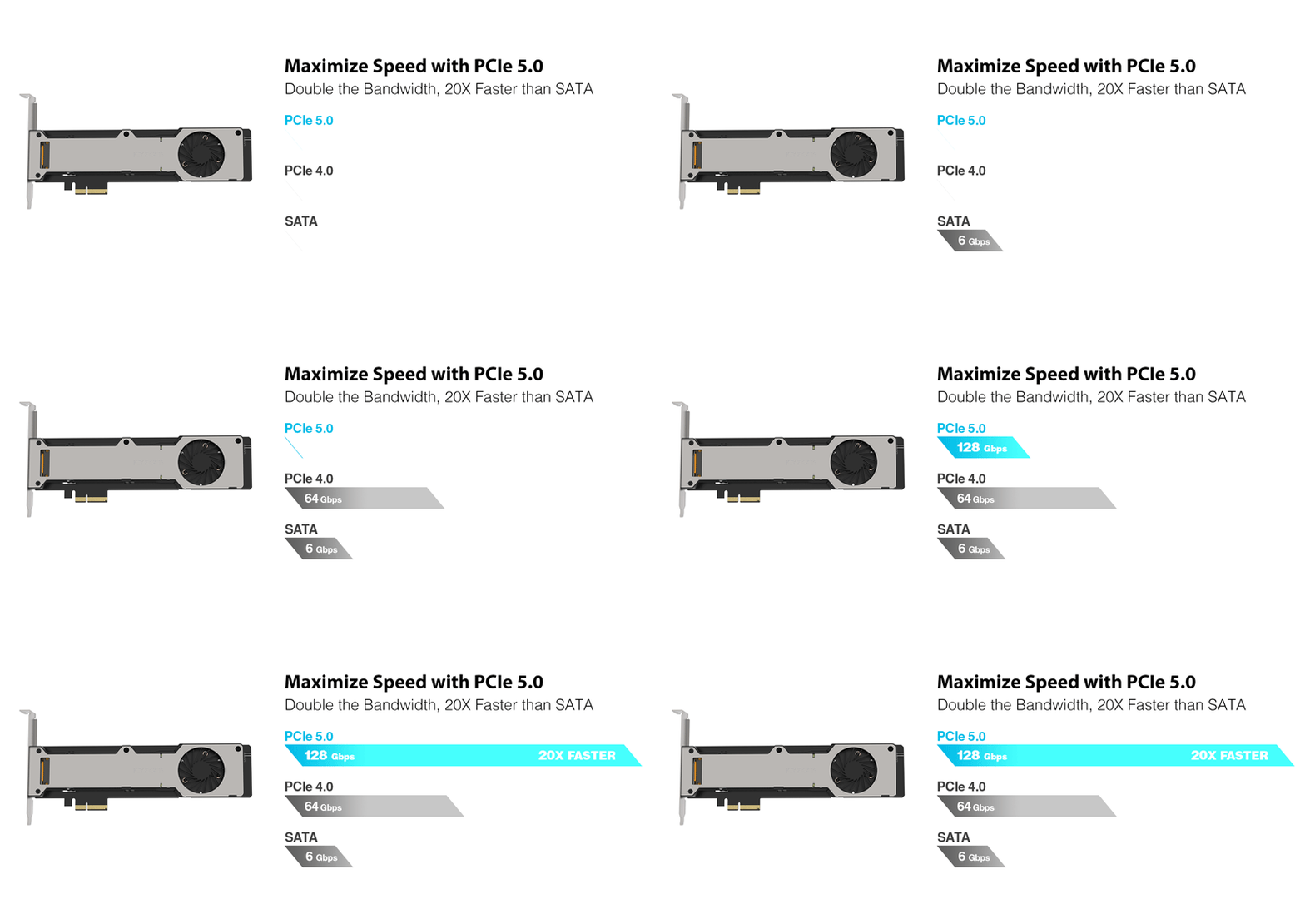
| • | PCIe 5.0 x4 interface, up to 128Gbps per SSD |
| • | Compatible with PCIe 5.0 x4 / x8 / x16 slot |

| • | Integrated 50mm frameless fan for active cooling |
| • | Sealed airflow chamber design for maximized cooling efficiency |
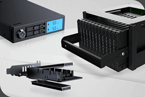
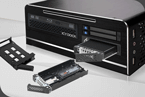

| • | Removable SSD caddy for quick maintenance and replacements |
| • | EMI Grounding – protects hard drives from electrical damage |
| • | Active Power Technology (APT) - LED and fan activate only when a drive is installed |
| • | Industry-leading 5-year limited warranty against all defects |
| • | Complimentary support from professionally trained US-based technical support agents |
| Model Number: | MB221E5P-B |
| Color: | Black & silver |
| Support Drive Size: | 1 x E1.S SSD (supports only 9.5mm height E1.S SSD) |
| Compatible Drive Type: | E1.S PCIe 5.0/4.0/3.0 NVMe SSD |
| Number of Drives: | 1 |
| Compatible PCIe Slot: | 1 x PCIe 5.0 x4 / x8 / x16 expansion slot |
| PCIe Bracket Support: | Compatible with full-height and low-profile PCIe slots |
| Included Bracket(s): | Full-height and low-profile brackets |
| Host Interface: | PCIe 5.0 x4 |
| Power Input: | Via PCIe |
| Transfer Rate: | Up to 128Gbps (depending on SSD speed) |
| Support SSD Capacity: | No limitation |
| Drive Cooling: | 1 x 50 x 50 x 15mm fan |
| Structure / Material: | Metal with partial ABS plastic |
| Dimension (W x H x D): | 224.9 x 121 x 21 mm |
| Product Net Weight: | 189.4g |
| Package Net Weight: | 299.8g |
| Drive Activity LED Indication: | Green: LED (drive power: solid green, drive access: flashing green) Amber: LED (function is defined by host) Empty: LED off |
| Operating Voltage: | 12V, 3.3V |
| Power Consumption (SSD excluded): | 3W |
| Package Contents: | Device, user manual, screw, I/O faceplate |
| Connector Insertion Rate: | 5,000 |
| Humidity: | 5%~65% RH |
| Operating Temperature: | 0°C to 70°C (32°F to 158°F) |
| Storage Temperature: | -35°C to 75°C (-31°F to 167°F) |
| Compliance: | CE, UKCA, RoHS, REACH |
| Warranty: | 5 years |
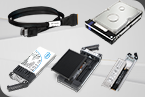
Compatible Drive Tray (Caddy):
Related Products:
Related Products Series:


Quick Link:
Q: Why does my new NVMe SSD show performance degradation or inconsistent behavior when connected through a PCIe adapter mobile rack?
A: High-speed PCIe devices, such as NVMe SSDs, require precise and stable signal integrity to operate correctly. If your NVMe SSD is connected via a PCIe adapter mobile rack that is inserted into a CPU-connected PCIe slot far from the CPU, the longer motherboard traces can increase the risk of signal degradation. This degradation can cause your NVMe SSD to experience performance drops, instability, or inconsistent behavior.
To ensure optimal performance, it is strongly recommended to install the PCIe adapter mobile rack into a PCIe slot closest to the CPU. Doing so minimizes the physical distance for signal transmission, significantly reducing the potential for signal degradation and ensuring stable, consistent performance and expected transfer speeds.
Q: The system does not detect the E1.S SSD I installed in the ICY DOCK enclosure. What should I do?
A: Since the motherboard and operating system may not support hot-swapping, if their compatibility has not been confirmed, we highly recommend powering off the device/system before inserting or removing an E1.S SSD.
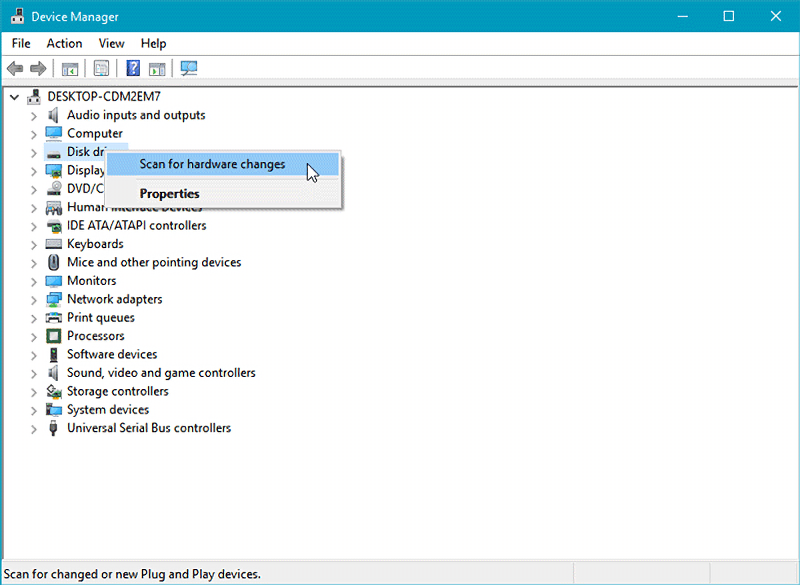
If the system is still unable to detect the drive after installation, please follow the steps below to manually scan for new hardware:
Windows 11 / Windows 10 / Windows 8 – In the search box on the taskbar, type device manager, and click it from the menu. Once the device manager window pops up, right-click on the disk drive icon, and click scan for hardware changes.
Windows 7 – Right-click on the computer icon on the desktop, select properties, click device manager, right-click on the disk drive icon and then click scan for hardware changes.
Q: What is the function of the 2-pin (2P) header on the MB221E5P-B?
A: The 2-pin (2P) header on the MB221E5P-B is designed as an input interface for the E1.S SSD’s amber LED signal. It allows the host system to drive and control the amber LED indicator on the installed E1.S SSD.
Q: What does the amber LED on the E1.S SSD indicate?
A: The amber LED is typically used for drive status indication, such as Fail or Locate, based on industry-standard definitions. However, the actual behavior and meaning of the LED are determined by the host system implementation.
Q: How is the amber LED controlled on the MB221E5P-B?
A: The amber LED is not autonomously controlled by the adapter itself. Instead, the control signal must be provided externally via the 2P header from the host system or controller. The MB221E5P-B acts as a pass-through interface for this LED signal.