| Optional Certifications Available for ToughArmor MB508V5P-B | |
| UL | Safety Standard Certification |
| UL94 | Flammability of Plastic Materials |
| FCC | Federal Communications Commission Compliance |
| Wide Temperature | MIL-STD-810H - Method 501.7 & 502.7 |
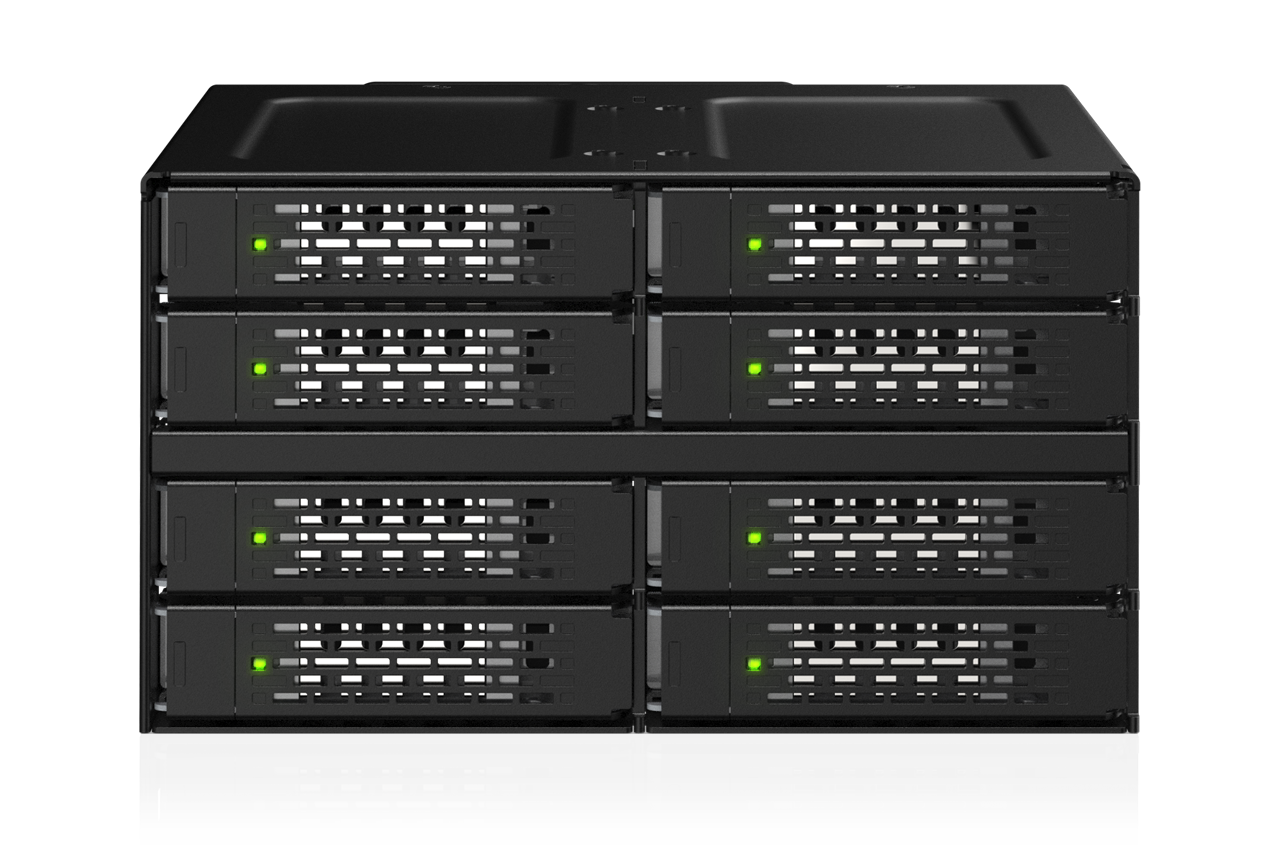
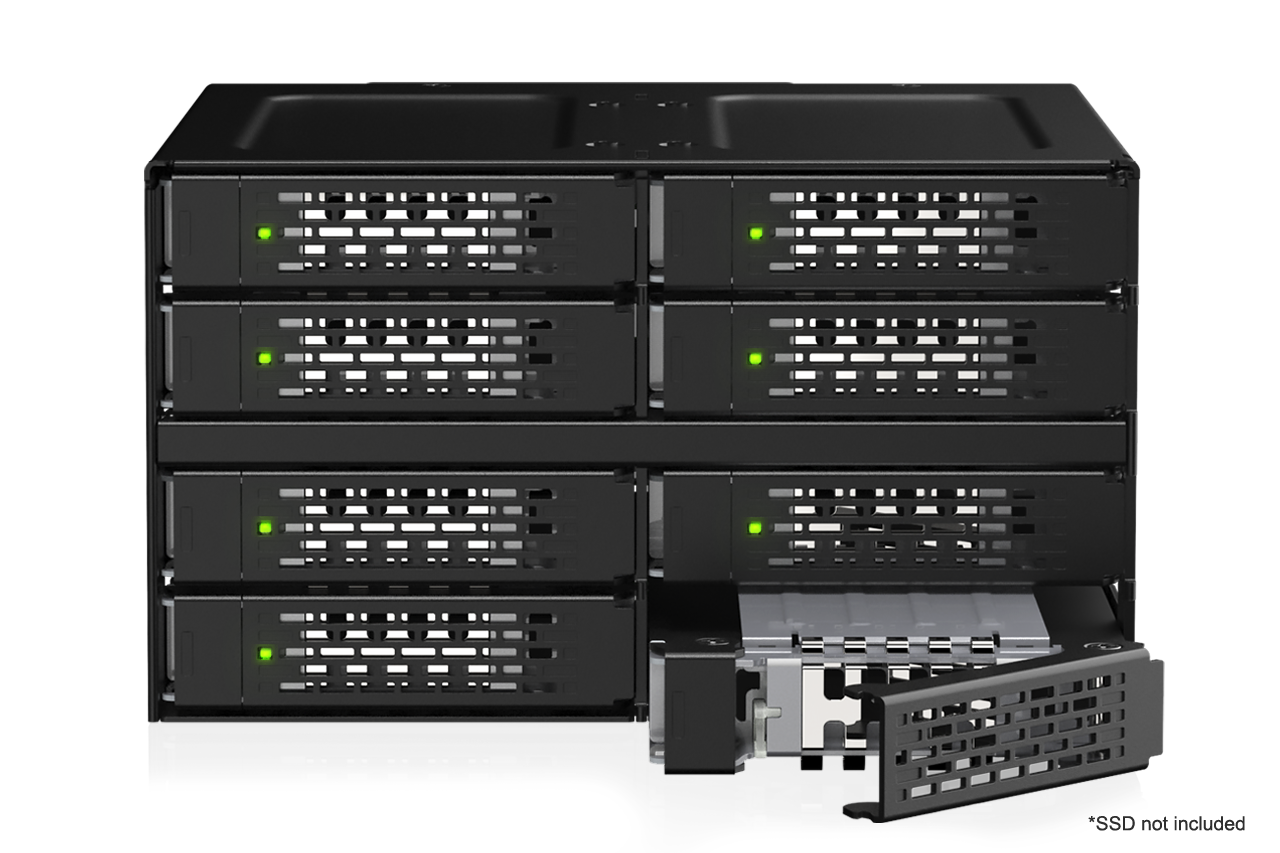
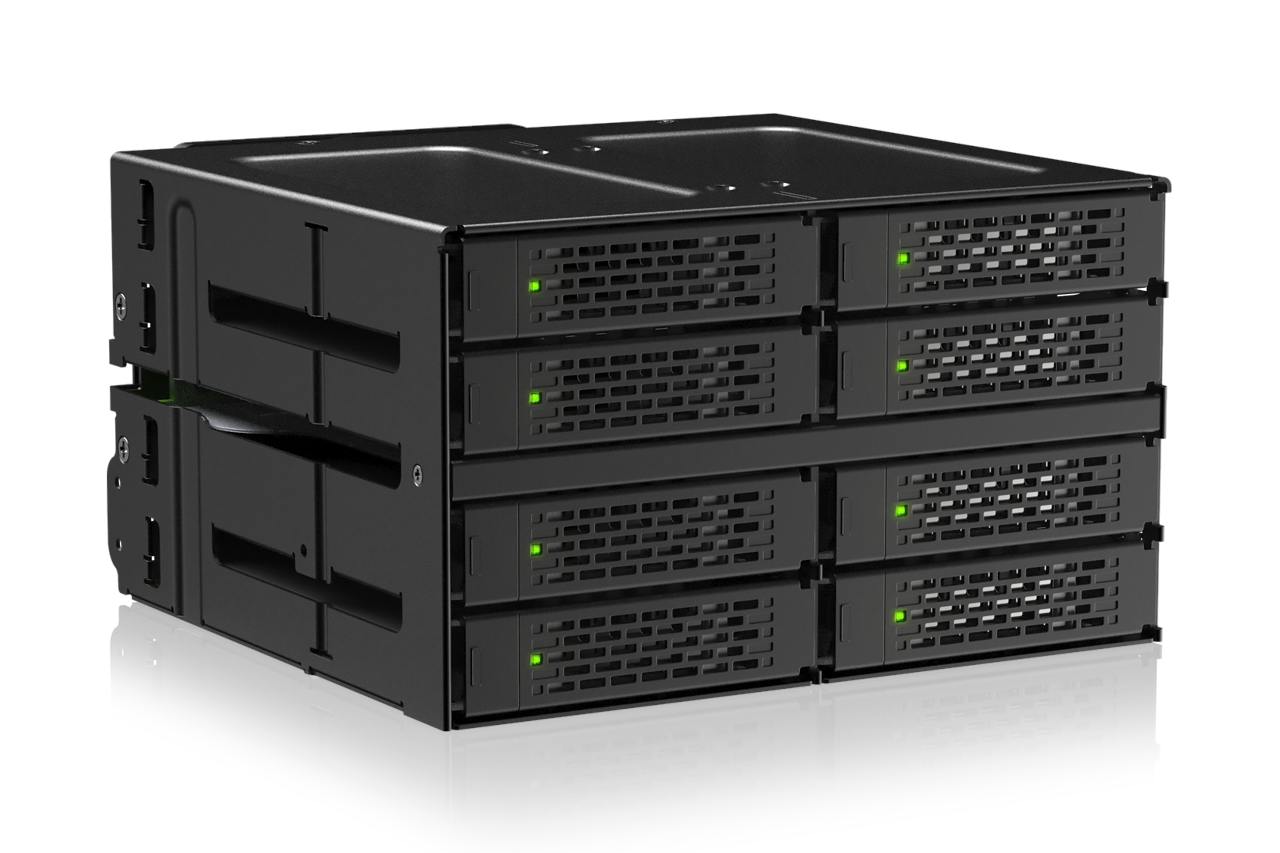
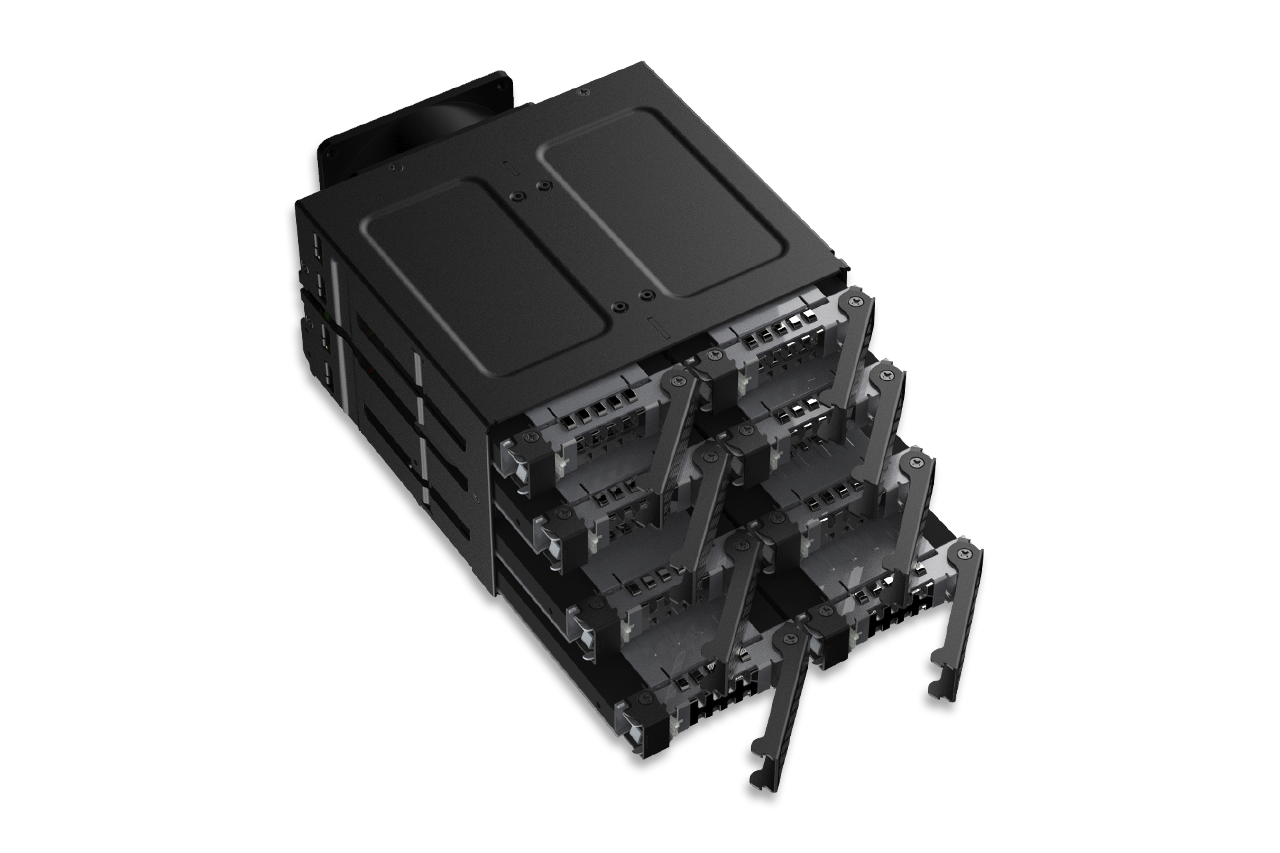
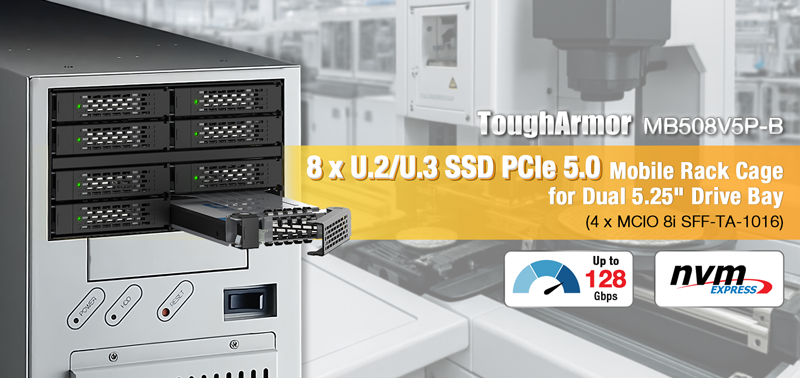
| • | Fits 8 × 15 mm U.2/U.3 NVMe SSDs in 2 × 5.25" drive bays |
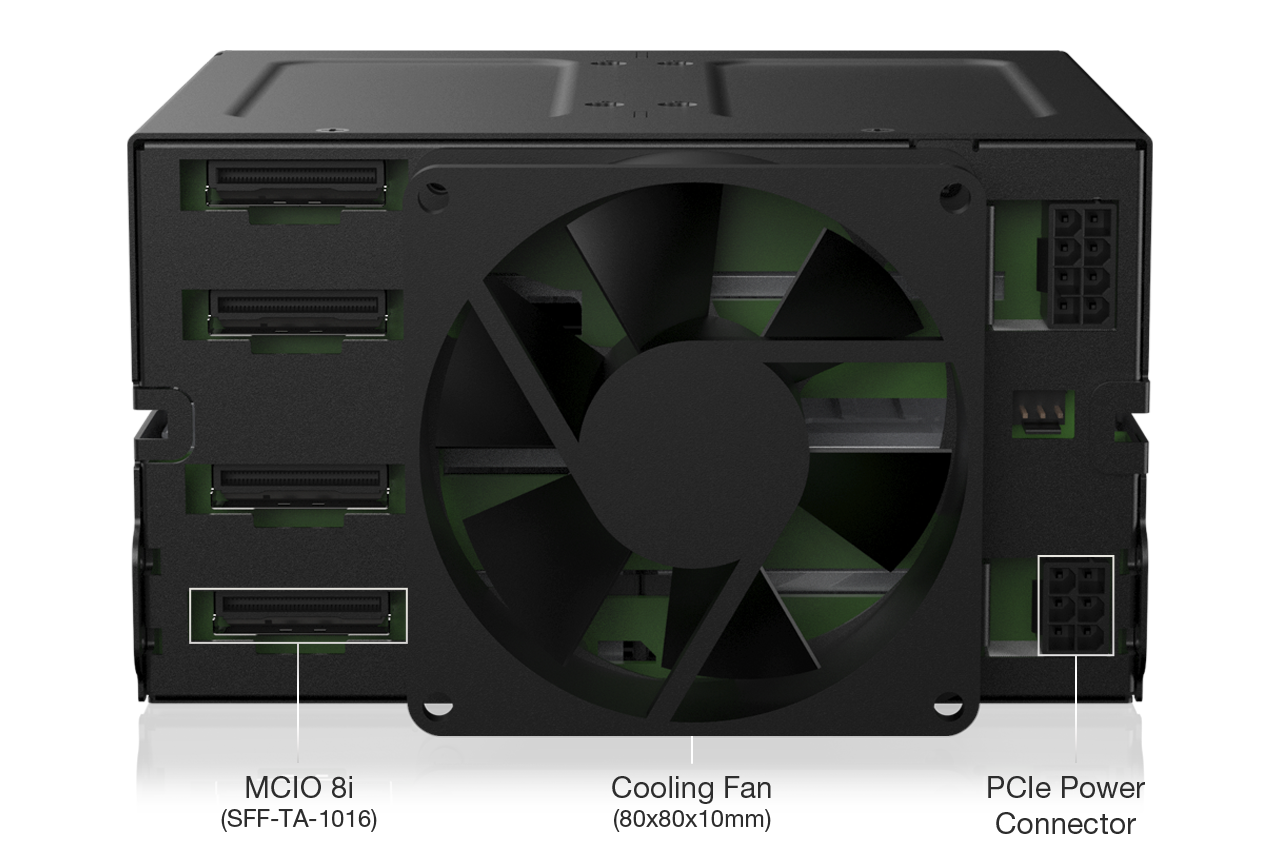
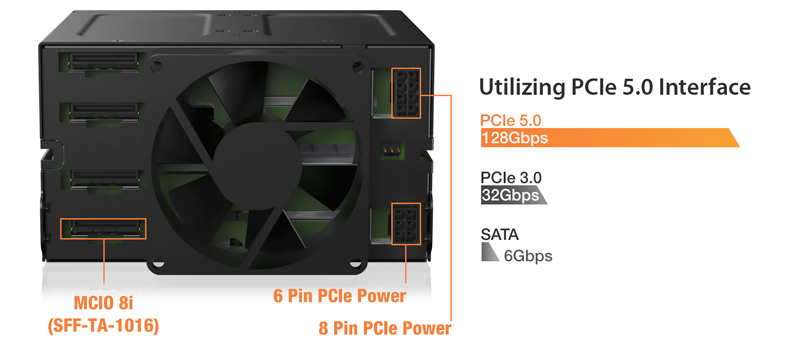
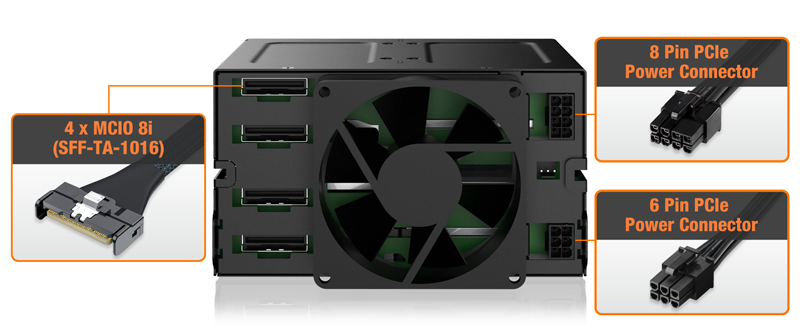
| • | 4 × MCIO 8i (SFF-TA-1016) connectors support PCIe Gen5 x4 per drive |
| • | Tri-Mode HBA/RAID card compatible (NVMe mode only) |
| • | Delivers up to 128 Gbps aggregate bandwidth |
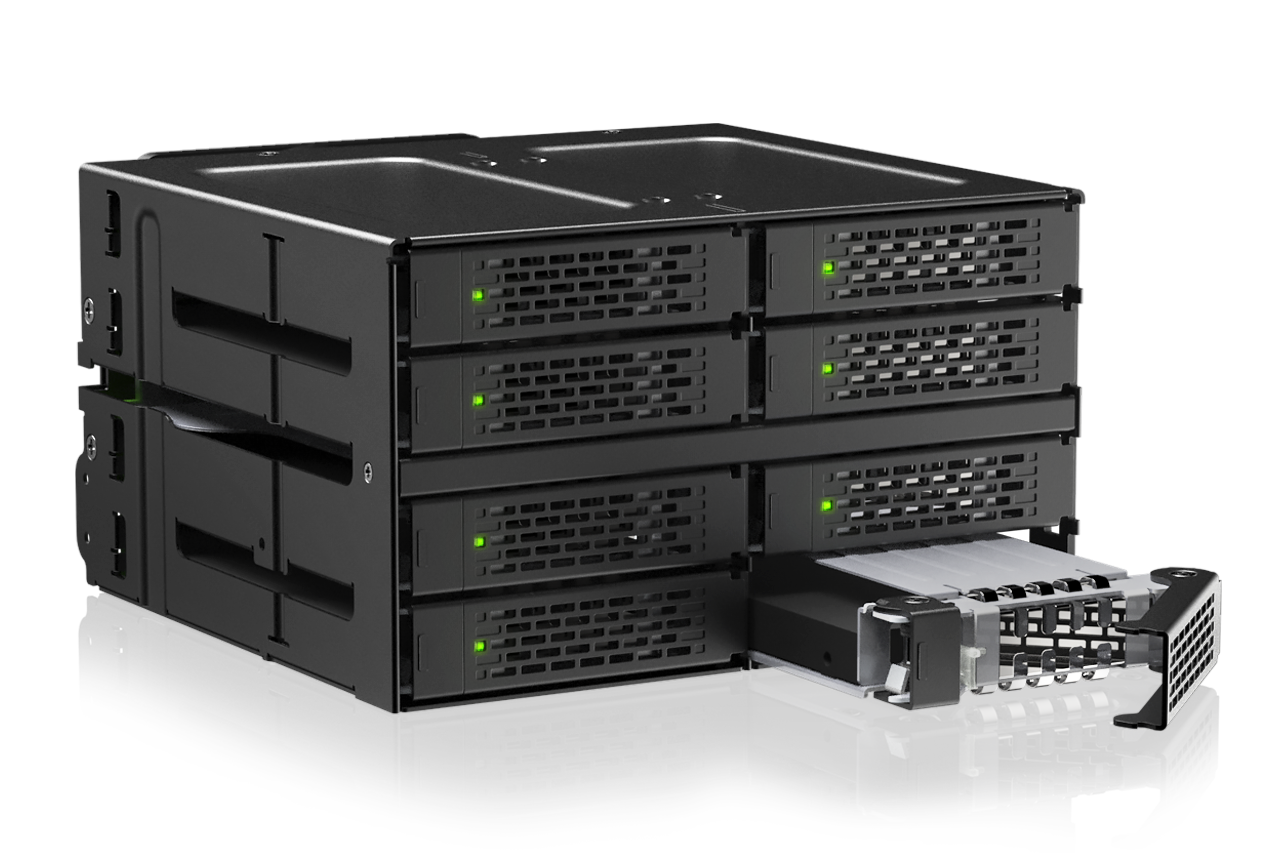
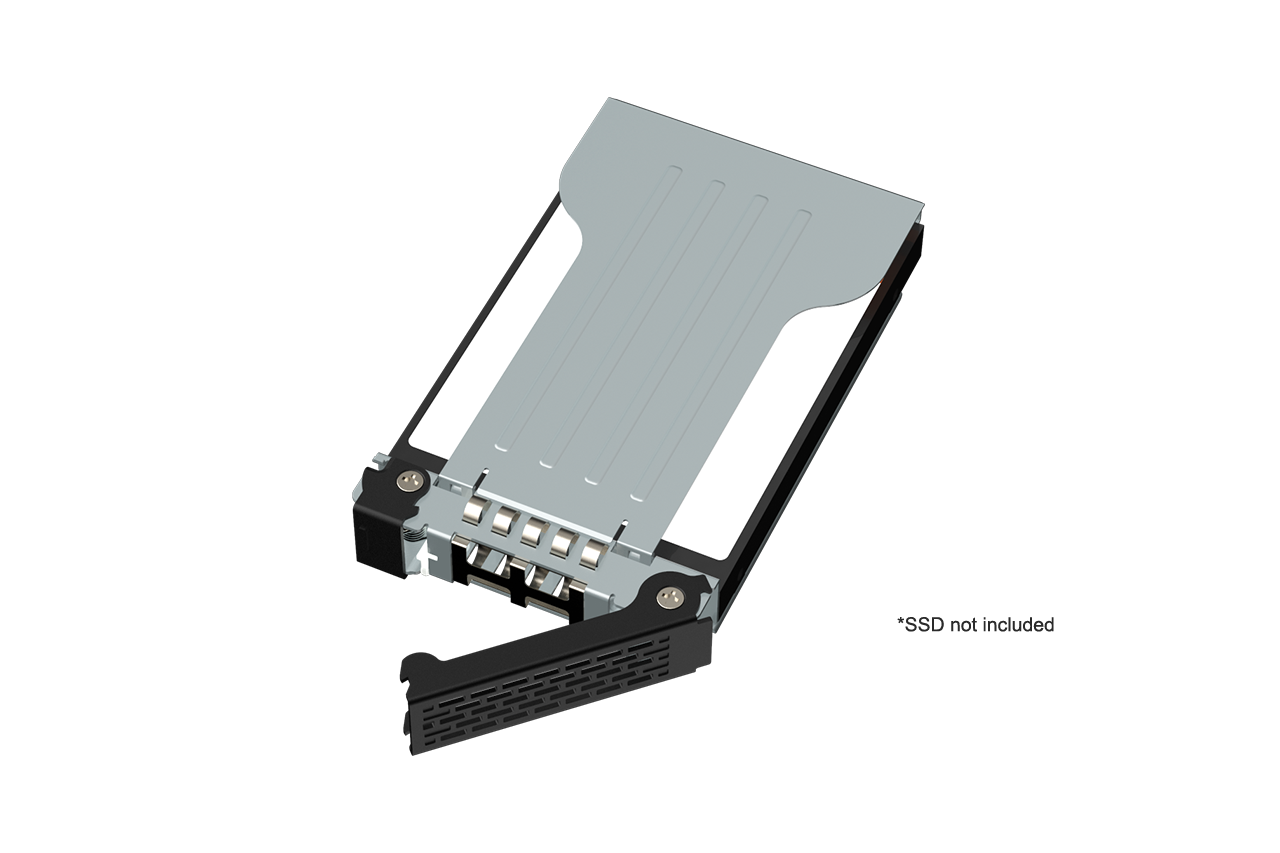
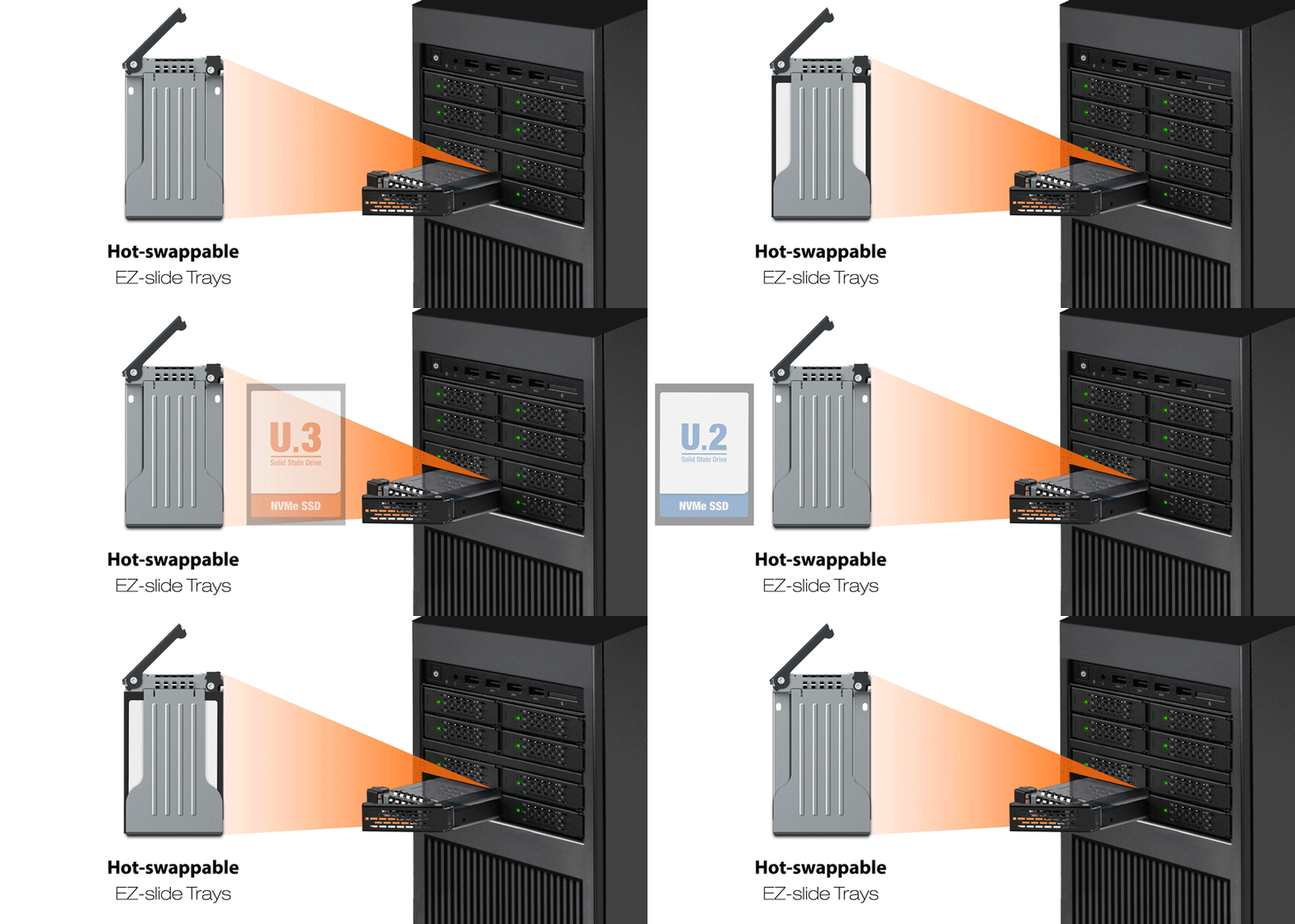
| • | Hot-swappable EZ-Slide trays for fast maintenance and secure data mobility |
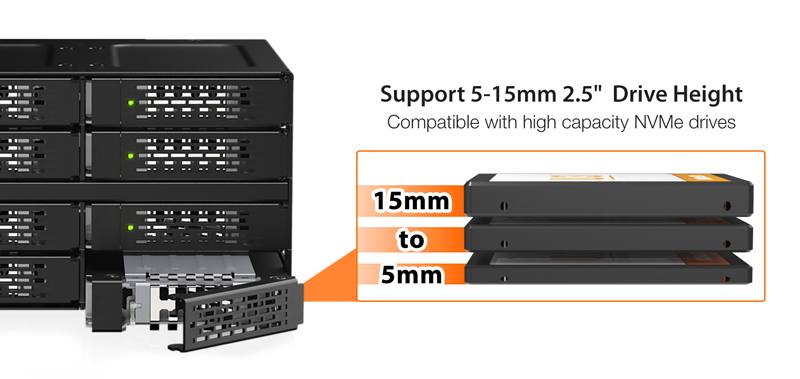
| • | Supports U.2/U.3 SSD heights from 7 mm to 15 mm (ready for 5 mm and 9.5 mm future standards) |
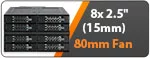
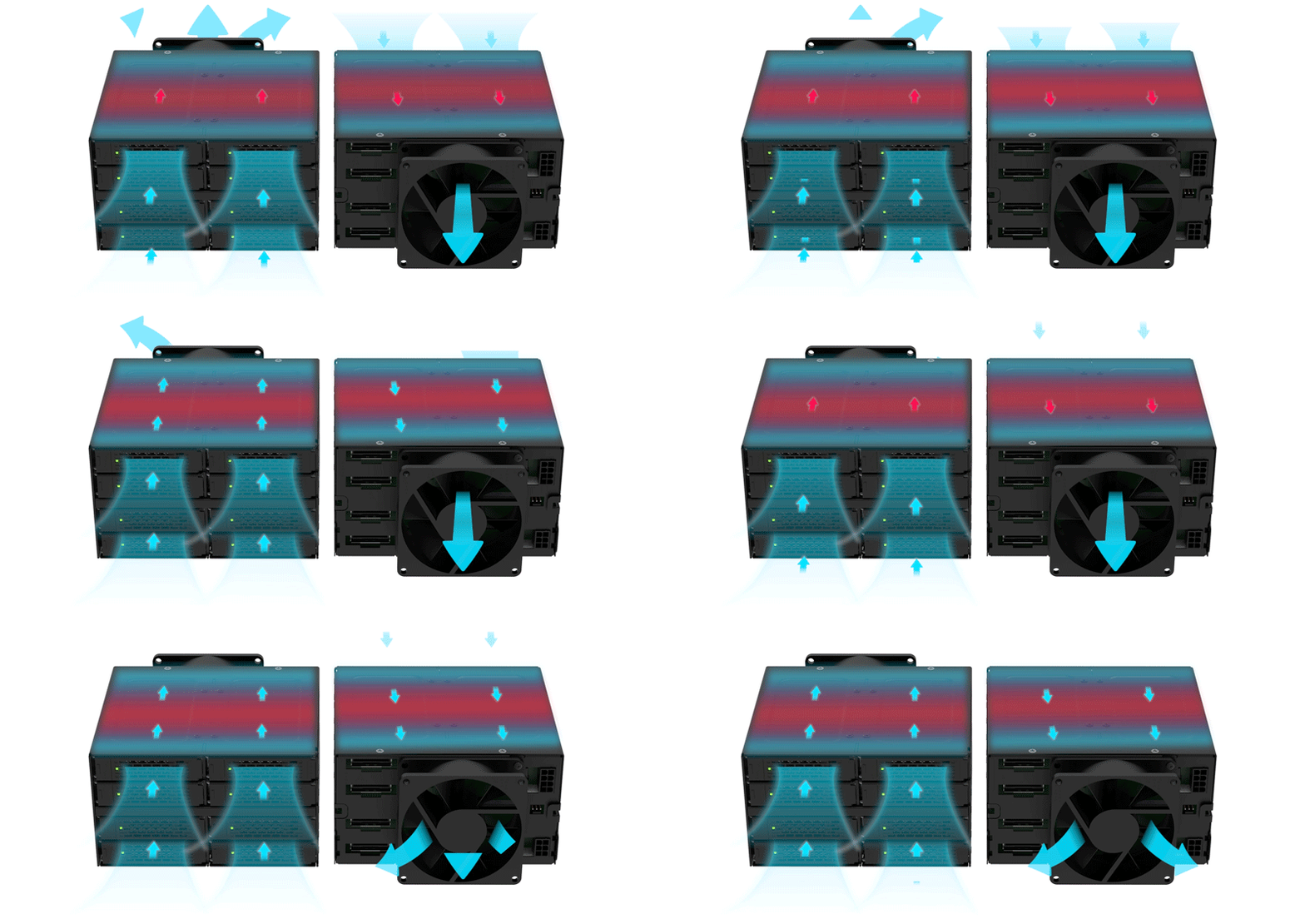
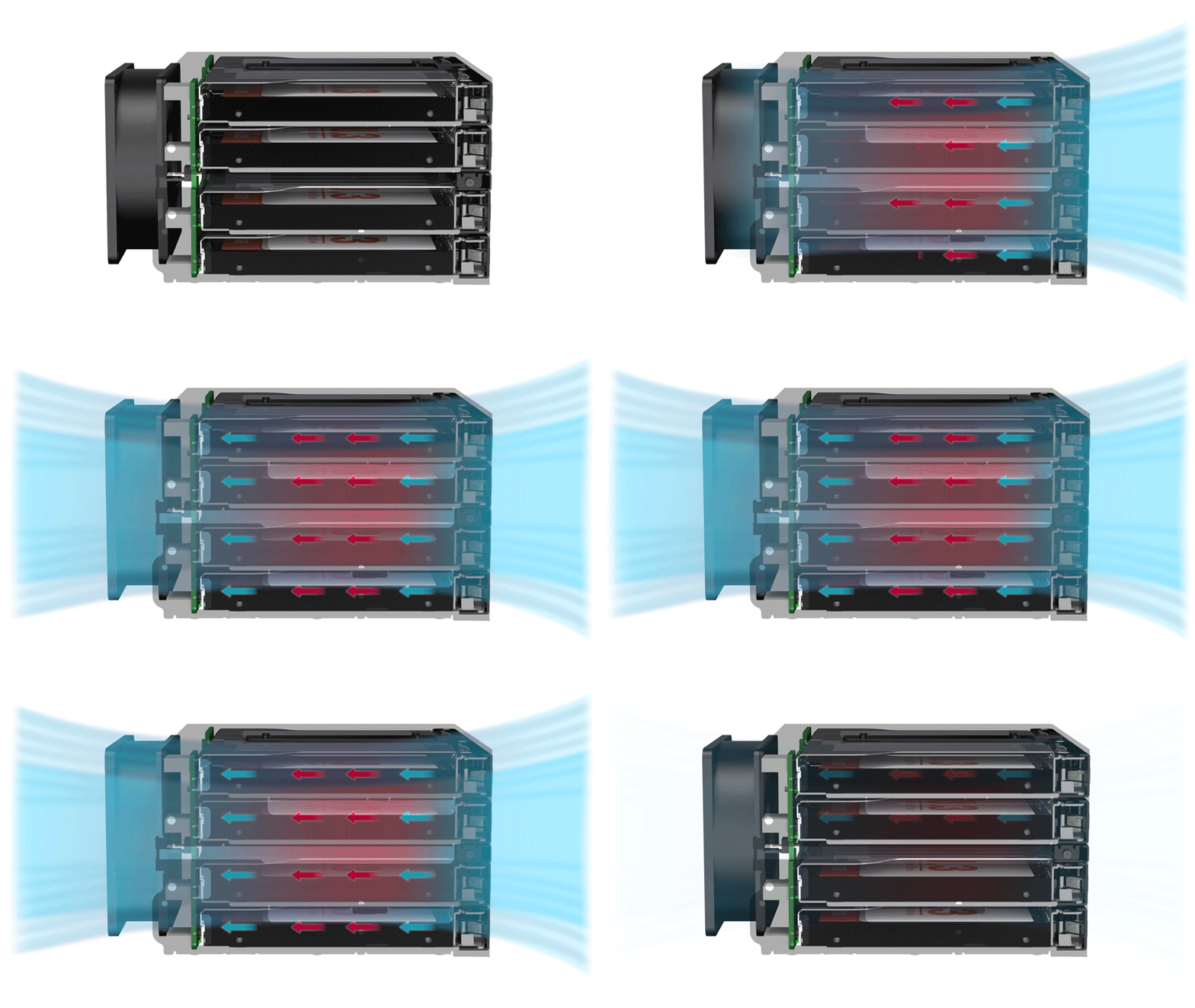
| • | 80 mm cooling fan + optimized airflow path for stable Gen5 operation |
| • | 1 × PCIe 8-pin + 1 × PCIe 6-pin power inputs for reliable high-power delivery |
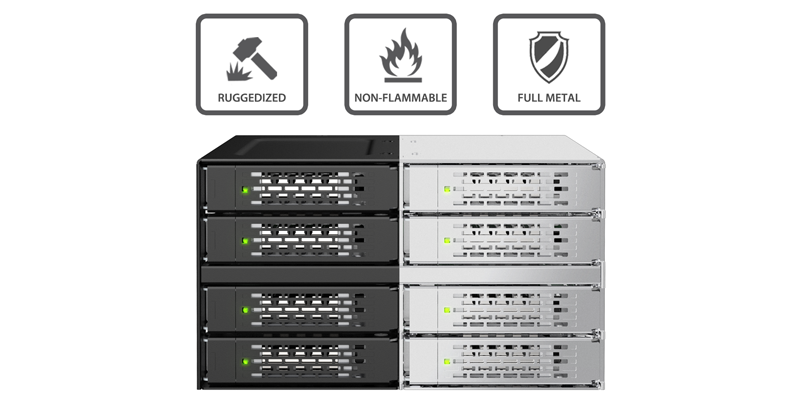
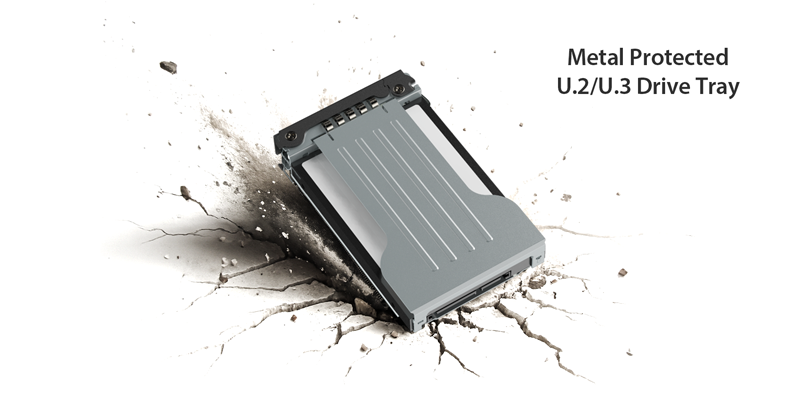
| • | Full-metal ToughArmor construction for industrial durability |
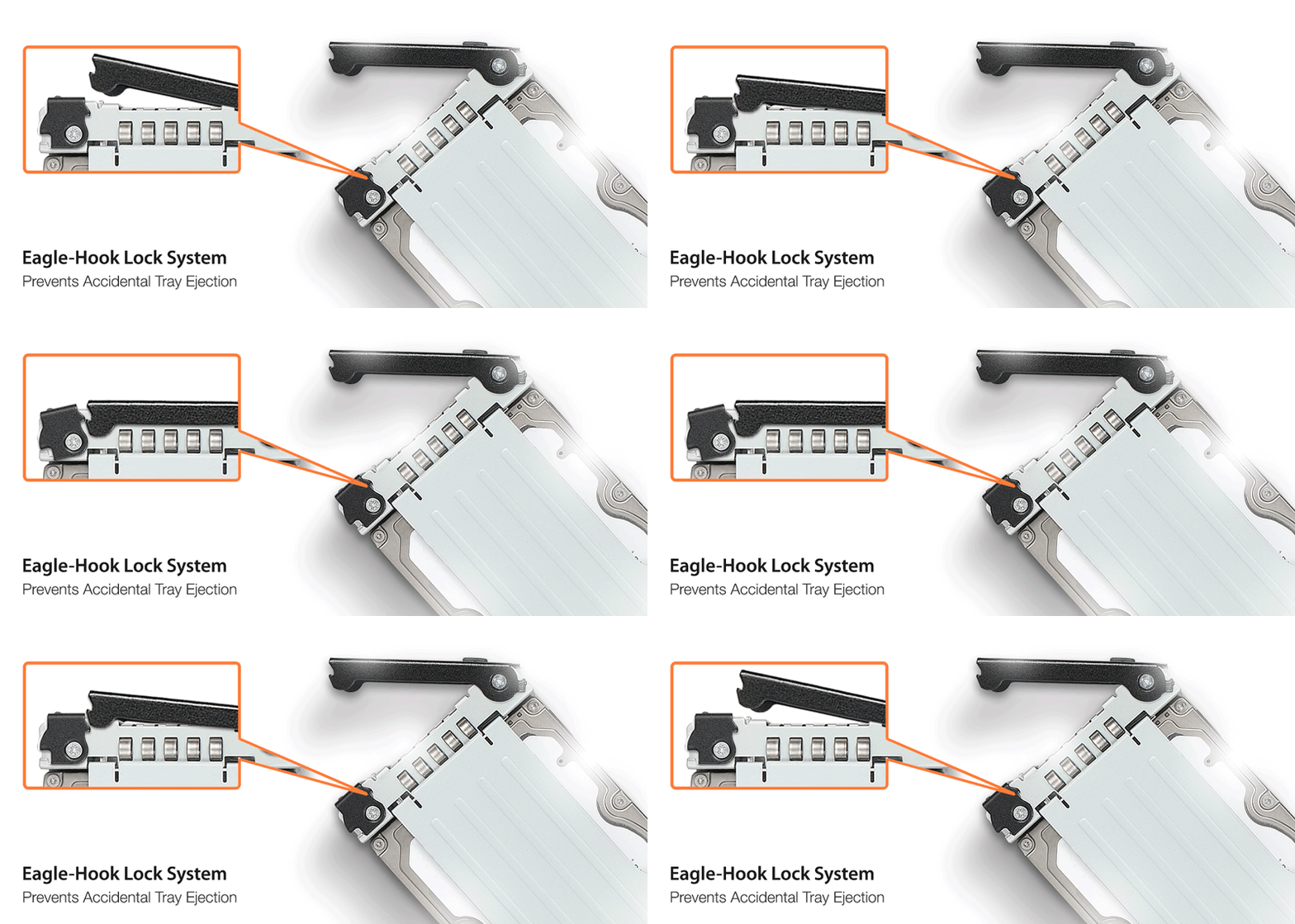
| • | Eagle-Hook tray lock system prevents accidental ejection |
| • | Ideal for AI servers, edge computing, and media workstations |
| • | 5-year warranty / CE, UKCA, RoHS, REACH compliant |
| Model Number: | MB508V5P-B |
| Color: | Black |
| Support Drive Size: | 2.5" (up to 15mm height) |
| Compatible Drive Type: | U.2 or U.3 SSD |
| Number of Drives: | 8 |
| Drive Bay: | 2 x 5.25" Drive Bay |
| Host Interface: | 4 x MCIO 8i (SFF-TA-1016) (Tri-mode HBA/RAID card compatible) |
| Power Input: | 1 x 8 Pin PCI Express power connector;1 x 6 Pin PCI Express power connector |
| Transfer Rate: | Up to 128Gbps (depending on SSD speed) |
| Support SSD Capacity: | No limitation |
| Drive Cooling: | 1 x 80 mm fan |
| Structure / Material: | Full metal |
| Hot Plug: | Yes |
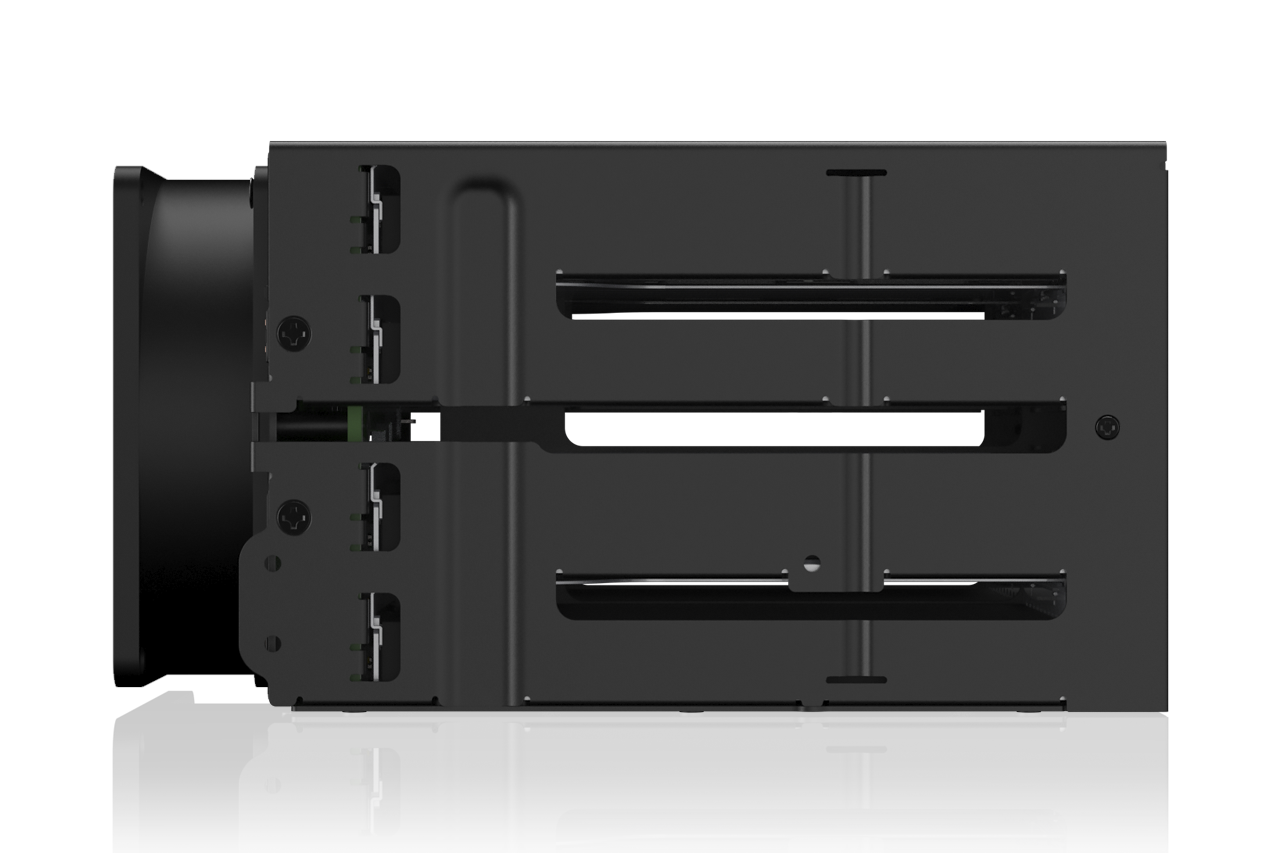
| Product Dimension (W x H x D) : | 146 x 84 x 158.2mm |
| Product Net Weight: | 1482.7g |
| Package GrossWeight: | 1759.8g |
| Drive Activity LED Indication: | Drive power: solid green; Drive access: flashing green |
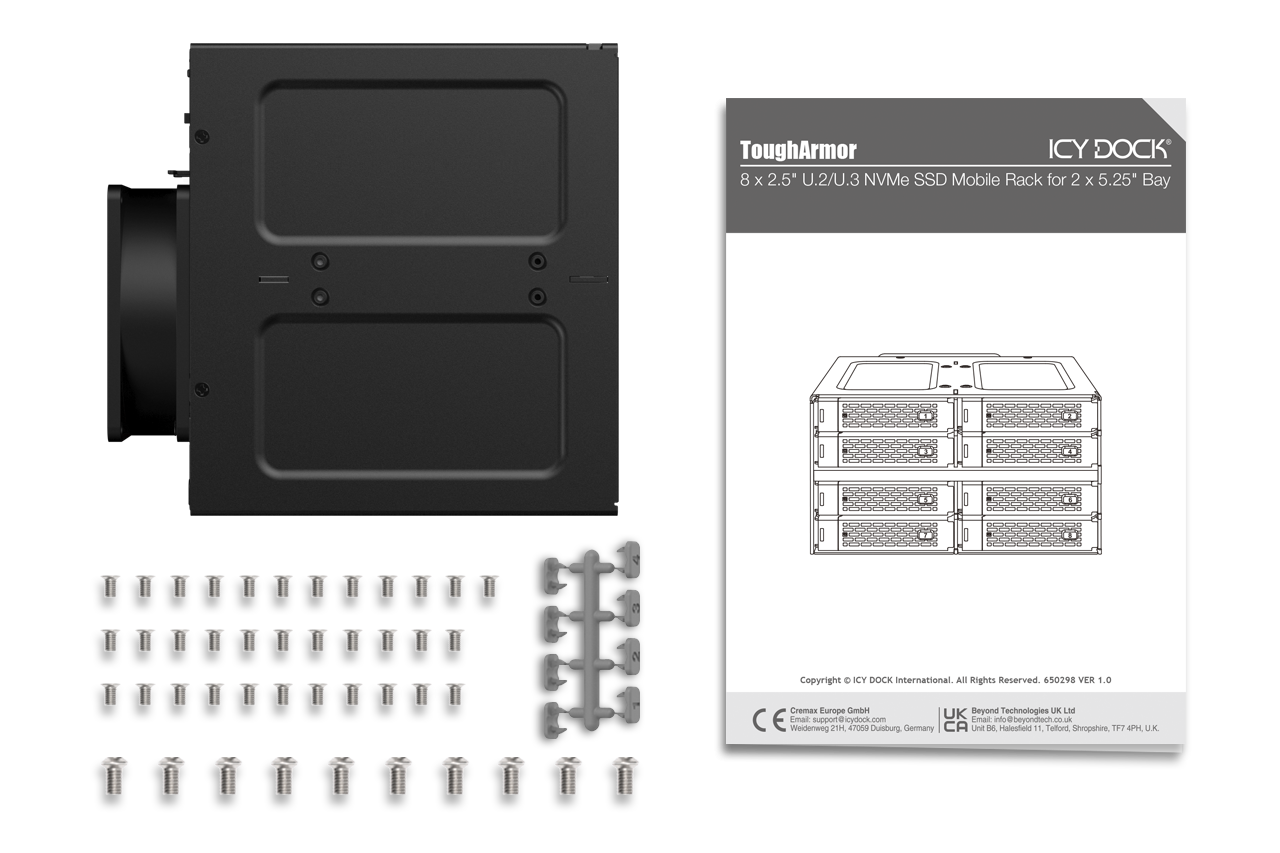
| Package Contents: | 1 - device, 1 - user manual, 1 - ID plug, 44 - screw |
| Connector Insertion Rate: | 10000 |
| Humidity: | 5%~65% RH |
| Operating Temperature: | 0°C to 70°C (32°F to 158°F) |
| Storage Temperature: | -35°C to 70°C (-31°F to 158°F) |
| Compliance: | CE, UKCA, RoHS, REACH |
| Warranty: | 5 years limited warranty |
Compatible Drive Tray (Caddy):
Related Products:
ToughArmor Lineup:
Related Products Series:

Quick Link:
Q: Can you recommend an add-on card that is compatible with MB508V5P-B?
A: When used with add-on cards or motherboards that rely on PCIe bifurcation (for example, when the add-on card does not include a PCIe switch IC or the vendor explicitly requires PCIe bifurcation support), please verify that your motherboard’s BIOS/UEFI supports configuring PCIe bifurcation for the PCIe x16 or x8 slot used with MB508V5P-B. In such cases, set the PCIe lane split in the motherboard BIOS/UEFI to x4/x4/x4/x4 for a PCIe x16 slot or x4/x4 for a PCIe x8 slot to ensure compatibility with MB508V5P-B.
Please click the icon below to check whether your motherboard or add-on card supports PCIe bifurcation mode. For the best compatibility, we highly recommend using cables that are recommended or manufactured by the motherboard or add-on card manufacturer.
We are currently in the process of certifying our NVMe enclosure with major add-on card and motherboard manufacturers. We will keep updating the list to include compatible accessories.
To report a compatible add-on card, cable, or motherboard, or to check the compatibility of add-on card(s) or motherboards that are not listed, please click here.
Q: I've completed the installation of the hard drive and device as per the instructions in the product manual, but the system still can't detect the drive. How can I troubleshoot this issue?
A: Please first confirm the compatibility of your hardware, and make sure that the drive, drive enclosure, cable, and host interfaces are compatible. Try connecting the drive directly to the host to see if the system can detect the drive. If it still doesn't detect it, this can rule out issues with the drive enclosure. You can also try connecting the drive enclosure with different drives, cables, or systems to see if the issue can be resolved. If the system still can't detect it, here are some possible issues:
| • | Insufficient PCIe lanes in the system: Whether you're connecting the drive enclosure to the motherboard or add-on card, It is important to note that the number of available PCIe lanes is limited. This includes understanding the number of lanes provided by the CPU and chipset, as well as their allocation method. Failure to do so may result in slower transfer speeds, unstable connections, or even the inability to detect the drive. |
| • | Incompatible interface protocols: It is crucial to verify whether the Mini-SAS HD, OCuLink, SlimSAS or MCIO interface on the motherboard or add-on card is capable of supporting NVMe. |
| • | Incompatible interface pinout standard: Prior to connecting the drive enclosure to the Mini-SAS HD, OCuLink, SlimSAS or MCIO port on the motherboard or add-on card, please verify that the port utilizes the same pinout standard as the port on our drive enclosure. To check the pinout standard of our drive enclosure, you can refer to the specification table on our product page, where it specifies whether the pinout standard is Legacy or SFF-9402 1.1. |
| • | Excessive length of the connecting cable: To ensure optimal performance, it is advised to use a connecting cable that is no longer than 50cm. Using longer cables can lead to excessive signal loss, resulting in slower transfer speeds, unstable connections, or even the inability to detect the drive. Additionally, we recommend using the same interface connector for both the device and the host to prevent any potential compatibility issues. |
Q: My NVMe drive did not detect after inserting it back into the device while powered on?
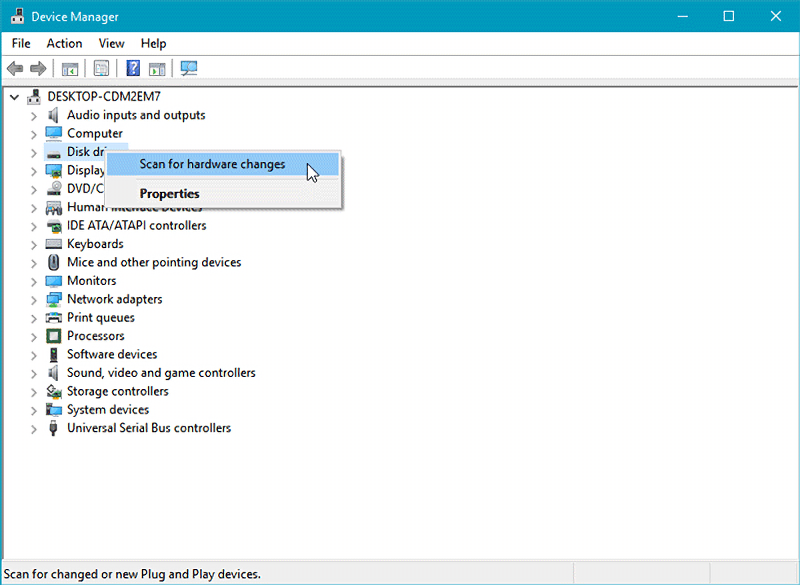
A: For systems that support hot-plug function, while your system is powered on, each drive insertion and removal cycle will require a manual refresh from the operating system in order for the system to recognize the drive.
If you are unable to detect the drive after performing the manual refresh, your system might not support hot-plug functions. We suggest you check with the motherboard/add-on card manufacturer to see if it supports the NVMe hot-plug function.
Windows 11 / Windows 10 / Windows 8 – In the search box on the taskbar, type Device Manager, then select from the menu, right-click on the disk drive and then select scan for hardware changes.
Windows 7 – Right-click on computer icon on desktop and select properties, click Device Manager, right-click on the disk drive and then select scan for hardware changes.
Q: The mounting screws for the device seem to be too short to secure the device onto my system, what should I do?
A: For computer cases that have a thick metal sheet, the included mounting screws (M3*2.5L) may not fully secure the device. Please use longer screws (M3*4L) to secure the device or contact us at tech@icydock.com for replacement screws.
Q: Can I replace the cooling fan attached to the device? Will doing that void the warranty?
A: The cooling fan we use has been thoroughly tested with the drive enclosure to ensure it works properly and supports fan speed control (for select models). So, we recommend keeping the original fan for the best performance. That said, we understand it might not work for every application, so we’ve chosen to honor the warranty even when a third-party fan is used. Just a heads-up: if the third-party fan causes electrical damage to the device, the warranty may be voided.
Q: Which specification should I check before buying the 3rd party cooling fan?
A:The following information is the fan specification requirement and compatible fan models for MB508V5P-B
| Fan Dimension (LxWxH) | 80 x 80 x 25mm |
| Connector Type | 3 Pin Pitch 2.54mm Wafer |
| Rated Voltage (VDC) | 12V DC |
| Rated Current (A) | < 0.24A (240mA) |
| Screw Specification | Phillips Flat Head - M3 x 8mm - Steel (Came with stock fan) |
Q: I feel that the drive tray's upper and lower metal spring is stuck when inserting the drive tray. What should I do?
A: Remove the drive tray from the enclosure and reinsert the tray without putting excessive pressure on the metal mesh sheet in front of the tray. Excessive force on the front metal mesh sheet may bend the top and bottom metal spring, causing difficulties when inserting the drive tray. Therefore, please do not forcingly insert the drive tray when this happens as it may cause damage to the metal spring.
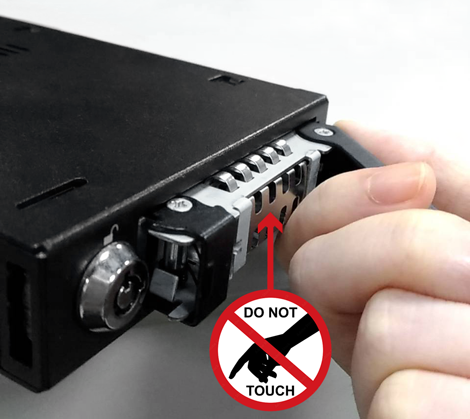 |
| Please DO NOT put excessive pressure on the metal mesh sheet as shown |