
×
Advanced Product Search Menu

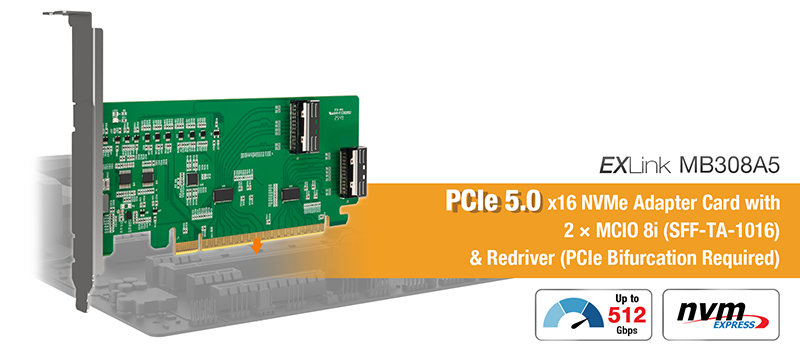
EXLink MB308A5

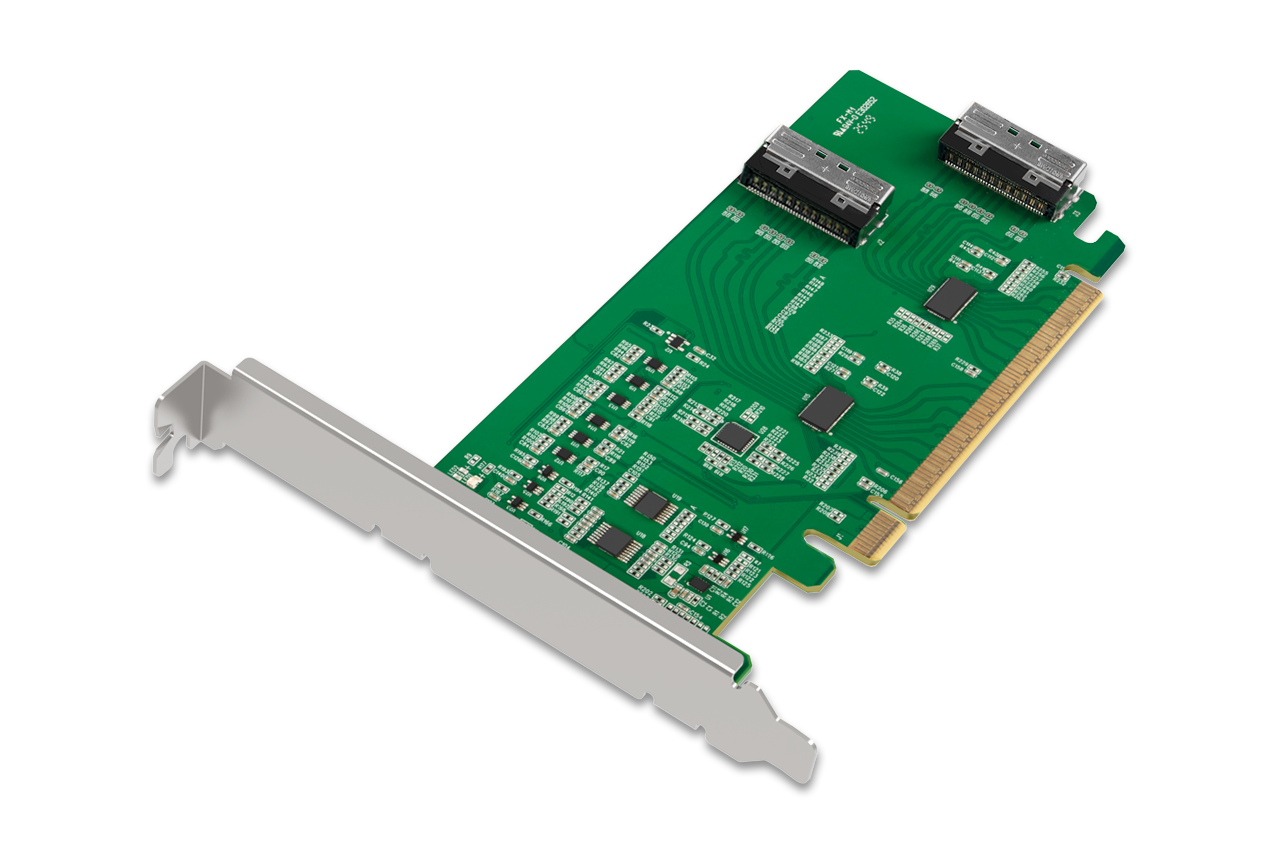
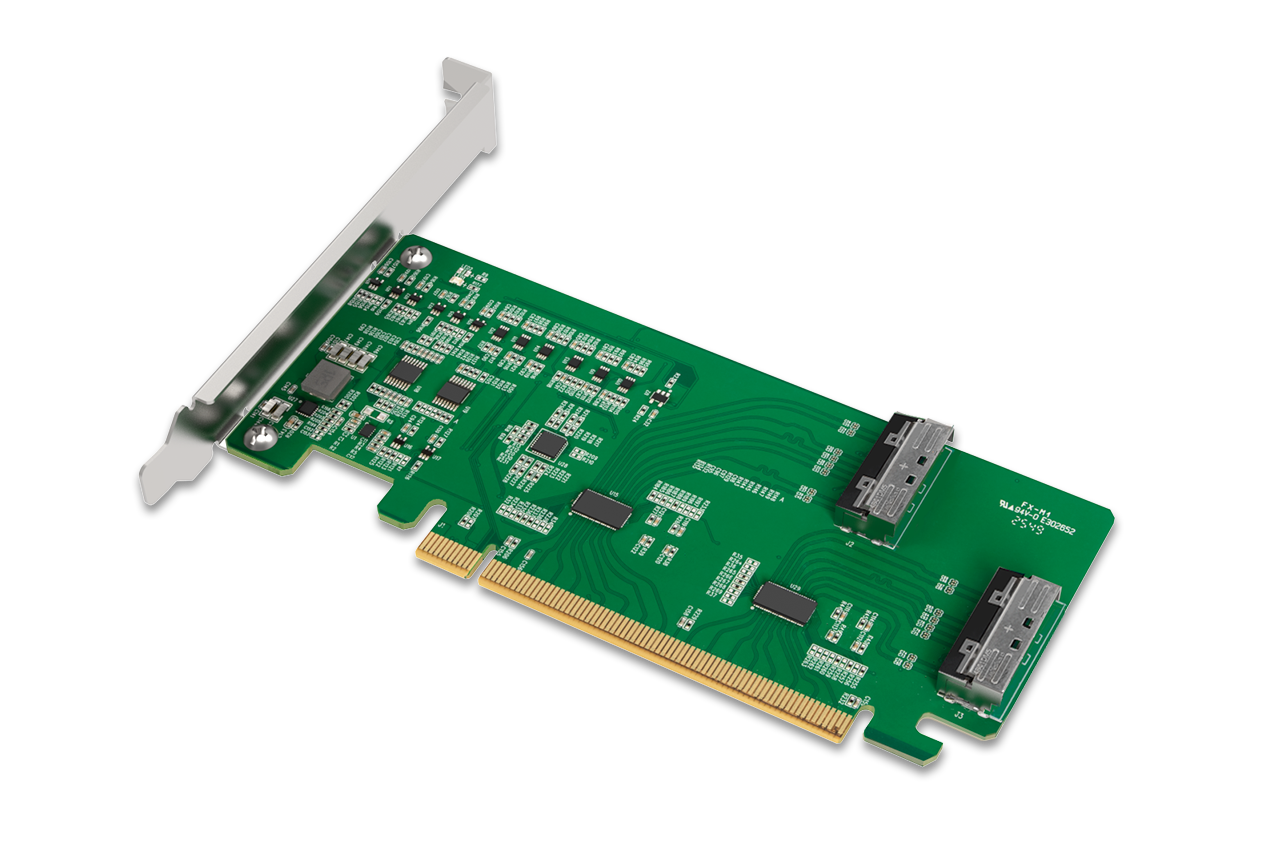
PCIe 5.0 x16 NVMe Host Adapter Card with 2 × MCIO 8i (SFF-TA-1016) & Redriver (PCIe Bifurcation Required)
Product Details
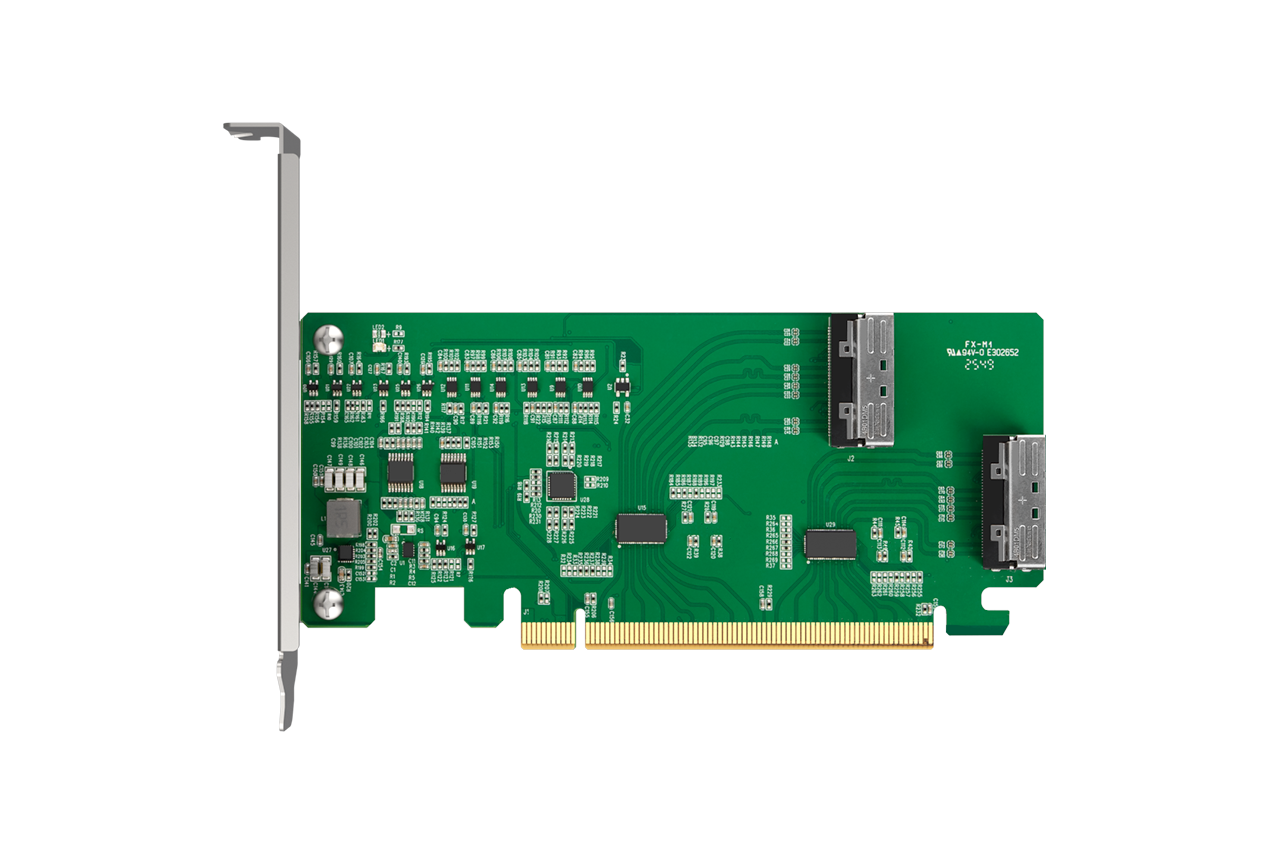
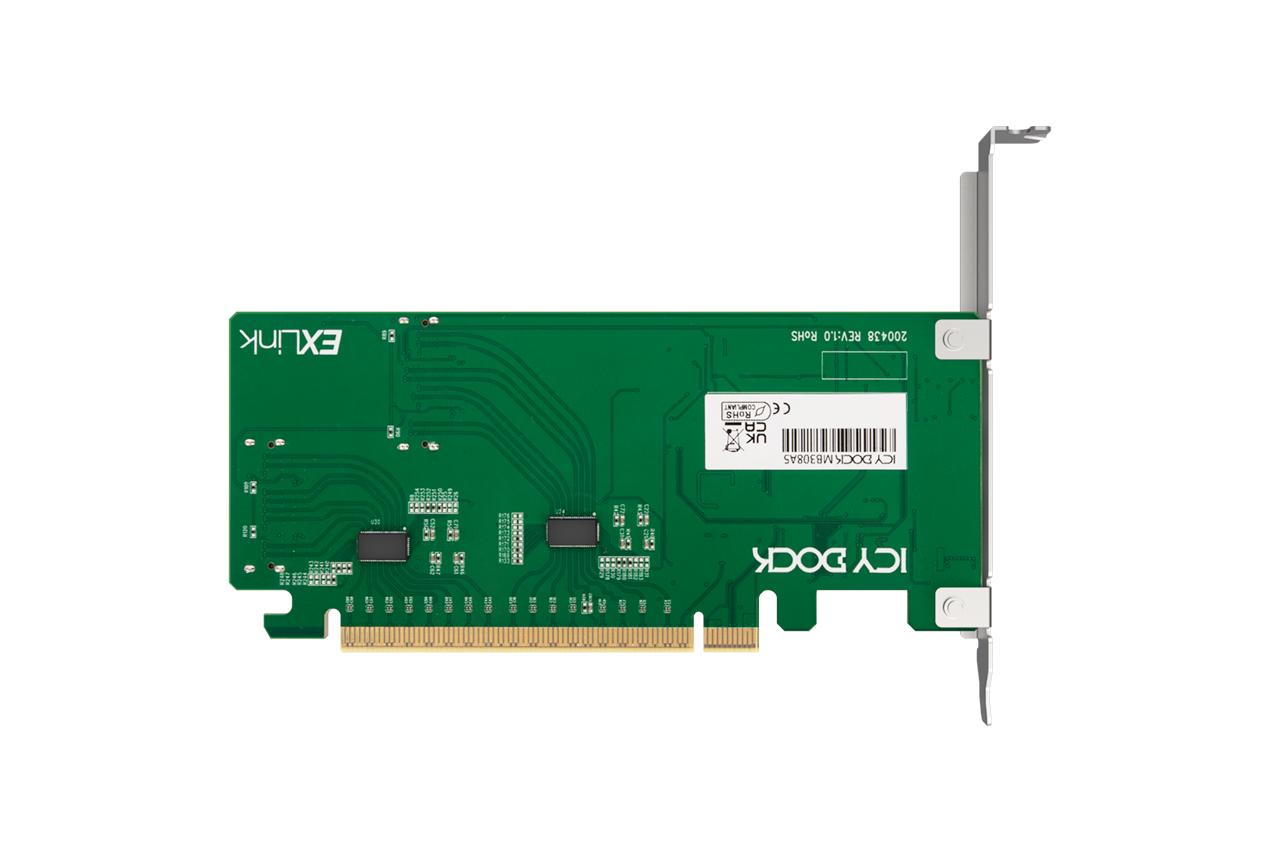
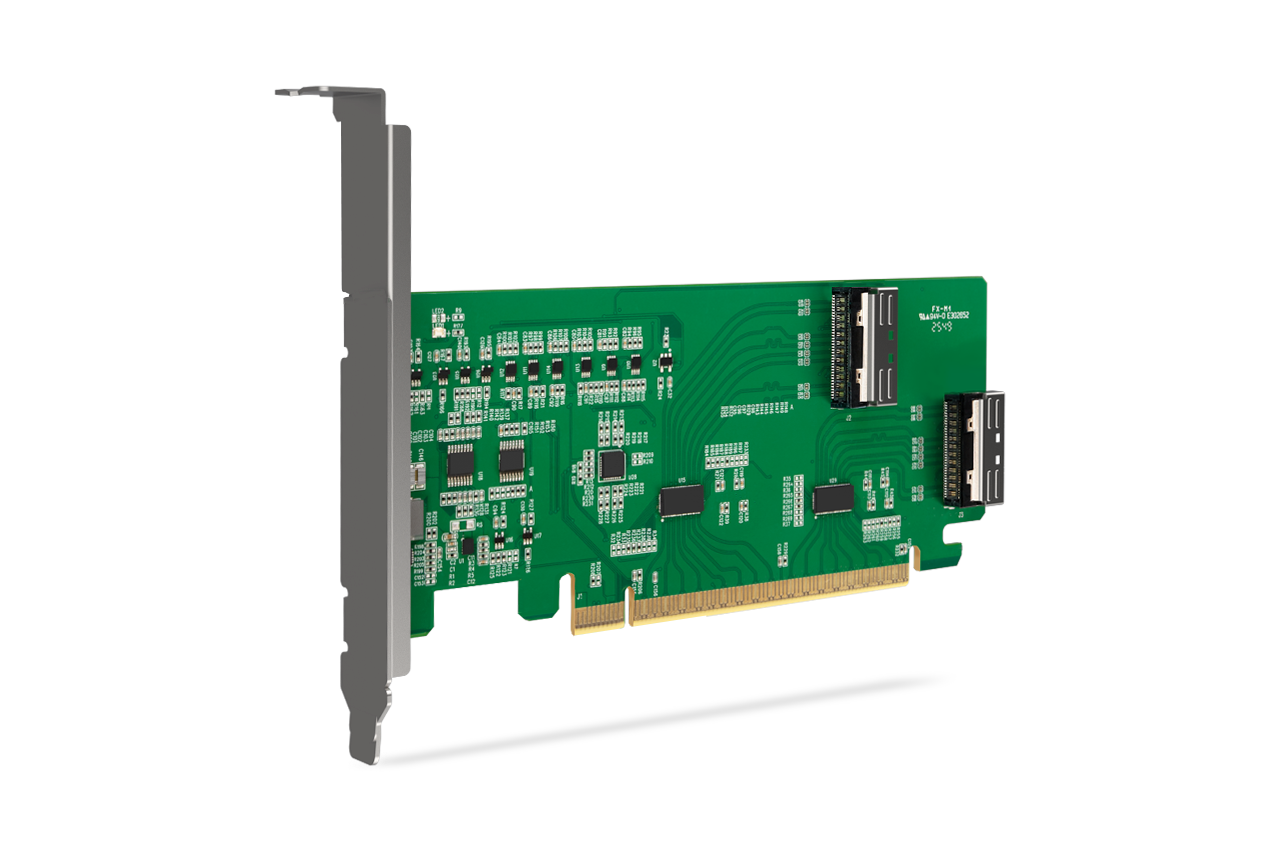
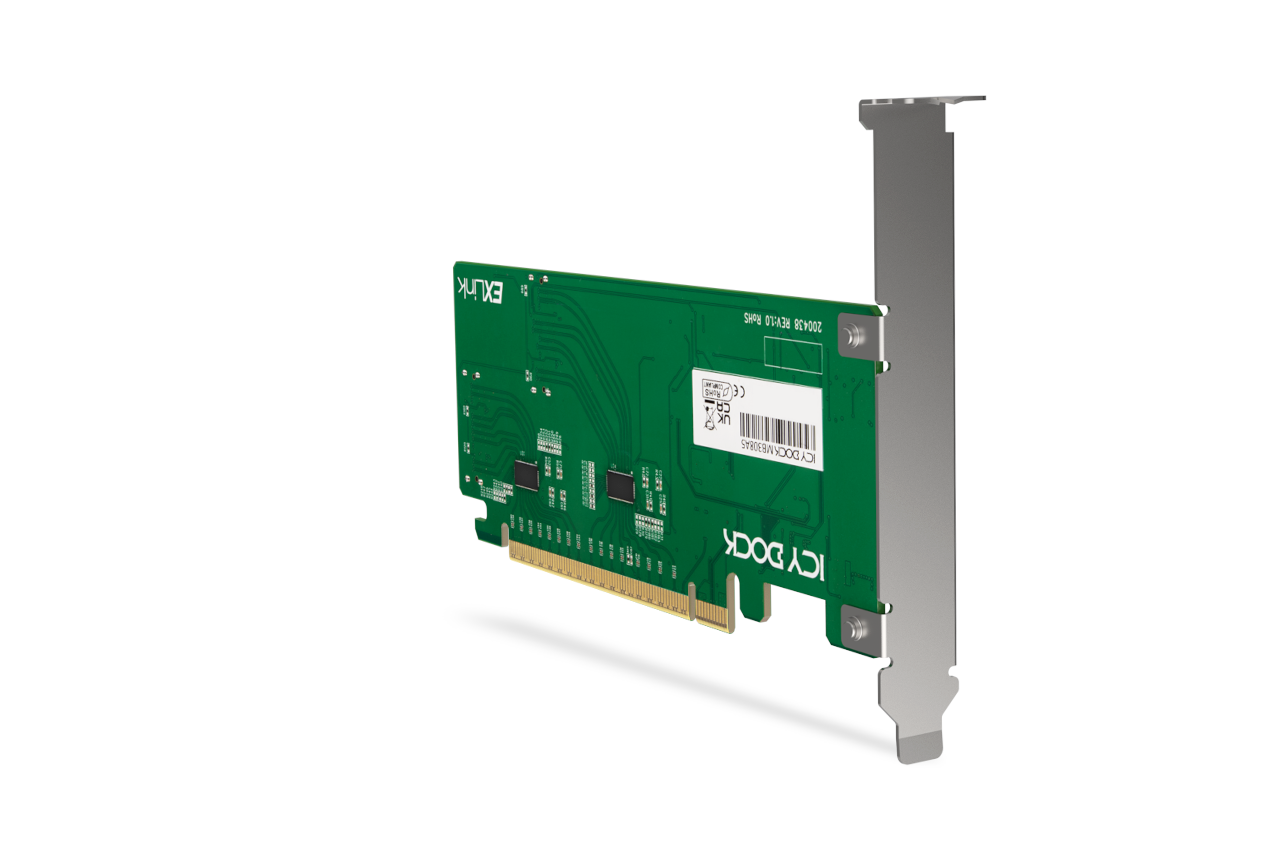
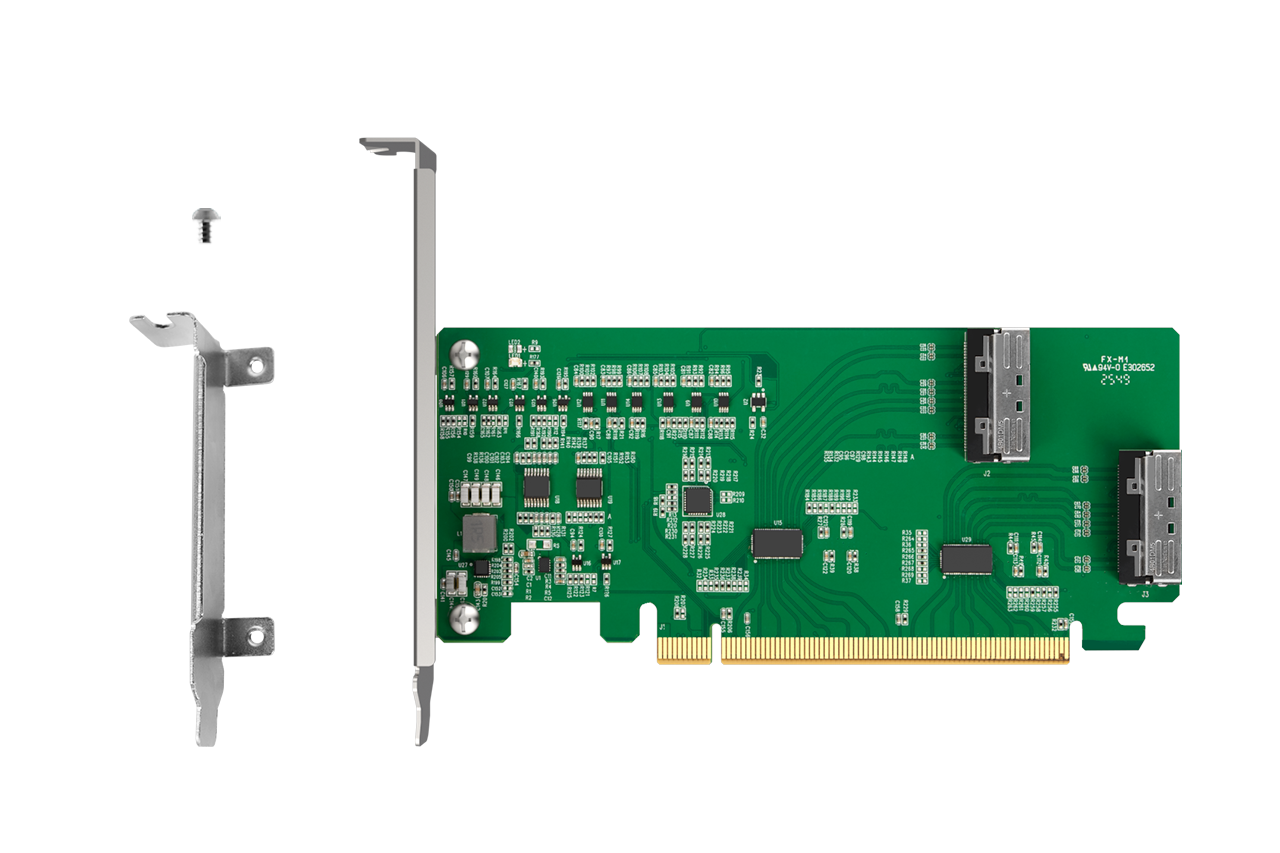
  • The ICY DOCK EXLink MB308A5 is a PCIe 5.0 x16 NVMe host adapter card with dual MCIO 8i (SFF-TA-1016) connectivity, designed for next-generation high-speed NVMe cabling. With an integrated PCIe Gen5 redriver and 100MHz clock buffering, it helps maintain signal integrity for 32 GT/s links across longer trace and cable routing commonly found in servers, workstations, and validation platforms.

    Please note: The MB308A5 requires the host motherboard to support PCIe bifurcation (x4, x4, x4, x4) in order to access up to four NVMe SSDs. This adapter does not provide bifurcation by itself.
  • PCIe 5.0 x16 Lane Bifurcation for Multi-Drive NVMe Topologies
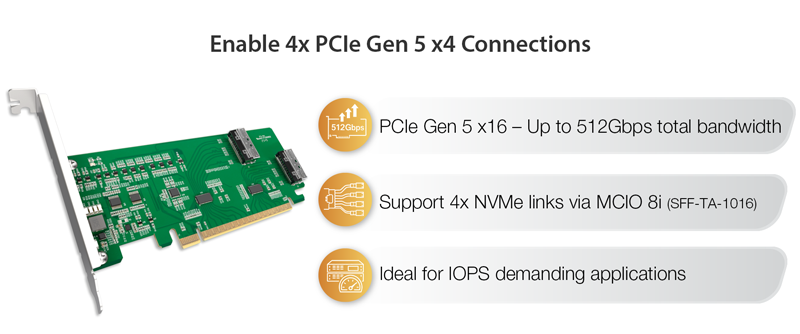
    With a PCIe 5.0 x16 interface delivering up to 512Gbps of total bandwidth, the MB308A5 is designed for platforms that support PCIe lane bifurcation (x4 / x4 / x4 / x4). When enabled, the PCIe x16 interface can be allocated into four independent NVMe x4 links, allowing up to four NVMe SSDs to be addressed through MCIO cabling.

    Please note: If PCIe bifurcation is not available on the host platform, only a single NVMe device may be recognized.
  • Redriver for Reliable PCIe Gen5 Signal Integrity
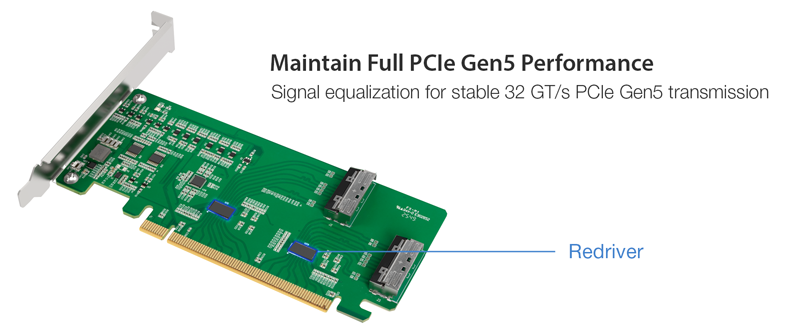
    PCIe Gen5 (32 GT/s) links are far more sensitive to loss and reflection - especially when signals must travel through extended PCB traces, risers, or external MCIO cables. The MB308A5 integrates a PCIe Gen5 redriver to equalize and restore high-speed signals, helping preserve stable throughput in demanding configurations such as AI/ML, validation labs, and high-I/O workstation builds.
  • PCIe Clock Buffer, Sideband Buffering & SMBus Management
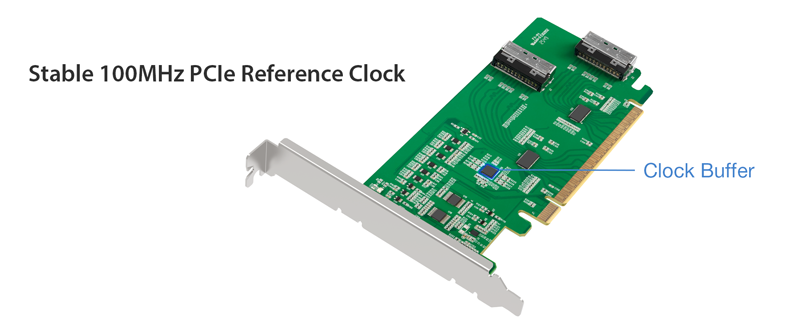
    To maintain timing accuracy over MCIO-based NVMe cabling, the MB308A5 includes a built-in 100MHz PCIe clock buffer to support longer routing paths. It also integrates SMBus switching and out-of-band reset management, along with buffered PERST#, WAKE#, and CLKREQ# signaling for stable operation in enterprise system designs and validation environments.
  • Validated NVMe Compatibility with ICY DOCK Mobile Racks & Cables
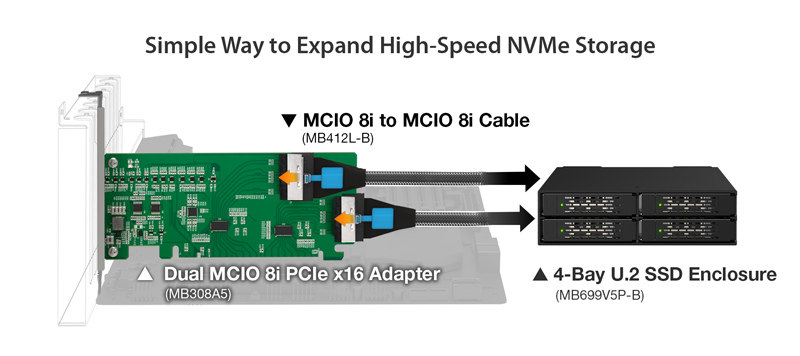
    In PCIe Gen5 deployments, integration margin is smaller and compatibility validation becomes more critical. The MB308A5 has been validated with ICY DOCK MCIO-based NVMe mobile racks, enclosures, and cables to reduce integration risk and shorten system bring-up time for OEMs and system integrators building high-speed removable NVMe storage solutions.


    Use the NVMe Storage Selection Guide to quickly match host cards, cables, and enclosures.
Main Features
Dual MCIO 8i (SFF-TA-1016) ports, compliant with SFF-9402 Rev 1.1
   
PCIe 5.0 x16 interface supporting up to 512Gbps total bandwidth
   
Integrated PCIe Gen5 redriver for extended trace/cable reach (32 GT/s signaling)
   
100MHz PCIe clock buffer for stable enterprise timing
   
Supports PCIe lane bifurcation (x4/x4/x4/x4) for flexible multi-NVMe topologies (host support required)
   
Validated compatibility with ICY DOCK NVMe mobile racks and cables
   
Universal PCIe slot support: PCIe 2.0 / 3.0 / 4.0 / 5.0
   
Full-height bracket, CE/UKCA/RoHS/REACH compliant
   
2-year limited warranty
Specification
Model Number: MB308A5
Compatible Drive Type: NVMe
Support Slots: Works with x16 PCIe 4.0 or 5.0 slots on motherboards
Host Interface: 1 x PCIe x16 connector
Endpoint Interface: 1 x MCIO 8i (SFF-TA-1016)
Transfer Rate: PCIe 5.0 x16 up to 512Gbps
Supported Operating Systems: No limitation
Product Dimension (W x H x D): 120.8 x 165.1 x 21.5 mm
Product Net Weight: 65.1g
Package Gross Weight: 154.9g
Package Contents: Device, mounting screws, user manual
Connector Insertion Rate: 5,000
Humidity: 5%~65% RH
Operating Temperature: 0°C to 60°C (32°F to 140°F)
Storage Temperature: -35°C to 70°C (-31°F to 158°F)
Compliance: CE, UKCA, RoHS, REACH
Warranty: 2 years limited warranty
FAQ

Q: How can I ensure my motherboard is compatible with the MB308A5 and can detect and read the four NVMe SSDs installed in it?

A: Your motherboard must meet the following criteria to recognize and read four NVMe SSDs:


  1. The motherboard must support PCIe Bifurcation, which splits a single PCIe x16 slot into multiple channels. For example, to divide into four PCIe x4 lanes (x4/x4/x4/x4) to support four NVMe SSDs.
  2. The combination of your motherboard and CPU must provide enough PCIe lanes to support all PCIe devices installed on the motherboard (including M.2 NVMe SSDs in M.2 slots).
  3. The PCIe slot you use for installing the MB308A5 must have enough PCIe lanes and be correctly configured with PCIe Bifurcation.

Key Tip: The availability of PCIe lanes depends on your motherboard and CPU specifications, as well as how many PCIe SSDs and other devices you have installed. Therefore, we cannot guarantee compatibility with the MB308A5 based solely on a compatibility list. We strongly recommend consulting your motherboard supplier to confirm how many PCIe lanes are available in your system and whether any remaining empty PCIe slots can fully support the MB308A5 with four NVMe SSDs.


If you're unable to obtain this information from your motherboard supplier, you can follow the steps below to verify compatibility yourself (applies to Asus, ASRock, and AORUS motherboards only).


Step 1: Open the motherboard compatibility list and locate your motherboard model.


Step 2: Once you find your motherboard model, check the PCIe slot that can support the MB308A5 based on the CPU you are using. You need a PCIe slot that supports 4(x4+x4+x4+x4) to detect four NVMe SSDs. If your PCIEX16_1 slot is already occupied by another PCIe device, such as a GPU or RAID card, then PCIEX16_2 and PCIEX16_3 will only be able to utilize the remaining PCIe lanes. Refer to the PCIe lanes distribution for different configurations to identify the appropriate PCIe slot based on your motherboard model, CPU type, and current PCIe slot usage, and find the slot where you can install the MB308A5. The example below uses the ASUS AMD CROSSHAIR VII HERO to help you better understand how to use this compatibility list.


Example:
For the ASUS AMD CROSSHAIR VII HERO, if you are using AMD Ryzen 1000 Series/ 2000 Series/ 3000 Series/5000 Series Processors CPUs, the PCIEX16_1 slot on the motherboard can support the MB308A5 and works four NVMe SSDs. However, if you are using an AMD Ryzen™ 5000 G-Series/ 4000 G-Series processors CPUs, the PCIEX16_1 slot on the motherboard can only works three NVMe SSDs in the MB308A5. For AMD Ryzen 2000 G-Series/ 3000 G-Series/ 7th Generation A-Series/ Athlon X4 Series processors CPUs, the PCIEX16_1 slot on the motherboard can only works two NVMe SSDs in the MB308A5.


Important Notes:

  1. The method to check compatibility with Intel motherboards follows the same steps as the AMD example above.
  2. PCIe slots share PCIe lanes, and the PCIe Bifurcation mode varies based on the PCIe slot's position. Not all empty PCIe slots have enough lanes for the MB308A5. If you have already installed devices such as GPUs, RAID, or HBA adapter cards, please check whether the remaining PCIe slots can support the MB308A5.
  3. If the motherboard’s CMOS battery (coin cell battery) is low on power, the BIOS may revert to default settings after a power loss or system reboot. If the PCIe slot used by the MB308A5 was previously manually configured for bifurcation, this setting may be lost, reverting the slot to single-lane (x16) mode. As a result, the system may only detect one SSD. To ensure all SSDs in the MB308A5 are consistently recognized, we recommend periodically checking and replacing the CMOS battery to maintain the required bifurcation configuration over time..


To report a compatible or incompatible motherboard, or to check the compatibility of a motherboard not listed, please click here

Advanced Product Search Menu
SUBMIT CLEAR CANCEL
Can’t find any suitable products? Submit your requestHERE
We use cookies in order to give you the best possible experience on our website.   More Info
Understood
Online Retailers