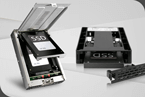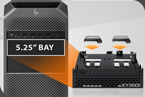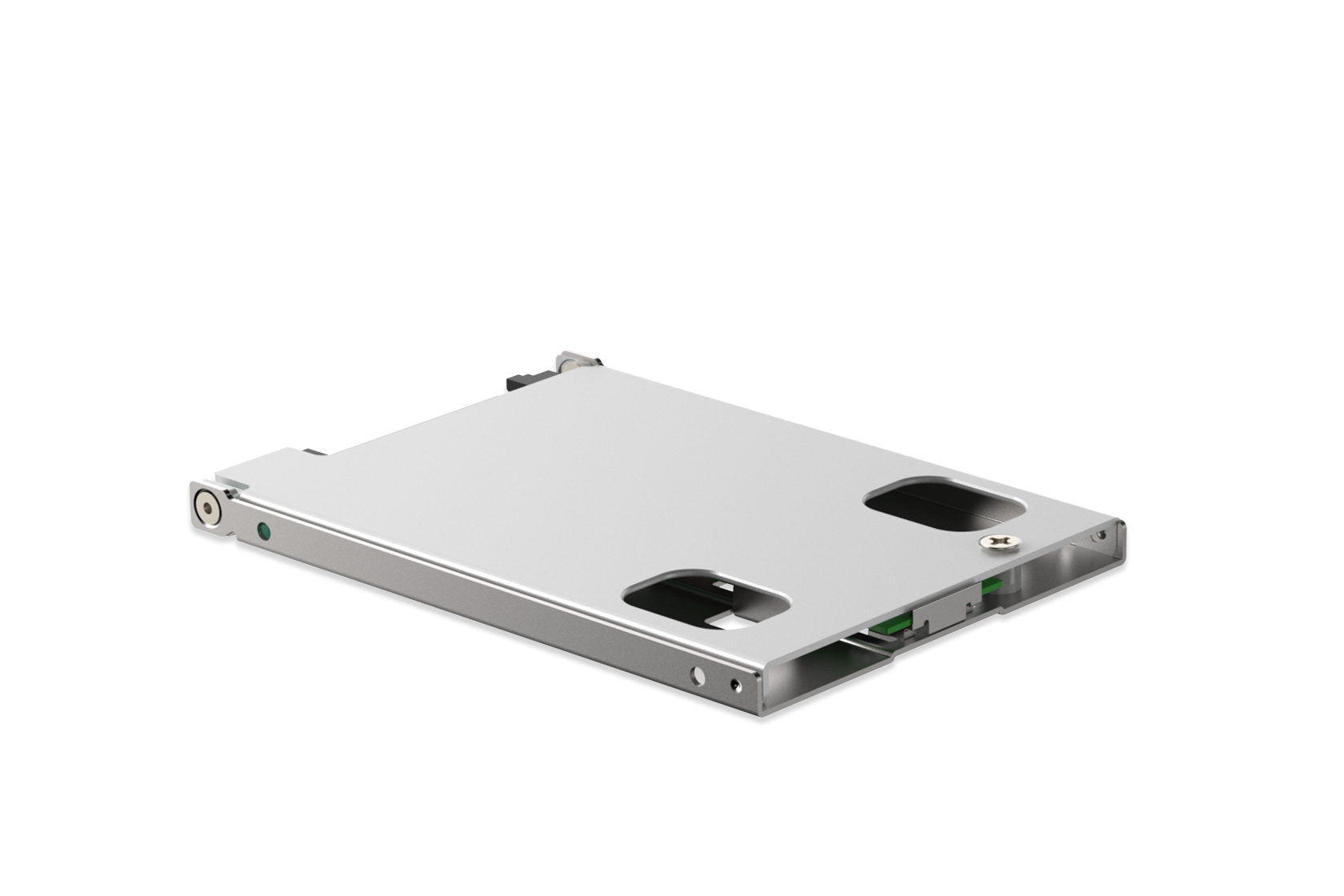
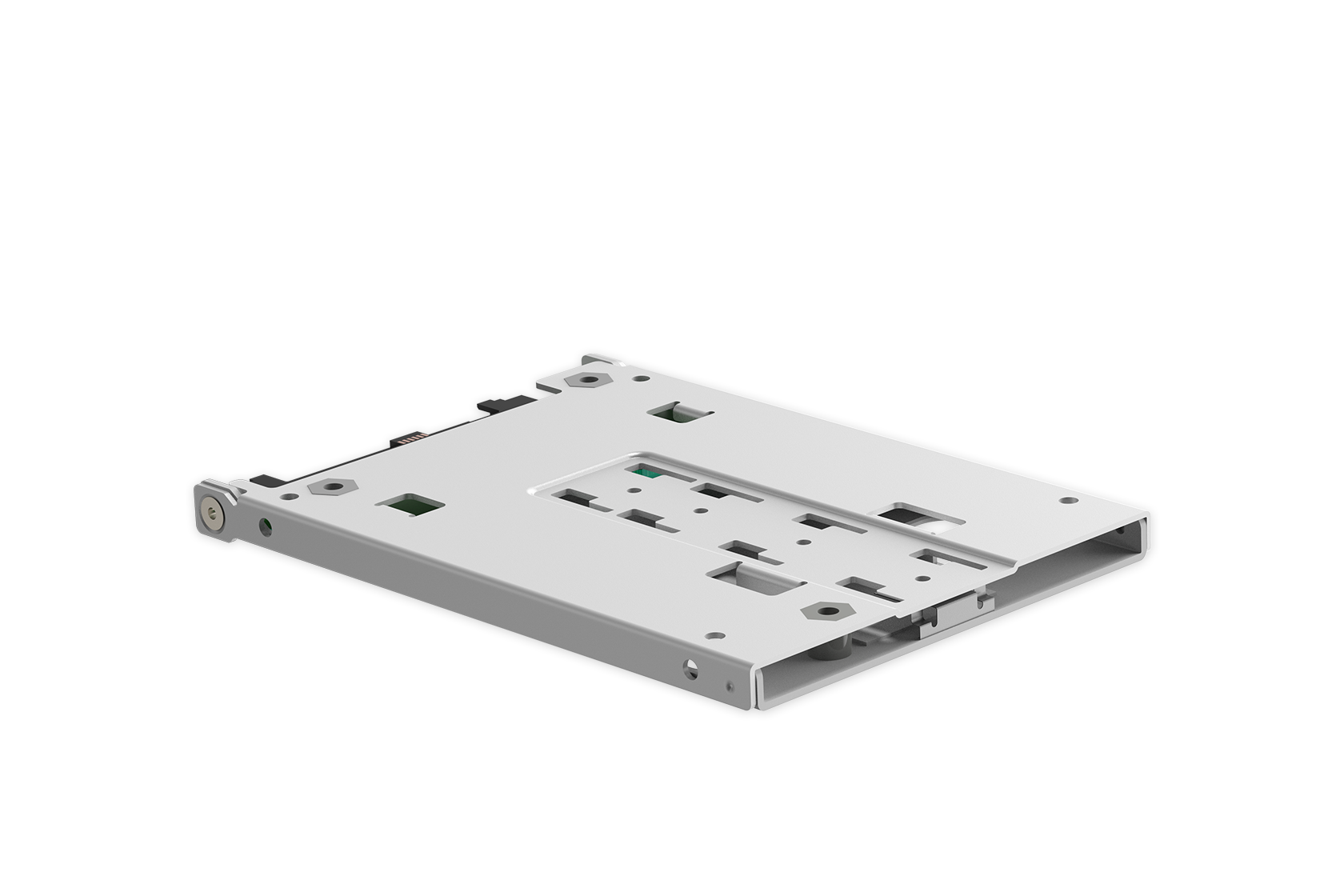
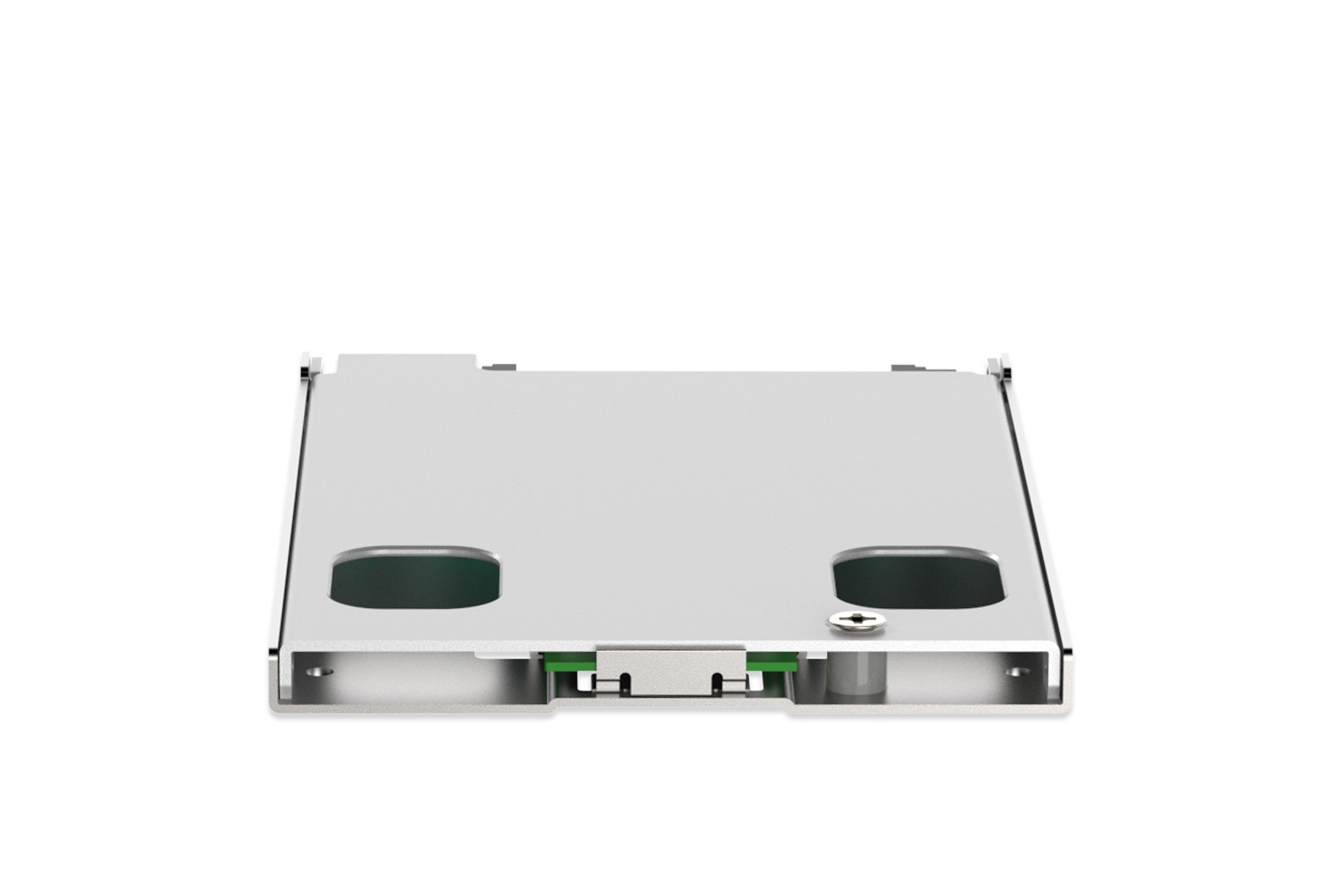
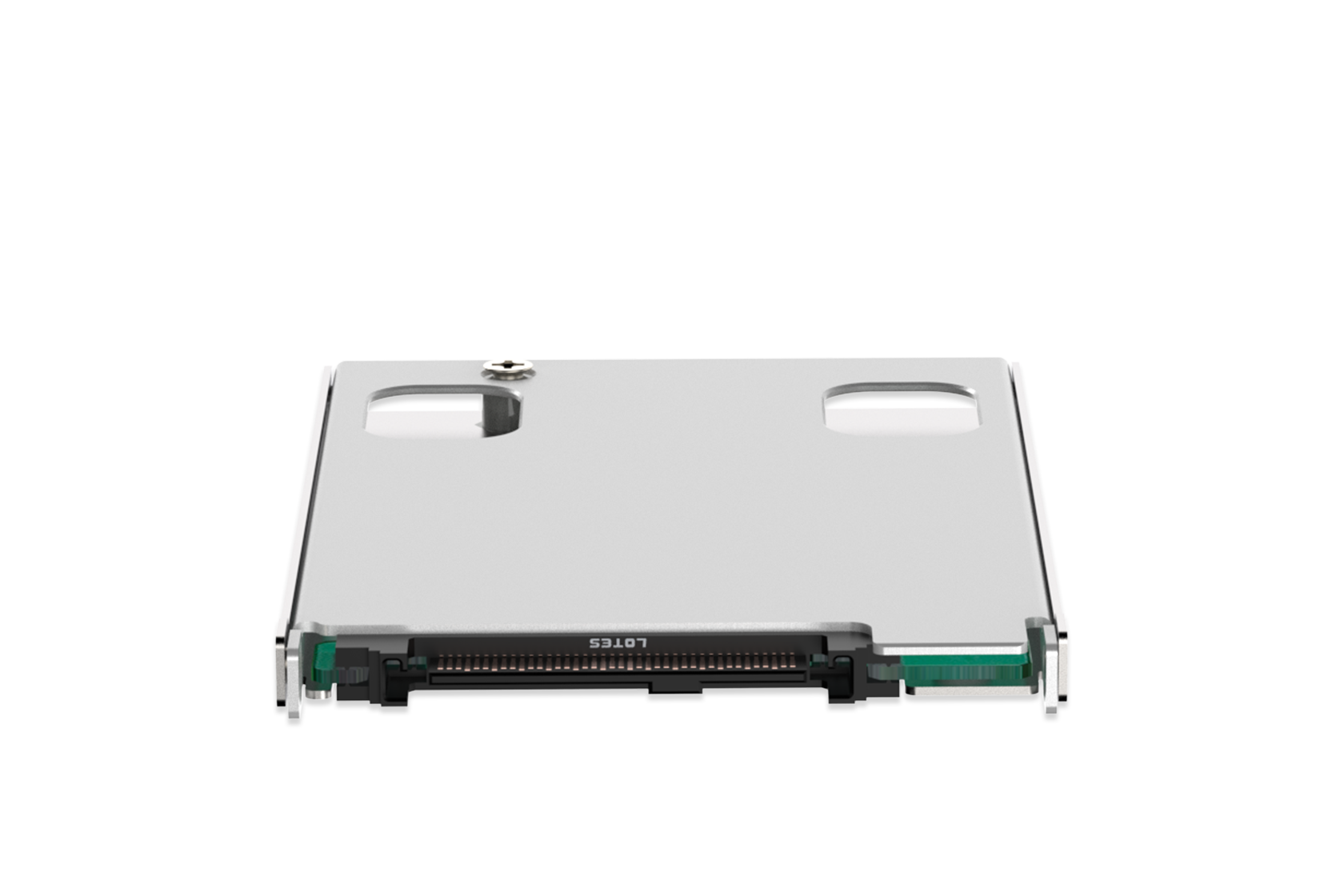
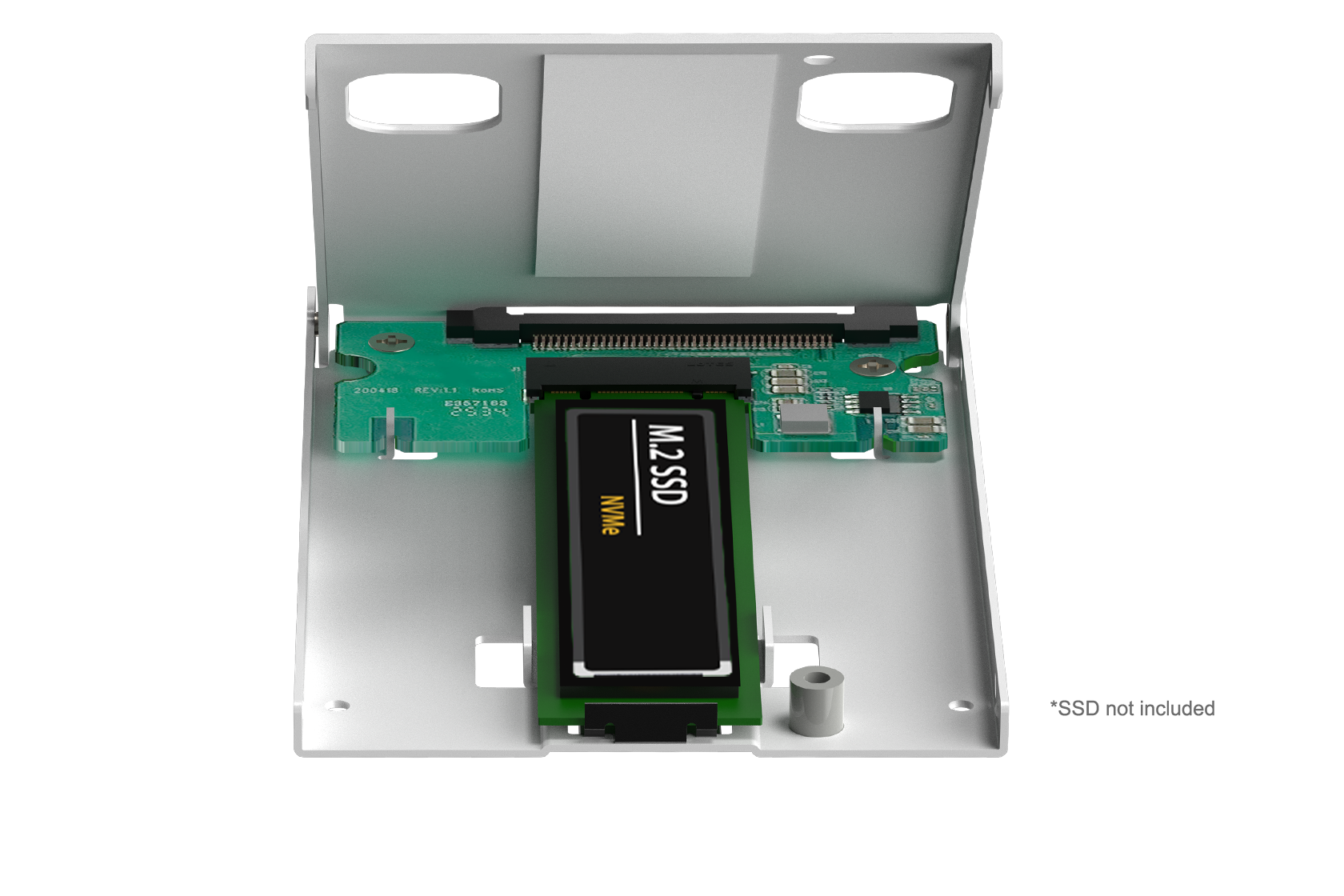
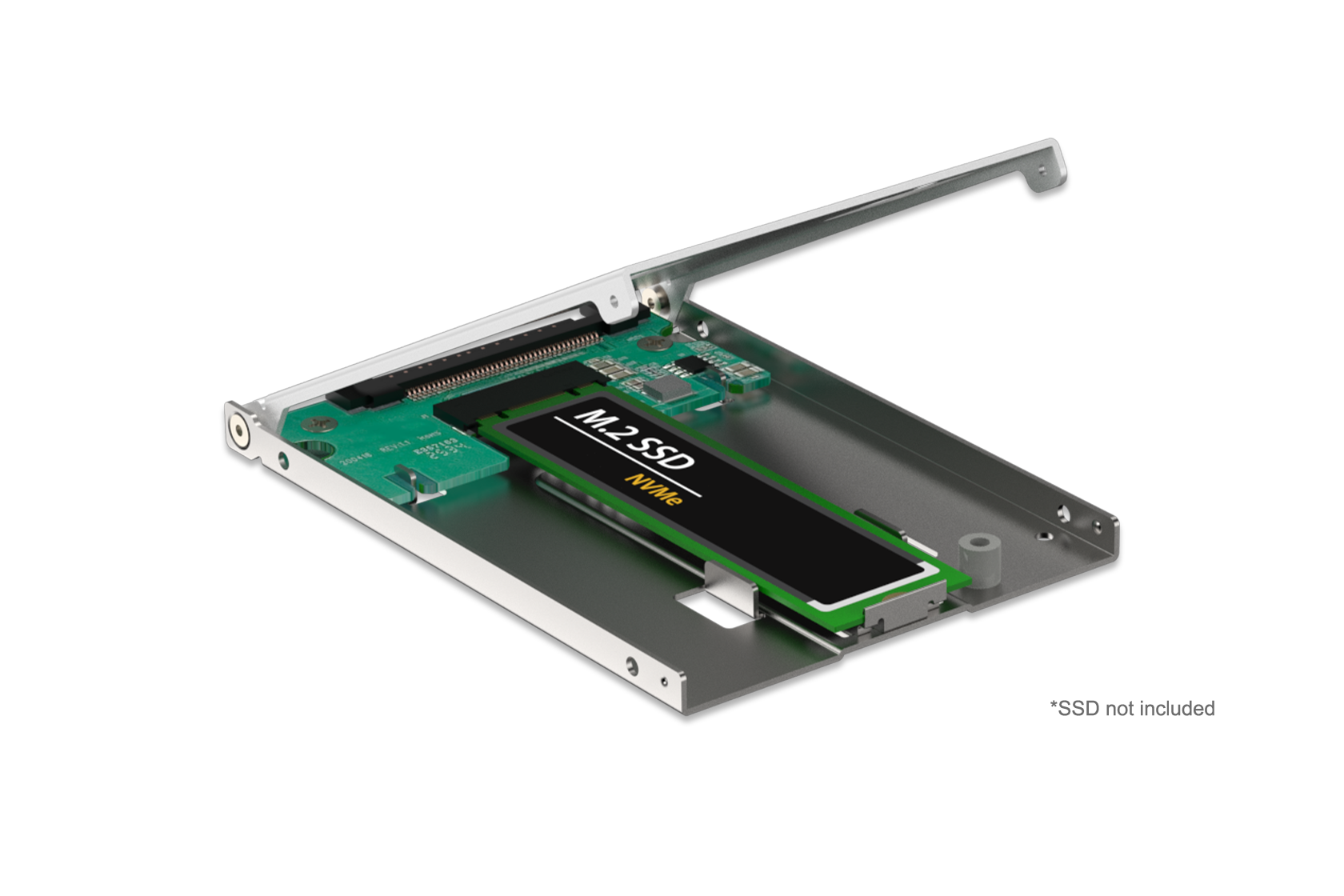
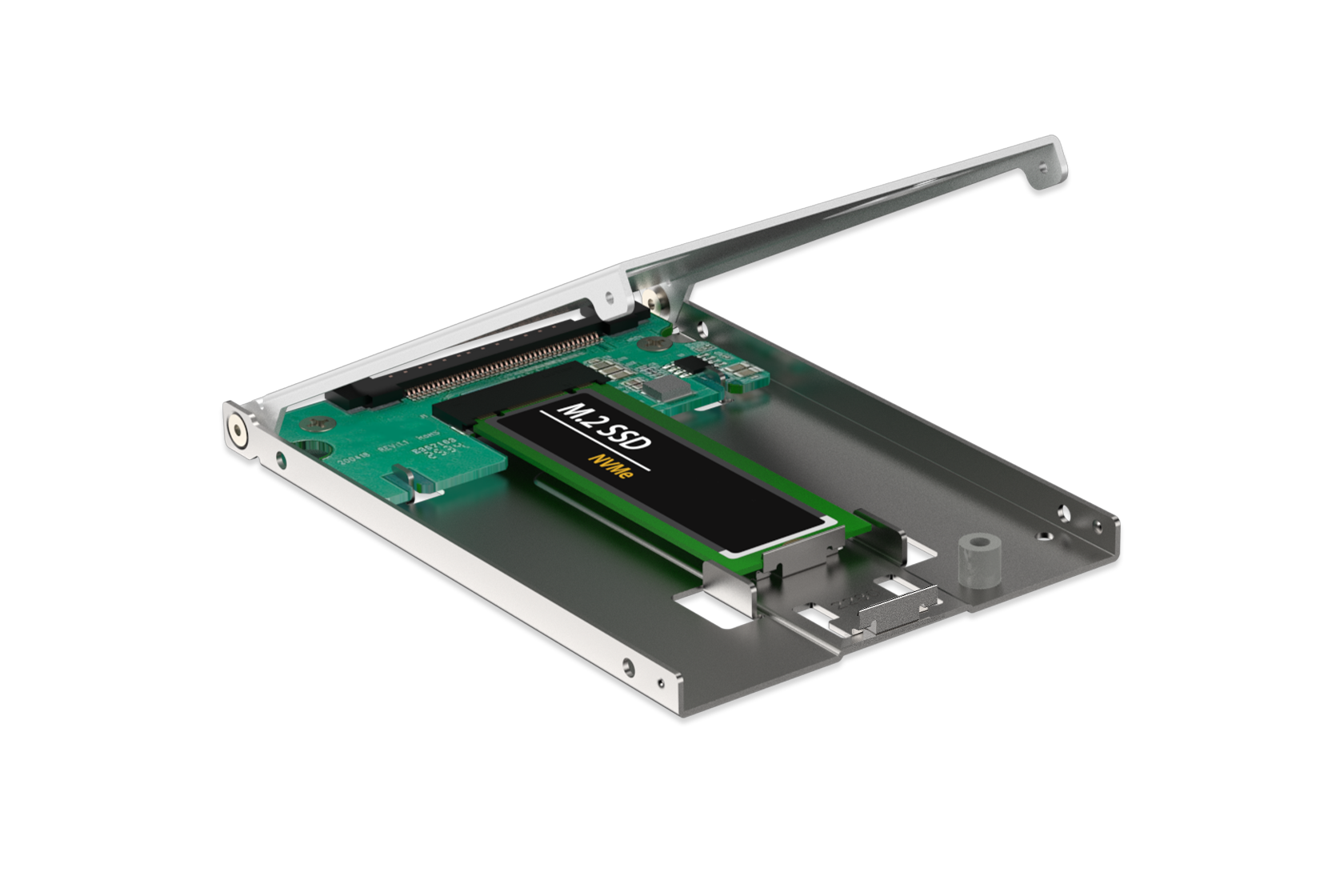
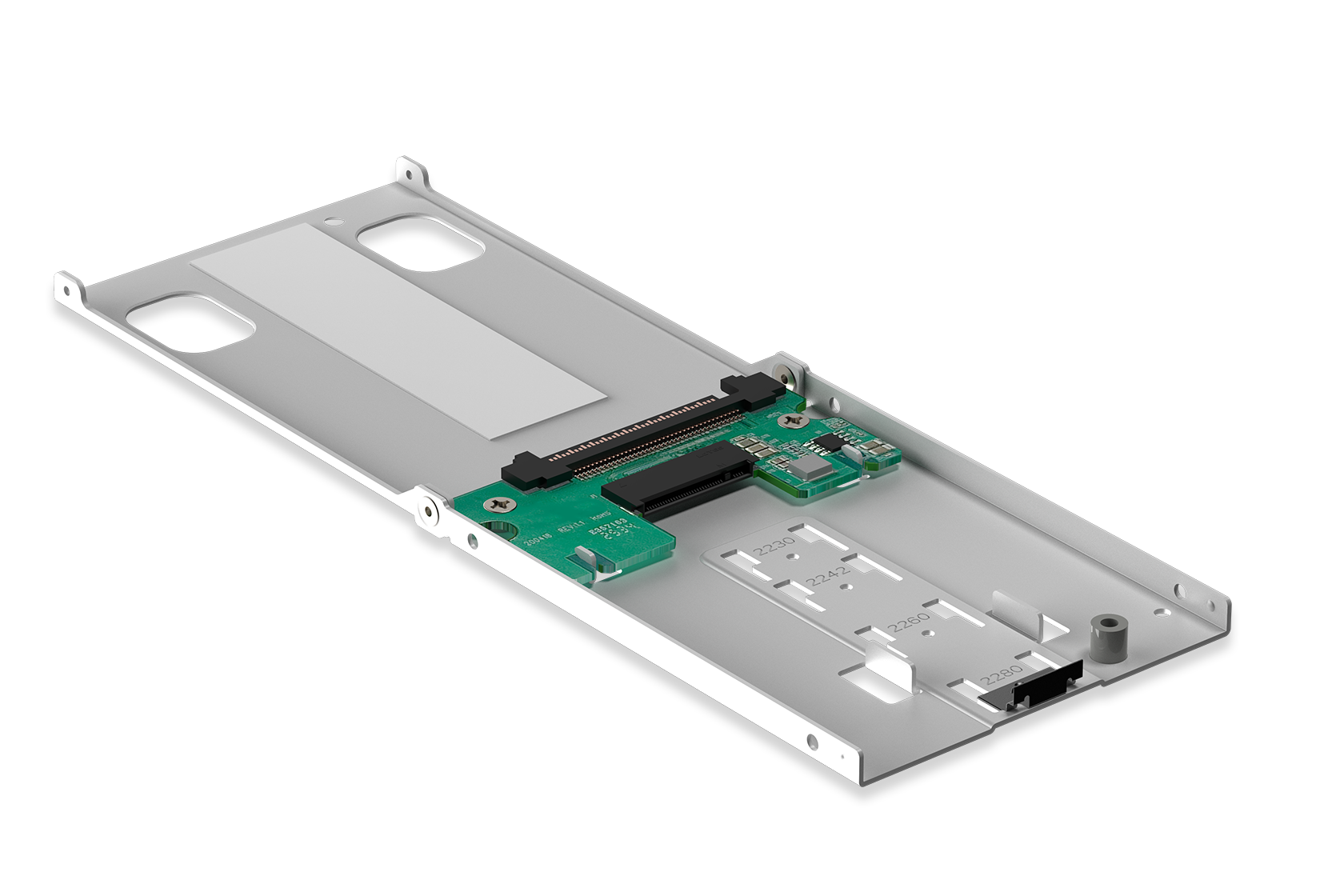
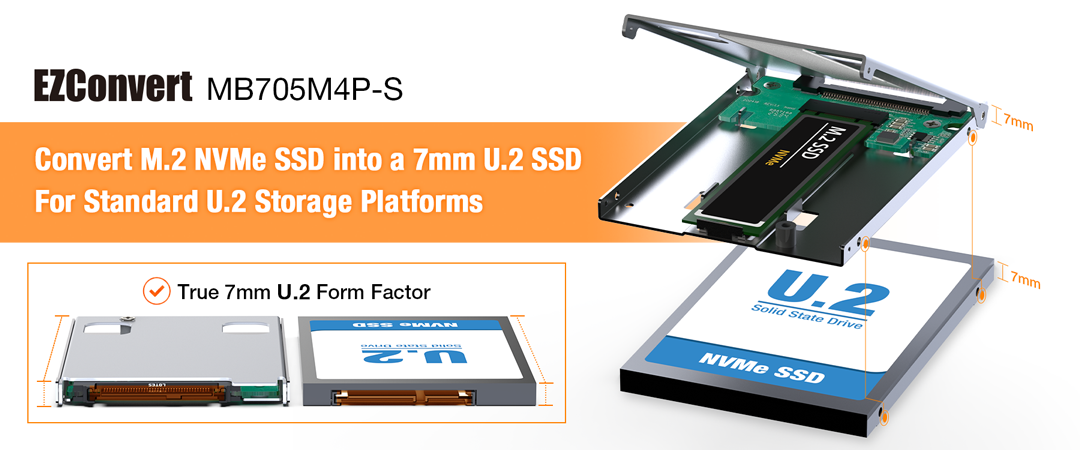
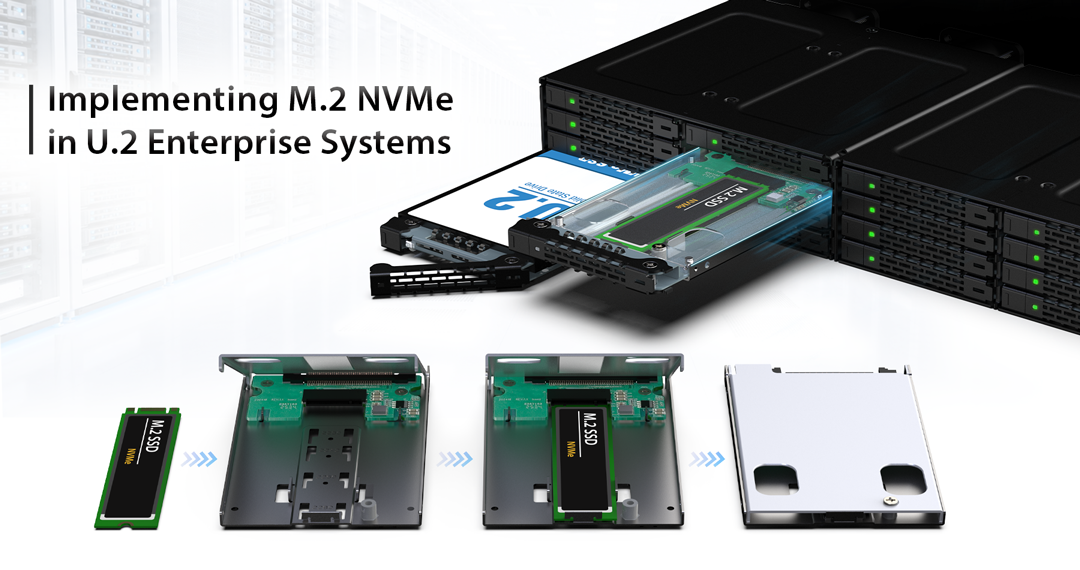
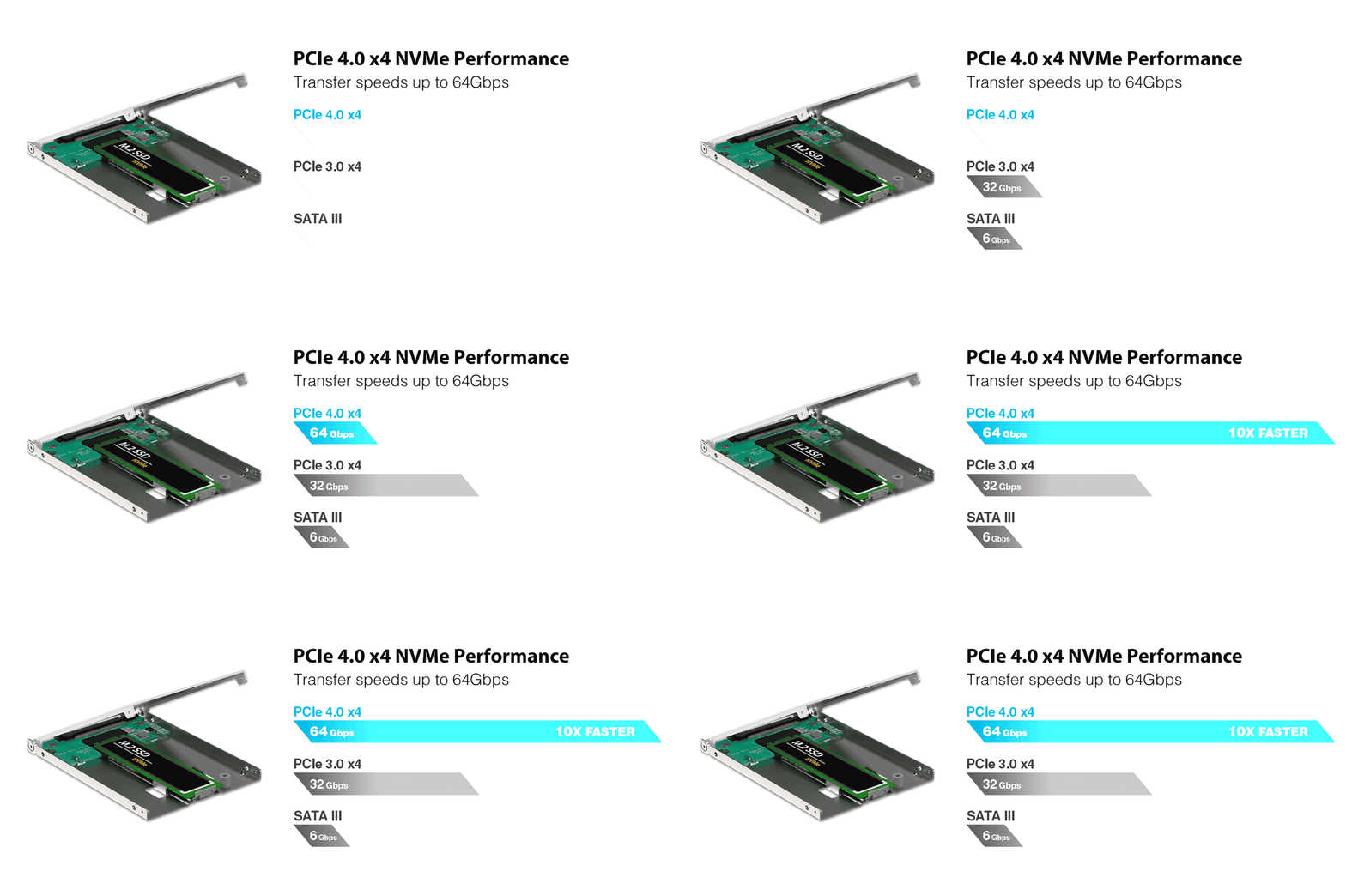
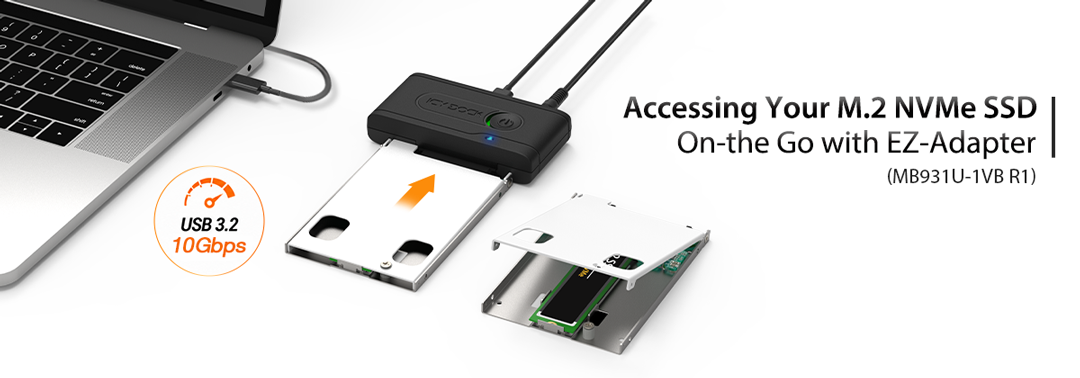
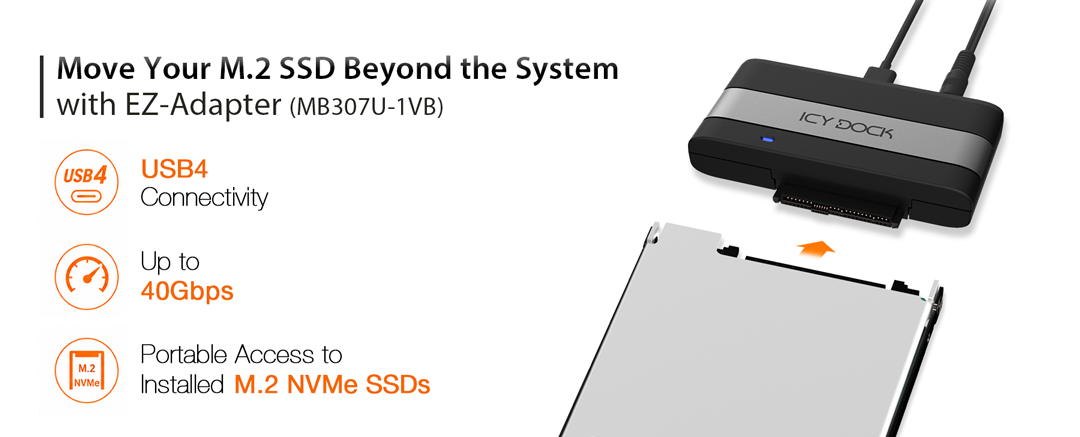
| • | Converts M.2 NVMe SSDs into a 7mm U.2 SSD Form Factor - Ideal for deployment in U.2 backplanes, removable storage enclosures, and hot-swap drive bays. |
| • | Compatible with U.2 Mobile Rack Solutions - Supports integration with products such as MB998V4P-B and MB092VK-B. |
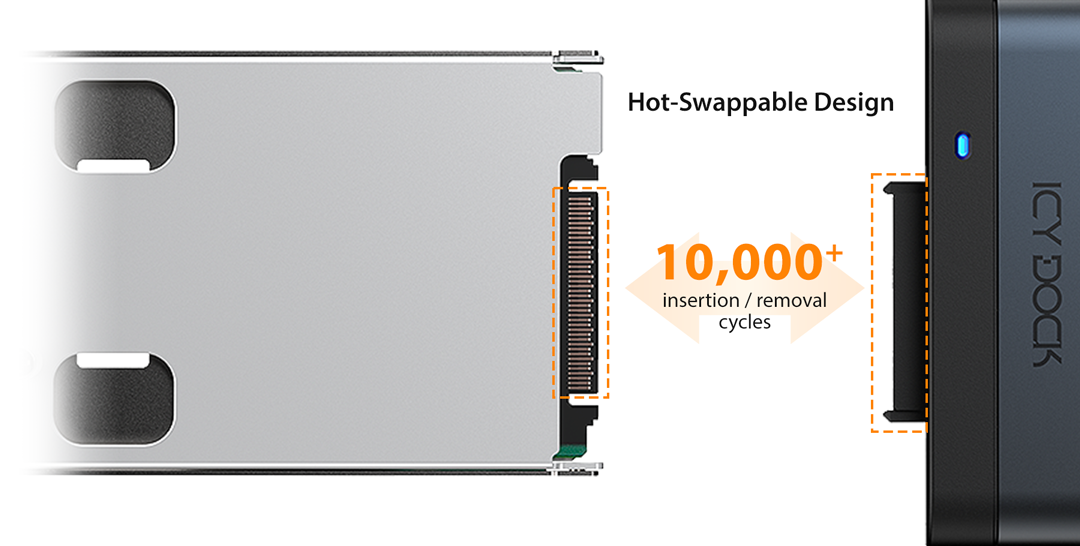
| • | 10,000 Insertion / Removal Cycle Rated U.2 Connector - Designed for frequent drive swapping in removable storage systems and enterprise deployments. |
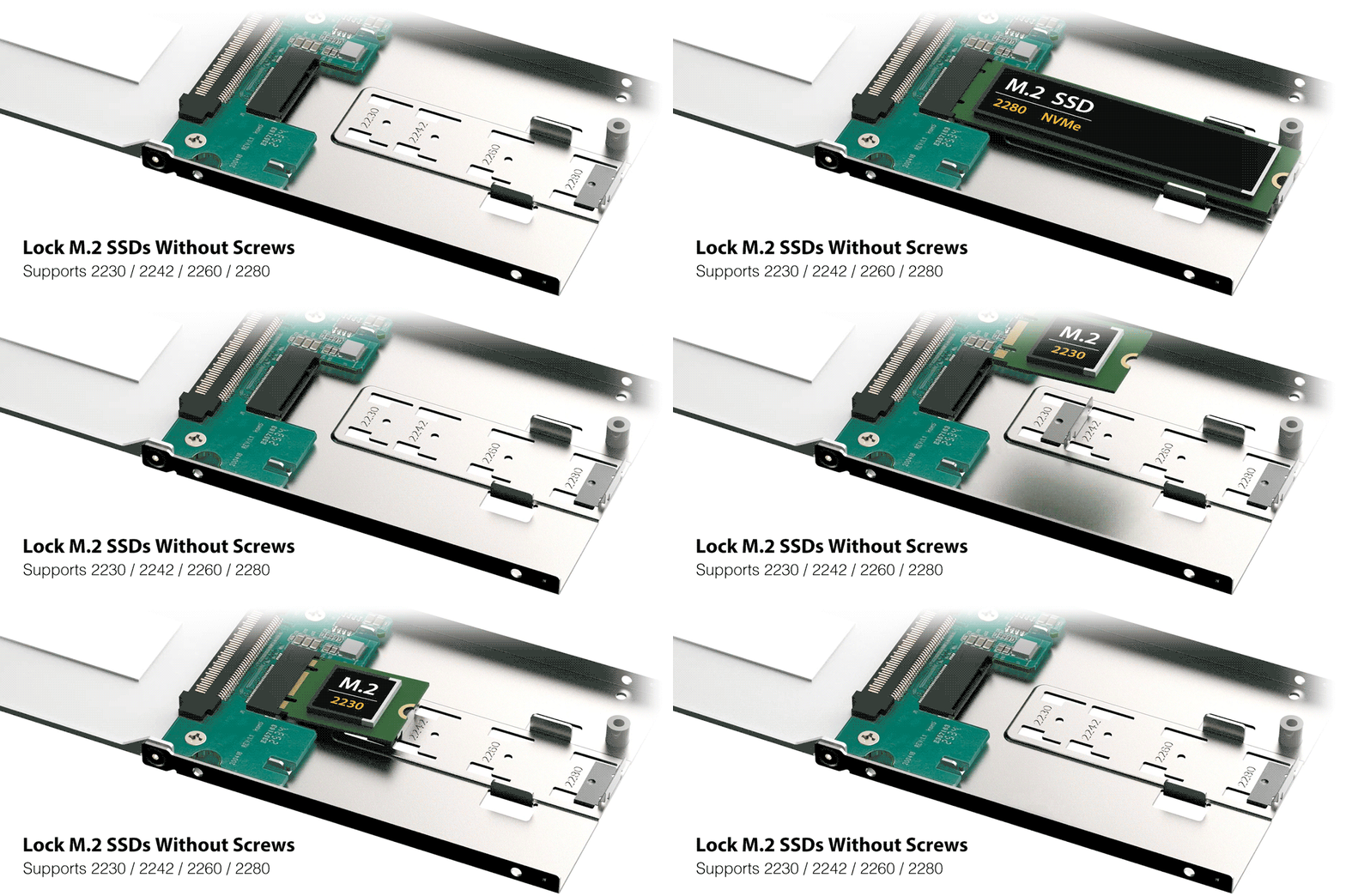
| • | Tool-Less M.2 SSD Installation - Integrated locking clip supports M.2 2230 / 2242 / 2260 / 2280 SSDs without screws or tools. |
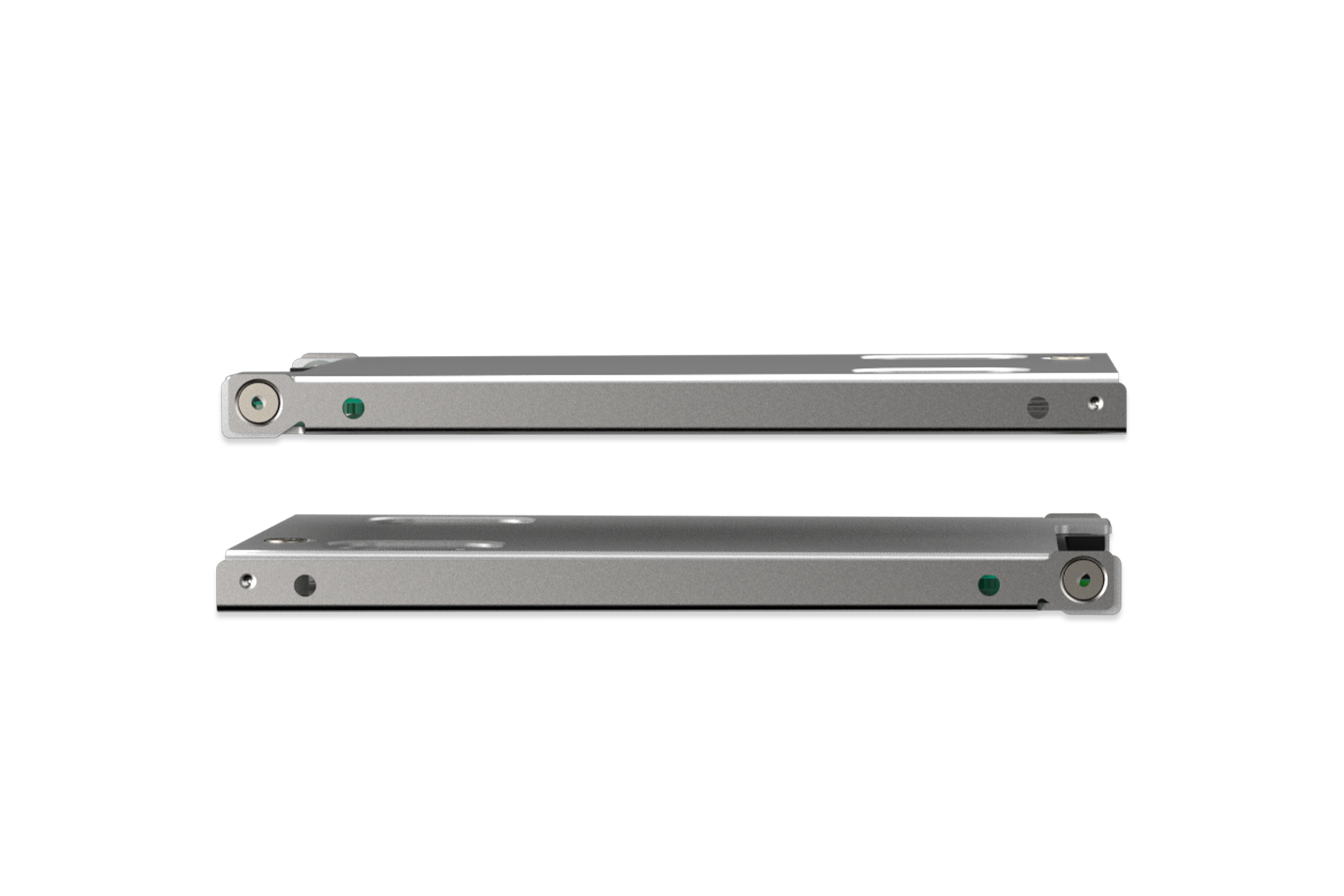
| • | Full-Metal Construction - Provides durability, structural rigidity, and improved heat dissipation. |

| • | Aluminum Heat Sink Lid with Thermal Pad - Transfers heat away from the SSD for enhanced cooling performance. |
| • | Open-Air Ventilation Design - Improves airflow exposure for more efficient passive cooling. |
| • | Supports PCIe NVMe Transfer Speeds up to 64Gbps - Maintains native NVMe performance with minimal overhead. |
| • | Fits Standard U.2 Infrastructure - Compatible with U.2 backplanes, mounting brackets, and removable storage systems. |
| Model: | MB705M4P-S |
| Color: | Silver |
| Support Drive Size: | 2280/2260/2242/2230 M.2 NVMe SSD |
| Compatible Drive Type: | M.2 NVMe SSD |
| Number of Drives: | 1 |
| Drive Bay: | N/A |
| Host Interface: | 1 x U.2 SFF-8639 |
| Power Input: | Via U.2 SFF-8639 connector |
| Transfer Rate: | Up to 64Gbps (depending on SSD speed) |
| Support SSD Capacity: | No limitation |
| Drive Cooling (Passive): | Metal heat dispersion with passive cooling |
| Hot Plug: | Yes |
| LED Indicator: | N/A |
| Structure / Material: | Full metal |
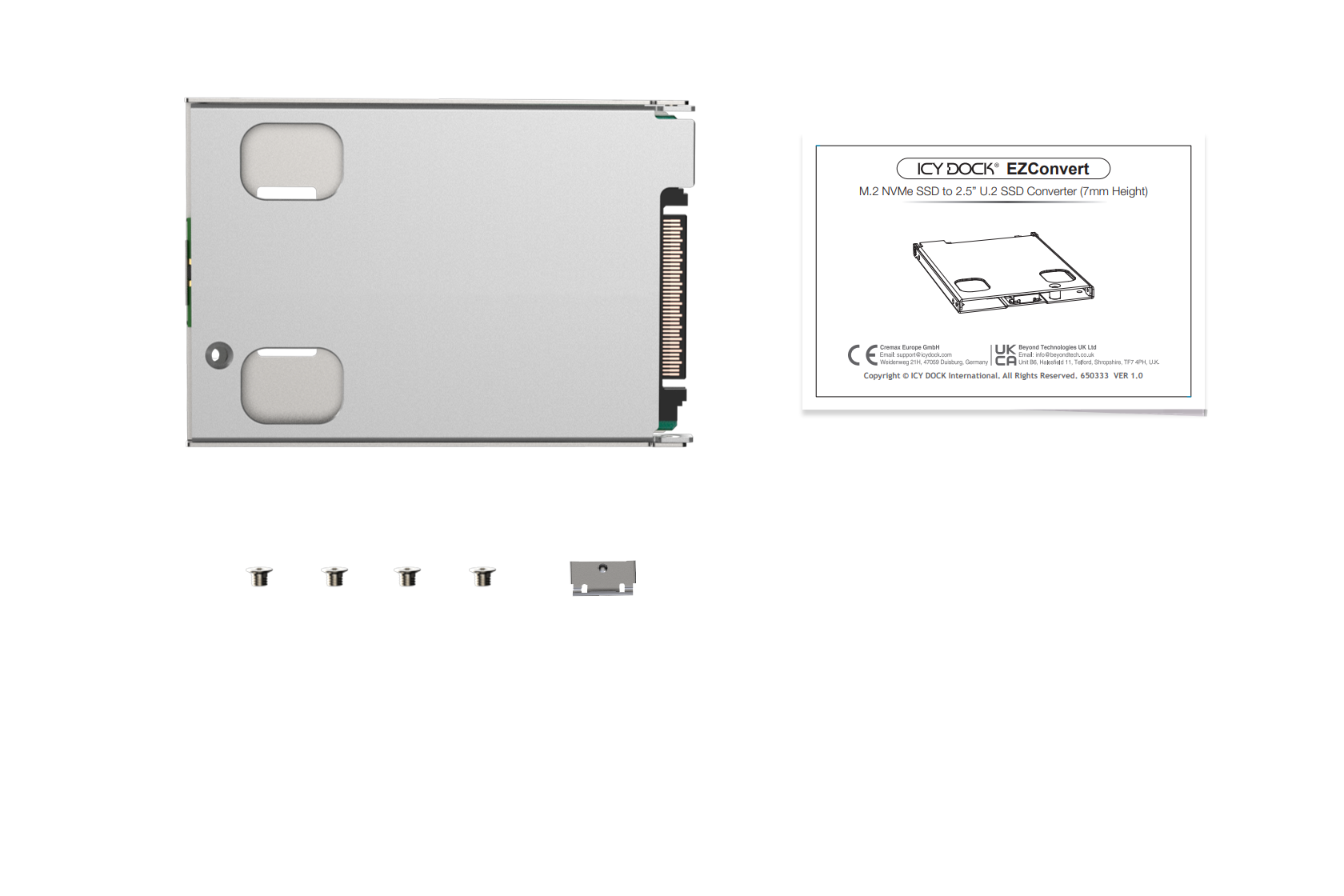
| Package Contents: | Device, screws, user manual, M.2 SSD locking clip |
| Dimension (W x H x D): | 70.0 x 7 x 100.5 mm |
| Product Net Weight: | 72.3g |
| Humidity: | 5%~65% RH |
| Operating Temperature: | 0°C to 60°C (32°F to 140°F) |
| Storage Temperature: | -35°C to 70°C (-31°F to 158°F) |
| Compliance: | CE, UKCA, RoHS, REACH |
| Warranty: | 3 years |
Related Products:
Related Products Series:


Quick Link:
Q: Can you recommend an add-on card that works with MB705M4P-S?
A: The following add-on cards are compatible with MB705M4P-S. We highly recommend using the official cable for the best compatibility.
Note:We highly recommend purchasing the cable from a local reseller that you trust. However, if you have a hard time finding the cables, PC-Pitstop is our long term partner, and they are able to ship worldwide.
We are currently certifying our NVMe enclosure with the major add-on card manufacturers. We will be adding compatible add-on cards to the list.
You can click here to report a compatible add-on card/cable. If you want to check the compatibility of add-on card(s) that are not on the list, please click here.
Q: I'm using Intel/Broadcom Tri-Mode HBA and RAID cards with the MB705M4P-S, but the drives do not show up in my system?
A: The issue is caused by RAID card manufacturers using a different pinout for Tri-Mode cards than is typically used for U.2 connections. When using these cards with U.2 NVMe drives and cables, a U.2 enabler cable must be used for compatibility, which reverts the pinout back to standard U.2 specifications. For more information, please click here.
Q: The system does not detect the M.2 SSD I installed in the ICY DOCK enclosure. What should I do?
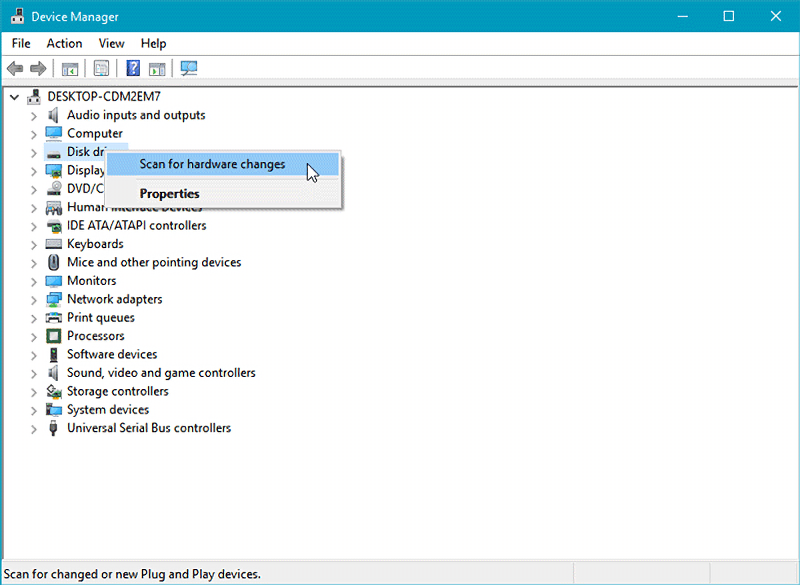
A: Since the M.2 SSD is not designed for hot-swapping, we highly recommend powering off the device/system before inserting or removing an M.2 SSD. If the system is still unable to detect the drive, follow the steps below to scan for new hardware manually:
Windows 11 / Windows10 / Windows 8 – In the search box on the taskbar, type device manager, and click it from the menu. Once the device manager window pops up, right-click on the disk drive icon, and click scan for hardware changes.
Windows 7 – Right-click on the computer icon on the desktop, select properties, click device manager, right-click on the disk drive icon and then click scan for hardware changes.
If the issues mentioned above have been ruled out and the system still fails to detect the M.2 SSD, it is possible that specific system components do not support the utilization of U.2 SSDs. Please ensure the motherboard's connection interface and adapter card are compatible with U.2 SSD operation.
*U.2 SSDs and U.3 SSDs are distinct SSD types. Components designed exclusively for U.3 SSD usage do not necessarily support U.2 SSDs.
Q:I'm getting error messages after installing the MB705MP-B into my Dell PowerEdge server. What steps can I take?
A: Begin by ensuring that the M.2 SSD used is an NVMe version and that it is properly installed in the MB705M4P-S, with the M.2’s gold fingers fully engaged with the connector of the MB705. Also, confirm that the MB705M4P-S is securely connected to the system and check that your BIOS, iDRAC, and CPLD versions are the latest. If the problem continues, please reach out to our support team for further assistance at tech@icydock.com.
Q:Is the MB705M4P-S compatible with the U.2 SSD slots/bays of my Dell PowerEdge server?
A: Absolutely. The MB705M4P-S is meticulously designed to the precise form factor of standard U.2 SSDs, which includes the dimensions, connector placement, and size, ensuring full compatibility with U.2 SSD environments. Should you encounter any issues with the fit or connection, our support team is ready to assist at tech@icydock.com