

|
|
|
Top 5 Overlooked NVMe Storage Mistakes |
|
Even small oversights in NVMe storage setups can lead to reduced performance, drive failures, or system instability. From PCIe lane limits to thermal management, these five commonly overlooked mistakes are worth knowing before building or upgrading your system. |
|
|
|
1. Ignoring CPU PCIe lane limits |
|
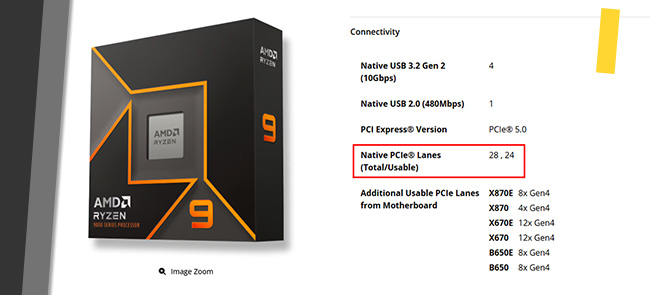
Each PCIe NVMe SSD typically requires a minimum of four PCIe lanes. Before adding multiple NVMe drives, it's important to understand how many PCIe lanes your CPU and platform can actually provide. |
 |
|
One such processor, the AMD Ryzen™ 9 9950X Is limited to a total of 28 PCIe lanes, with 4 lanes reserved for the chipset uplink. A mainstream GPU typically uses 16 lanes, leaving 8 lanes available. As each NVMe drive requires 4 lanes, this allows for up to two additional NVMe drives |
|
2. Mixing different PCIe generations in a single build |
|
While newer PCIe generations are backward compatible, mixing PCIe Gen 3, Gen 4, and Gen 5 devices in one system is a common source of detection and stability issues. |
|
In mixed environments, the system often negotiates all devices down to the slowest link speed. To reduce initialization errors and unexpected behavior, it's generally best to keep NVMe devices within the same PCIe generation. If issues arise, manually setting the PCIe link speed in BIOS to match the slowest device can help stabilize the system. |
|
3. Confusing PCIe NVMe with SATA |
|
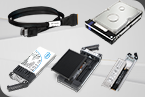
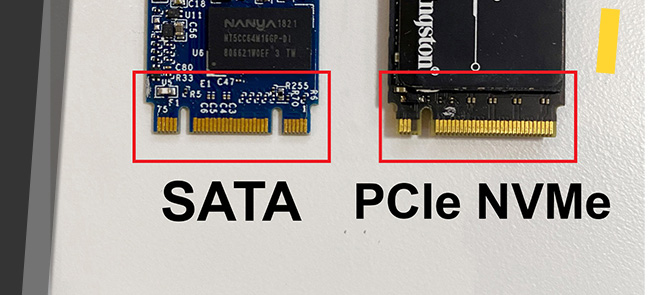
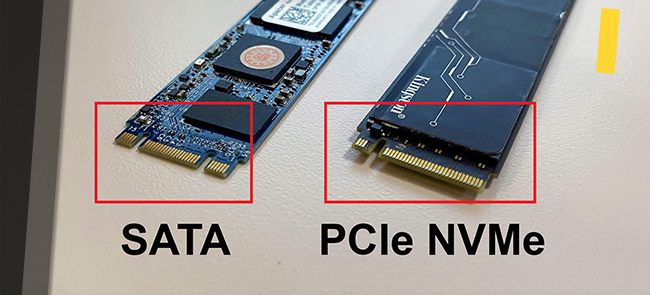
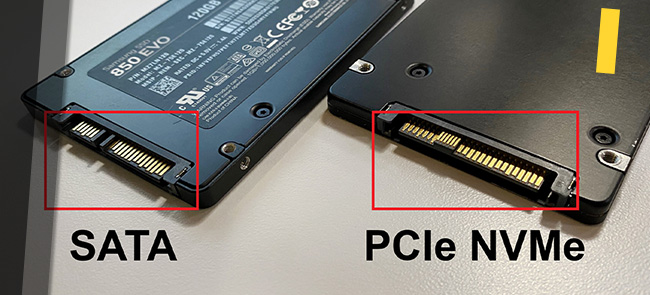
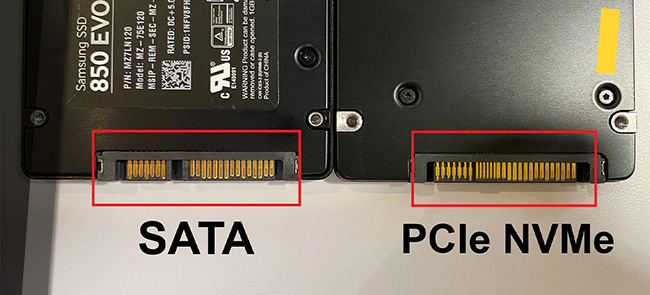
PCIe NVMe and SATA drives use entirely different protocols and connectors. They are not interchangeable and cannot communicate with each other. |
 |
 |
 |
 |
|
4. Underestimating thermal throttling |
|
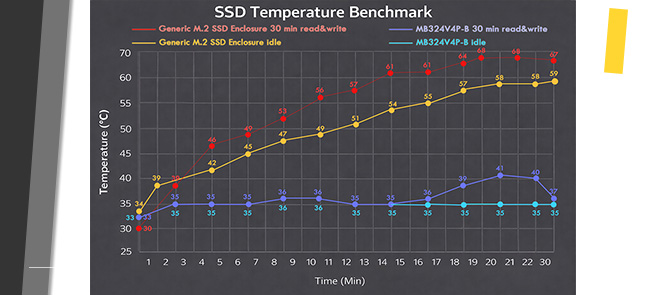
NVMe SSDs generate significantly more heat than SATA drives, especially under sustained, data-intensive workloads. Bare drives running for prolonged period of time can quickly reach temperatures often exceeding High 60°C to mid 70°C, triggering thermal throttling and causing inconsistent performance. |
 |
|
5. Choosing enclosures that are difficult to service |
|
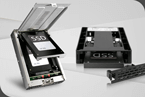
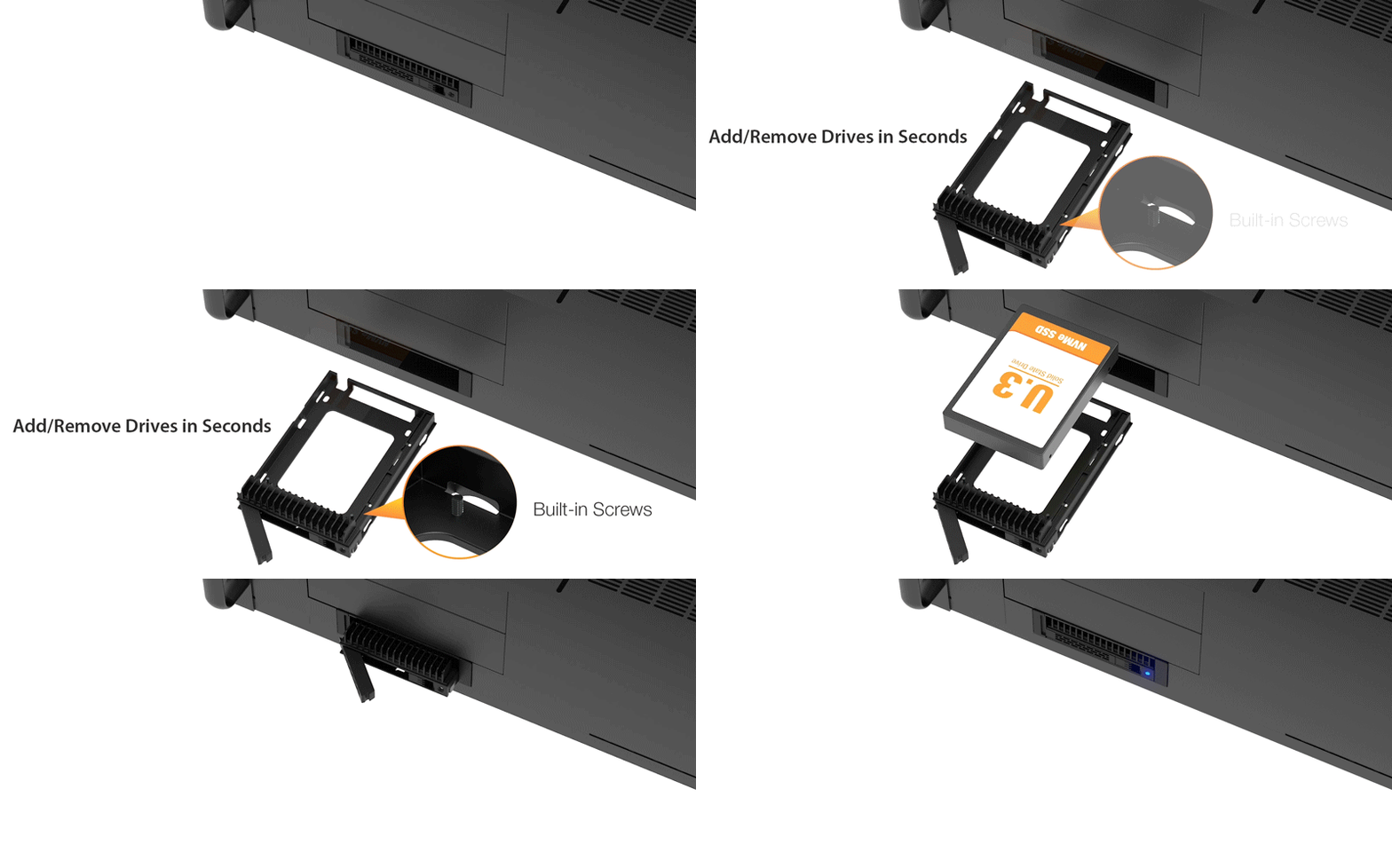
Maintenance convenience is often overlooked when building an NVMe storage system. Enclosures that rely on screws, internal adapter cards, or rear-access installations can significantly increase downtime during upgrades or drive replacements. |
|
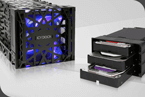
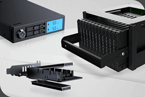
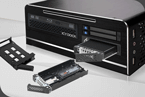
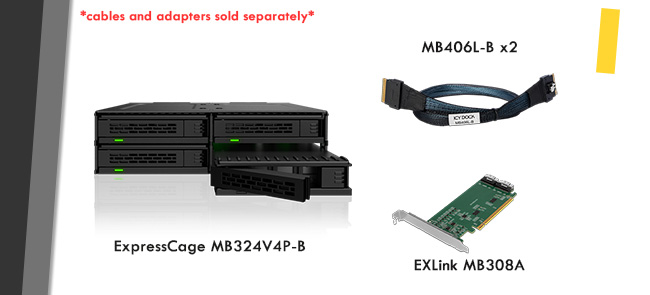
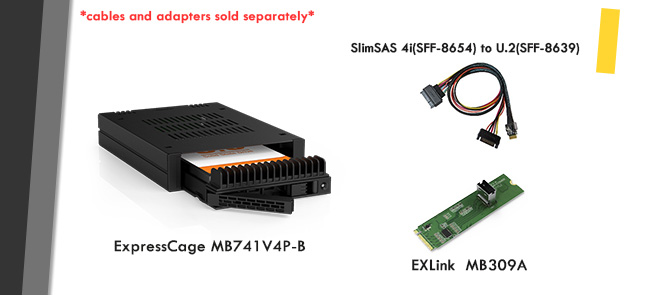
ICY DOCK enclosures offer front-access, easily swappable NVMe drive bays, making routine maintenance faster, safer, and more efficient. The MB324V4P-B and MB741V4P-B are optimized for frequent drive removal and swapping. Across these models, tool-less drive trays eliminate the risk of stripped or lost screws, saving time and reducing frustration during upgrades. |
 |
|
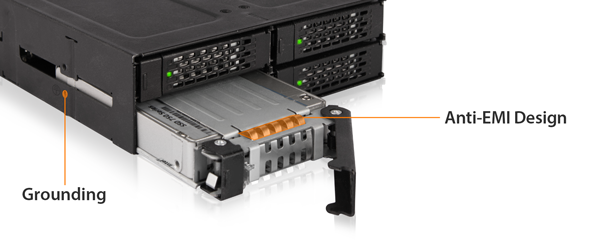
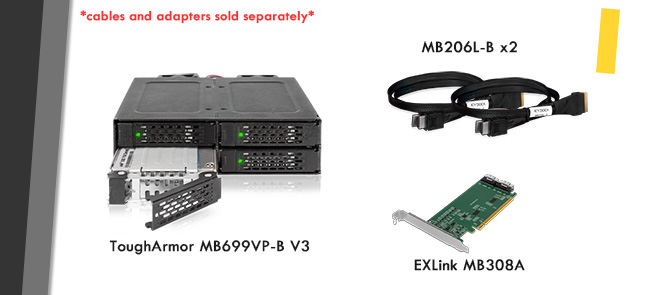
Meanwhile, the MB699VP-B V3 features industrial-grade EMI protection, making it ideal for environments where drives need to be secure while remaining accessible when needed. |
 |
|
Recommended Models and combinations |
|
MB324V4P-B + MB406L-B (x2) + MB308A |
 |
 |
 |
 |