×
Advanced Product Search Menu
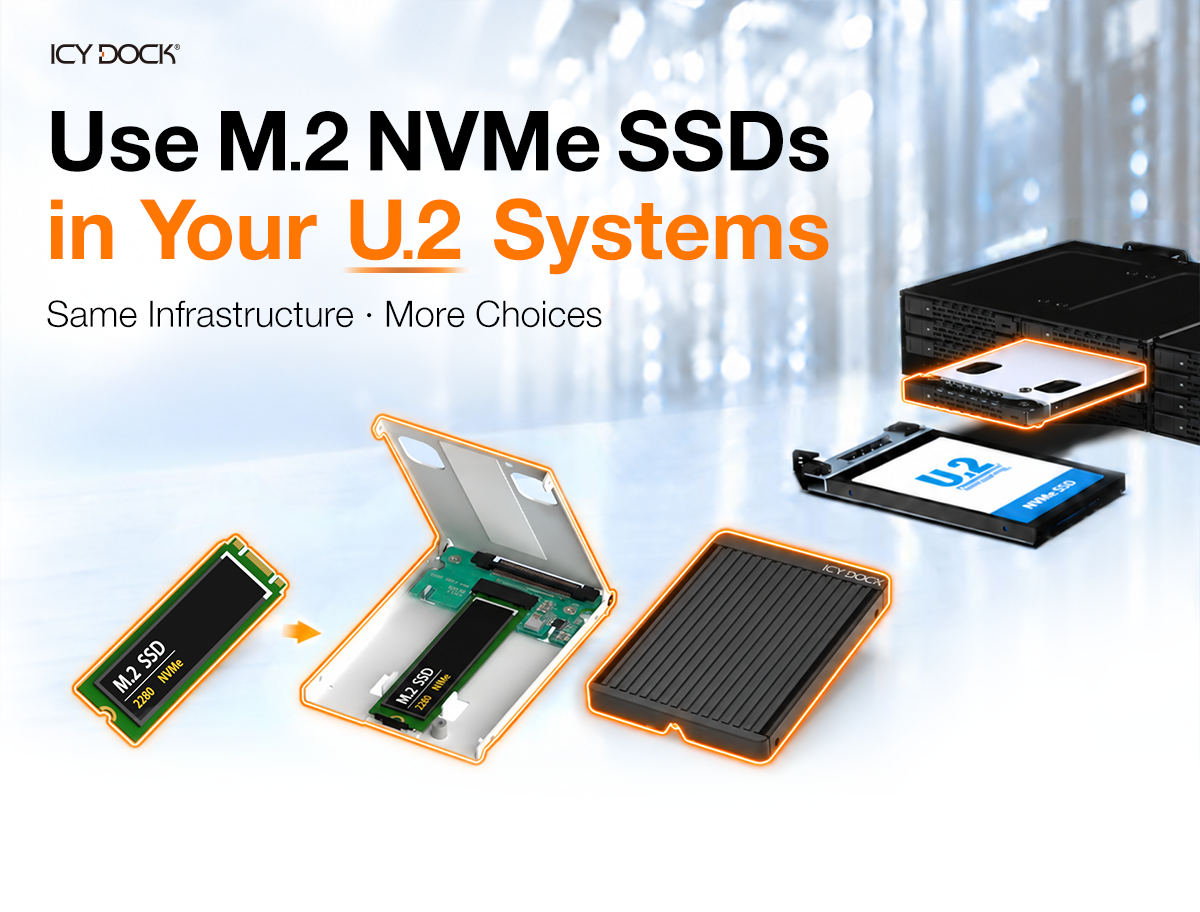
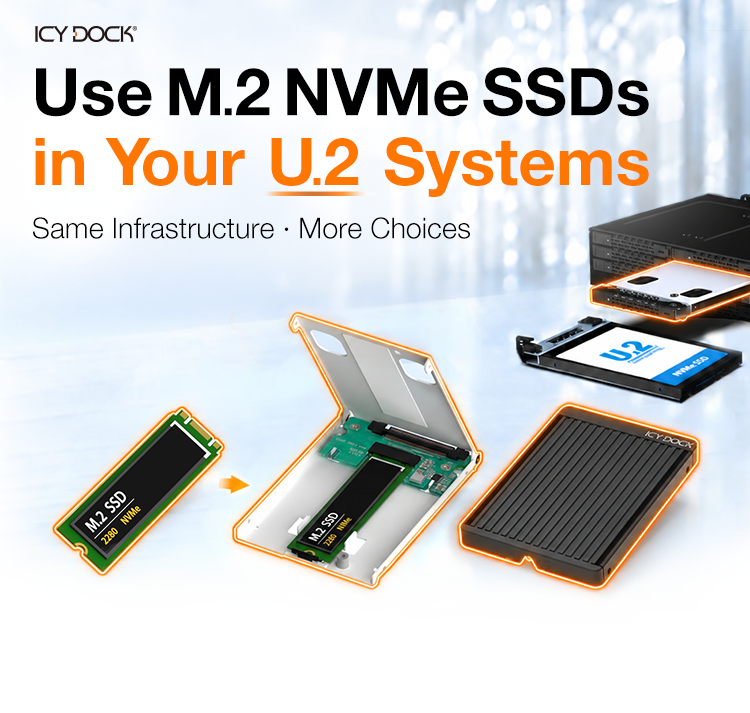
Use M.2 NVMe SSDs in Your Existing U.2 Systems
Date: 2026.09.24
Section 2 image

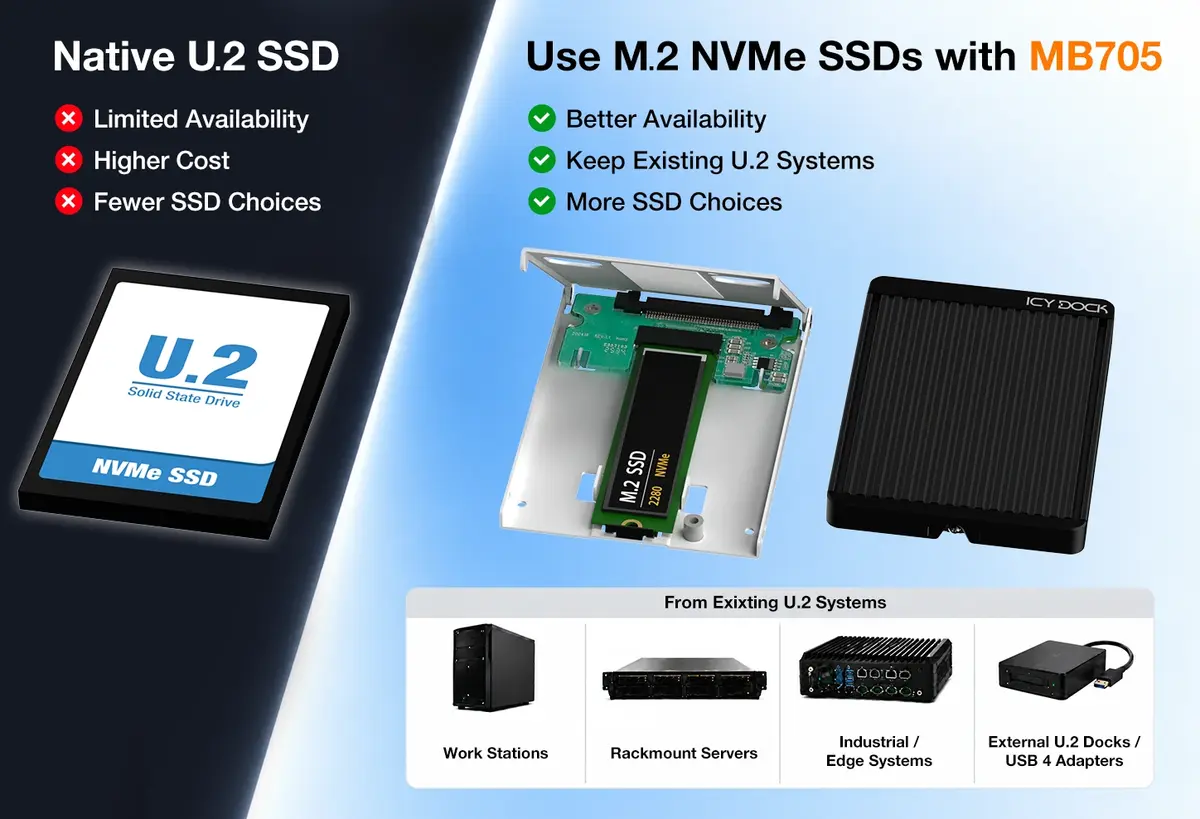
Keep U.2. Gain More SSD Choices

  • U.2/U.3 SSDs can be costly or difficult to source.
  • Use widely available M.2 NVMe SSDs with EZConvert MB705.
  • Keep your existing U.2 infrastructure and removable 2.5" form factor.
Section 3 image

Keep Your U.2 Infrastructure. Expand Your SSD Options.

For system integrators already using U.2 backplanes, mobile racks, drive trays, or storage systems, the EZConvert MB705 provides a practical way to expand SSD sourcing options without changing the existing U.2 storage architecture.Instead of relying exclusively on native U.2 SSDs, system builders can select from a wider range of M.2 NVMe SSDs based on availability, capacity, performance, endurance, and project requirements.

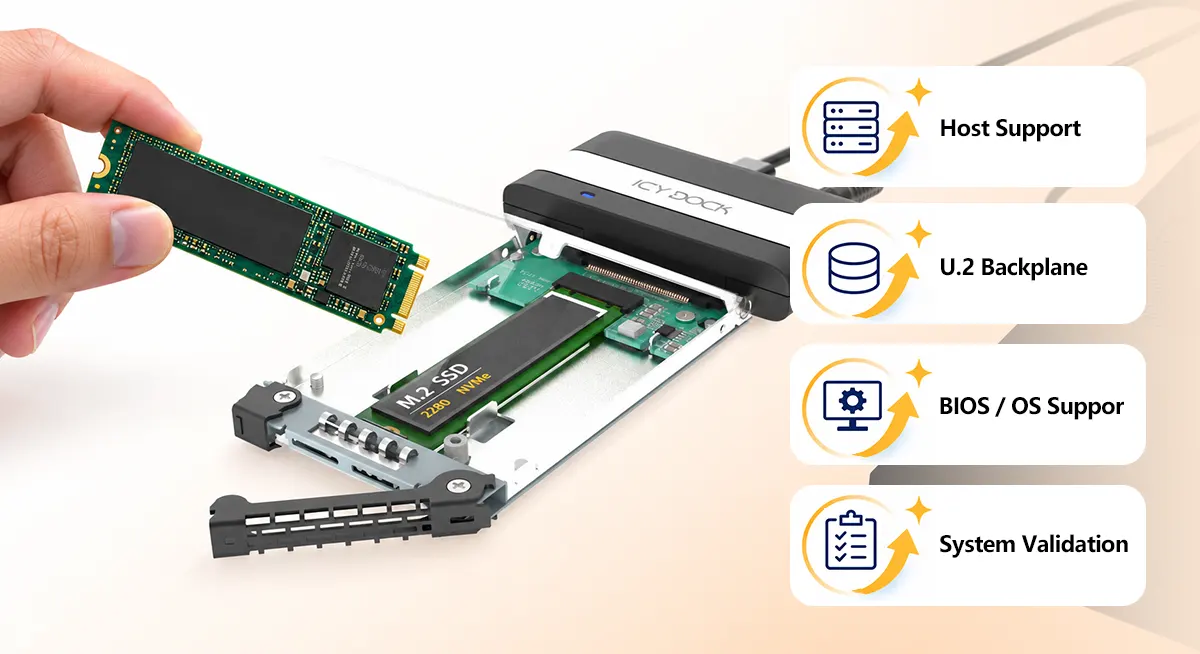
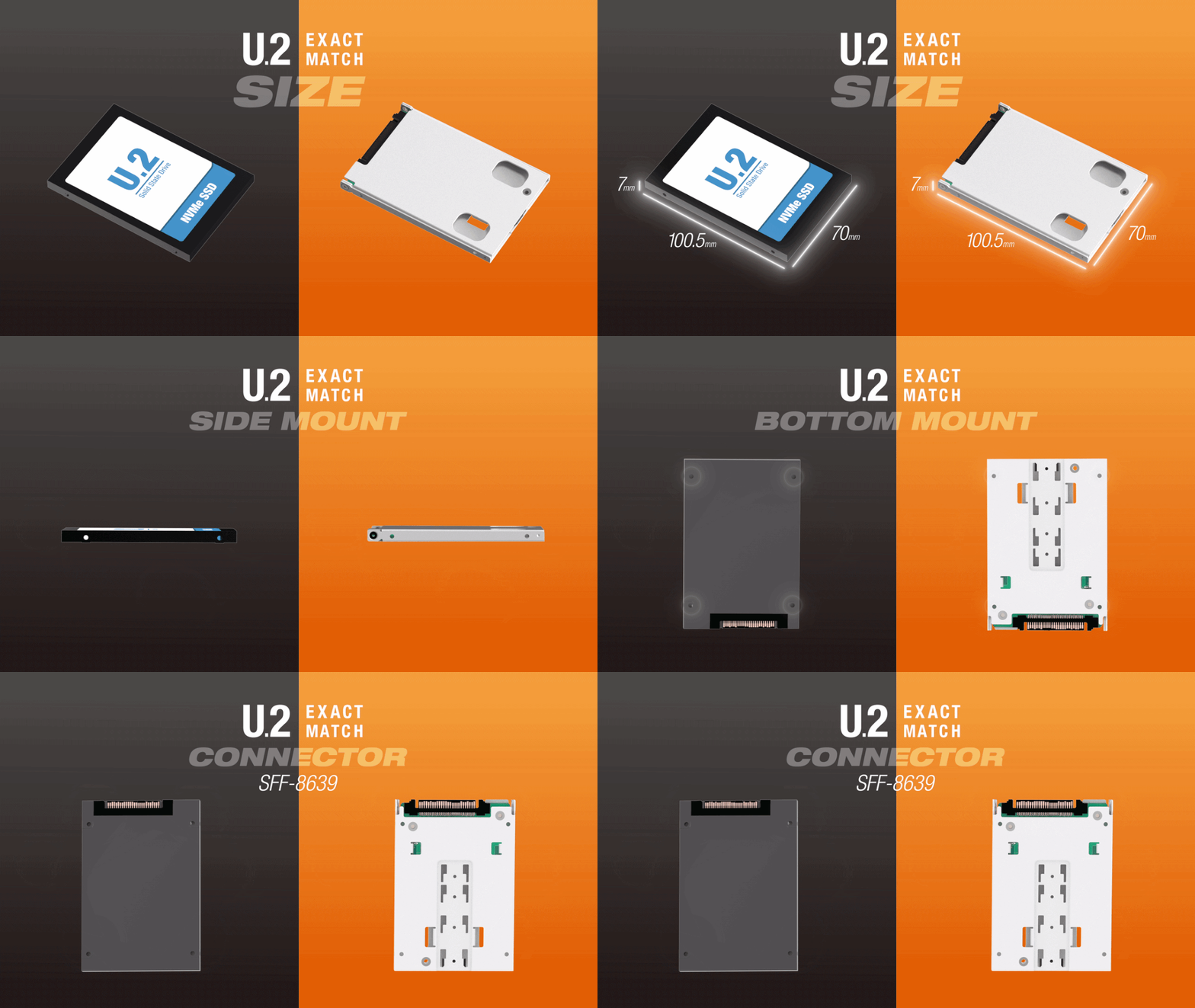
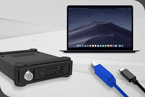
M.2 NVMe in a U.2 Form Factor

The MB705 does not change the NVMe protocol. The installed drive remains an M.2 PCIe NVMe SSD.Instead, the adapter provides the physical dimensions, mounting points, and U.2 SFF-8639 interface required for use in compatible U.2 storage environments.

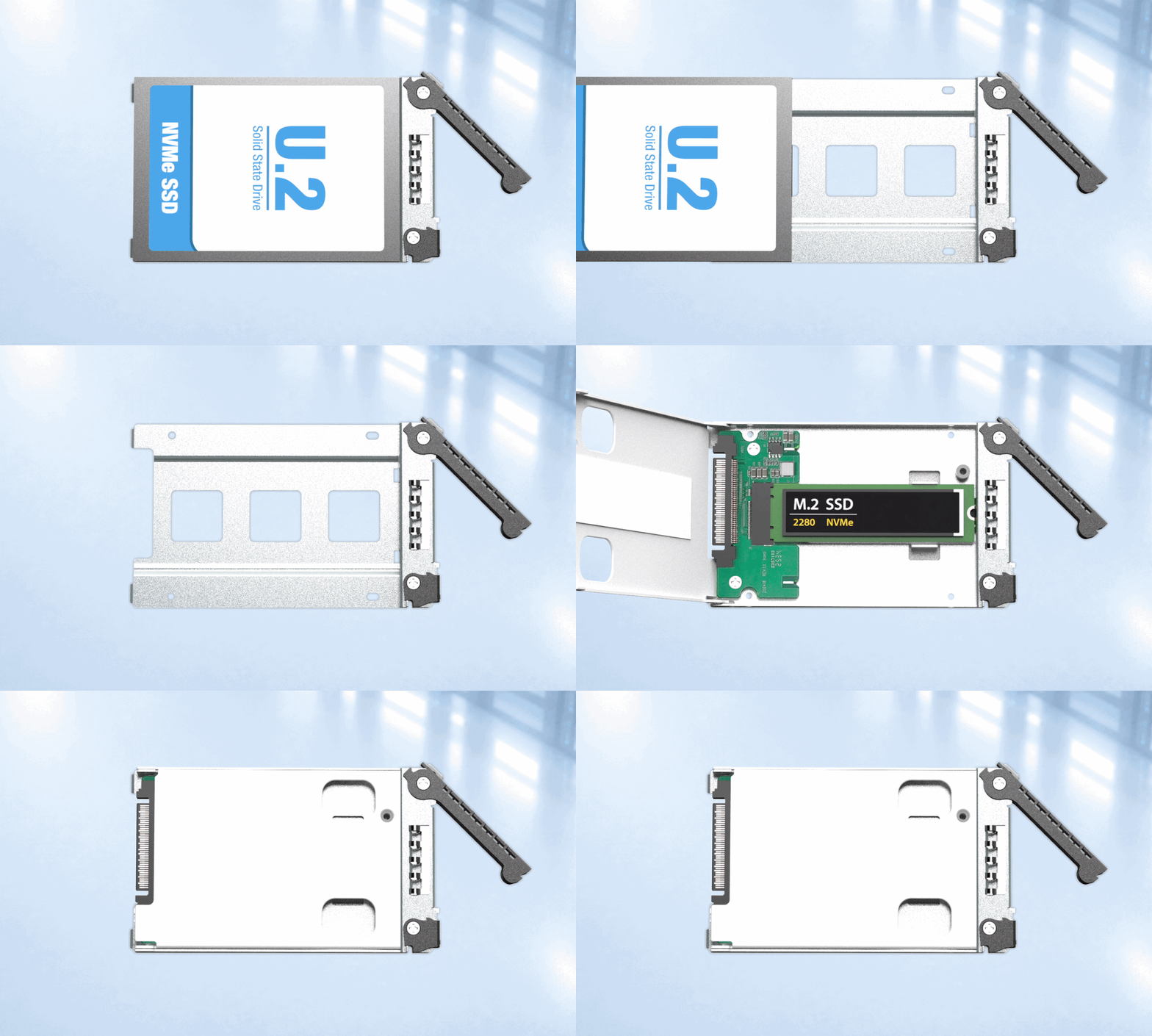
Animated product overview

Find the Right MB705 Solution

EZConvert

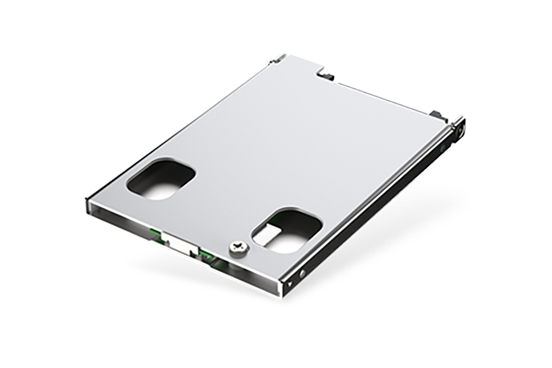
MB705M4P-S
MB705M4P-S image

For 7mm U.2 Systems

  • 7mm Ultra-Slim U.2 Form Factor
  • Integrated One-Piece Metal Lid
  • Full-Metal Construction
  • Open-Air Cooling Design
View Details
EZConvert
MB705M2P-B
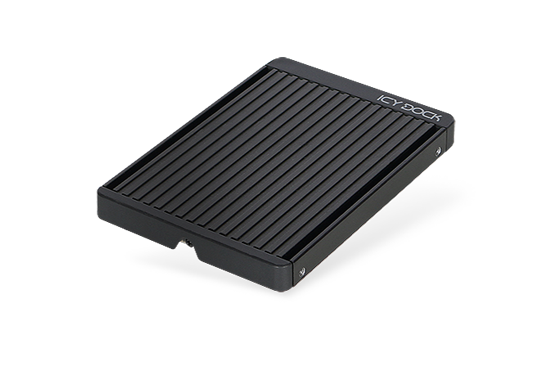
MB705M2P-B image

For 9.5mm / 15mm U.2 Systems

  • 9.5mm U.2 Form Factor
  • Fits 15mm U.2 Trays / Bays
  • Removable Aluminum Heat-Sink Lid
  • Enhanced Passive Cooling
View Details

Shared Features

Tool-less

Tool-Less M.2
SSD Installation

M.2 Support

Supports M.2
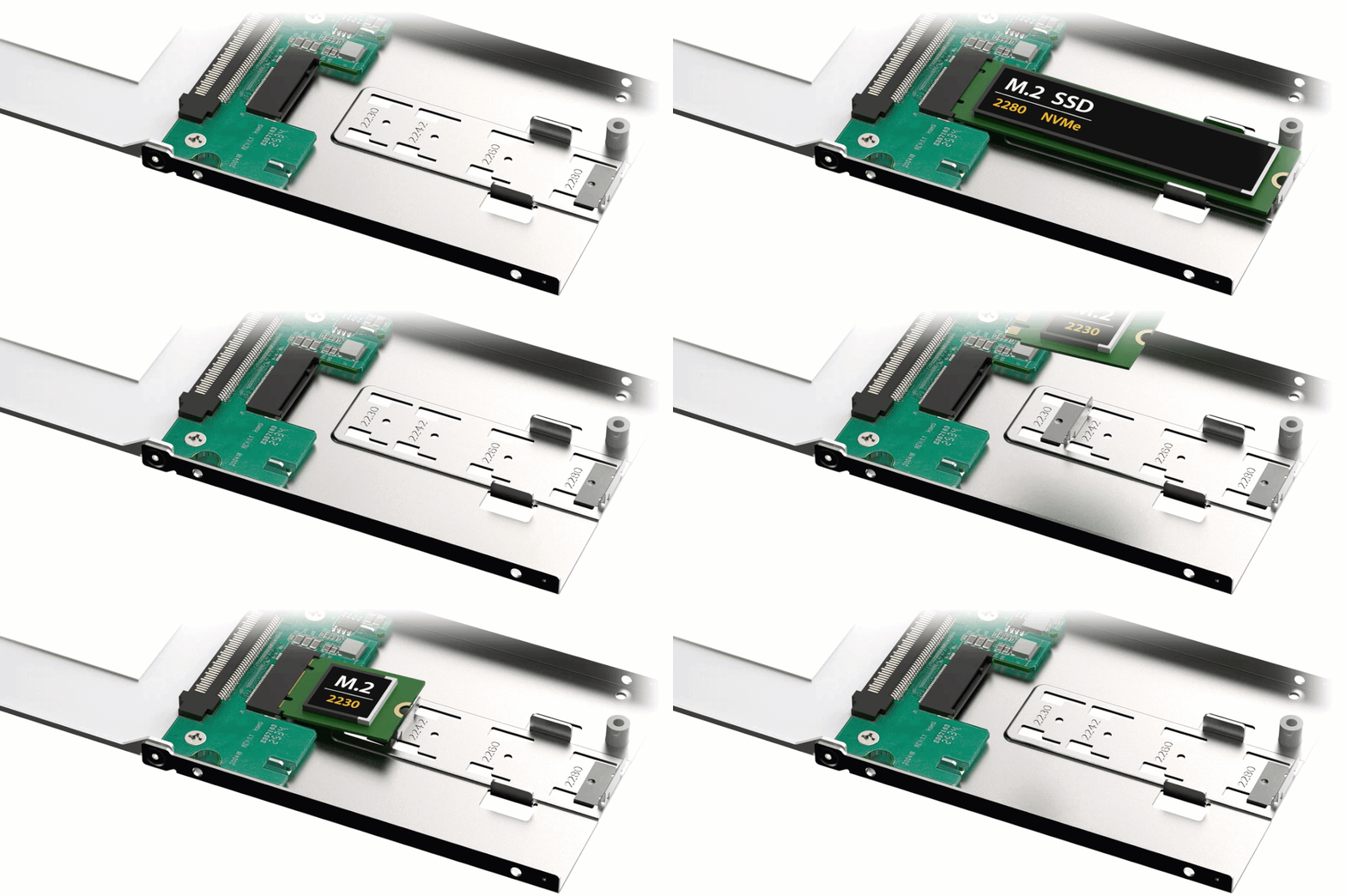
2230 / 2242 / 2260 / 2280

Icon 3

PCIe 4.0 x4
Up to 64Gbps

Icon 4

10,000-Cycle-Rated
U.2 Connector

Icon 5

Pre-Installed
Thermal Pad

MAX U.2 SYSTEM FIT

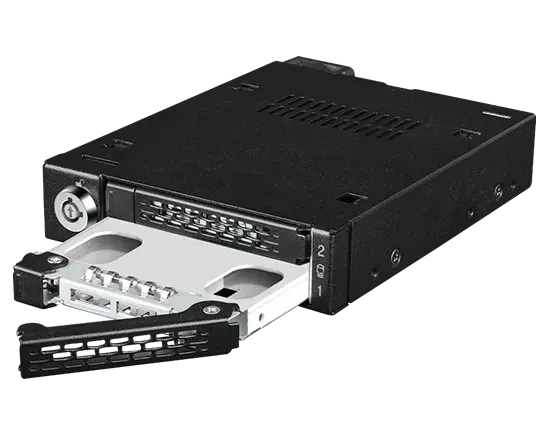
  • OEM server trays
  • ICY DOCK mobile racks
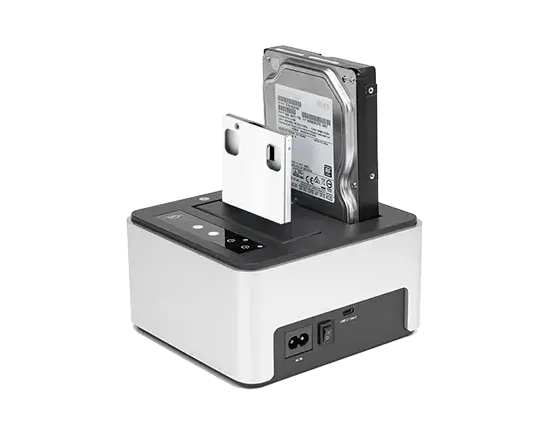
  • External adapters / docks

Built for Removable M.2 NVMe Workflows

Supports M.2 2230, 2242, 2260, and 2280 NVMe SSDs for faster installation and replacement.
Full-metal construction and thermal pad contact help transfer heat from the M.2 SSD to the enclosure.
The bridge connector helps reduce repeated wear on the M.2 SSD gold fingers during removal and reinsertion.
Repeated system-level insertion and removal takes place through the more durable U.2 interface.
Overview static image

Can M.2 NVMe be Hot-Swapped Through U.2?

“Hot-Plug May Be Possible in Supported Systems”
Hot-swap image

Although M.2 SSDs are not mechanically designed for frequent hot removal, an M.2 NVMe SSD installed through the MB705 may participate in a hot-plug workflow when the complete U.2 system supports PCIe/NVMe hot-plug operation.Actual hot-swap capability depends on the host platform, BIOS/UEFI, PCIe configuration, backplane, operating system, drivers, and SSD. System-level validation is required.

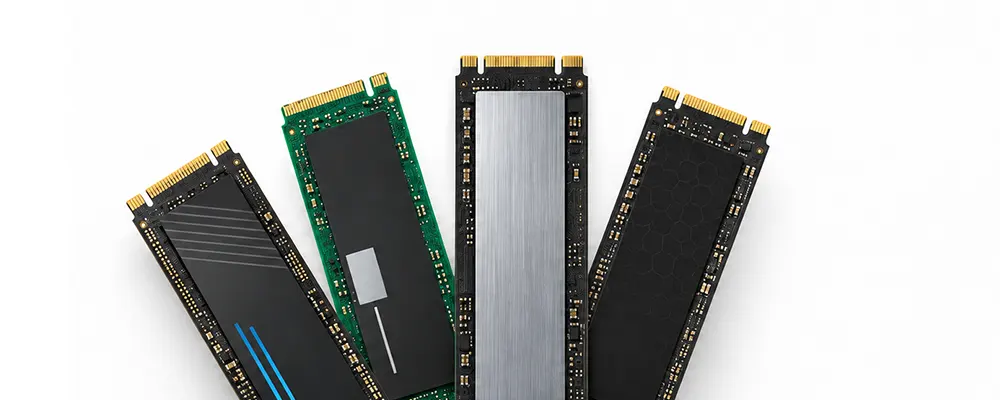
Choose the SSD for the Workload

M.2 describes a physical form factor, not an SSD reliability class

Enterprise-oriented M.2 NVMe SSDs are available, but system builders should still evaluate endurance, power-loss protection, sustained performance, thermal characteristics, firmware, and application requirements.

SSD workload image
Note icon

MB705 provides the form-factor conversion; it does not make a consumer M.2 SSD functionally equivalent to an enterprise U.2 SSD.


Need help confirming compatibilityNeed help confirming compatibility
Expert Help icon

Expert Help

Get support for
compatibility and setup

Contact Us
Find Your NVMe Match icon

Find Your NVMe Match

Use our NVMe Selection Tool
to find compatible options

Start Selection
Advanced Product Search Menu
SUBMIT CLEAR CANCEL
Can’t find any suitable products? Submit your requestHERE
We use cookies in order to give you the best possible experience on our website.   More Info
Understood