
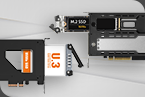
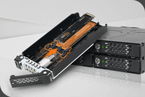
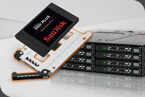
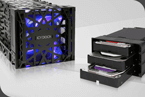
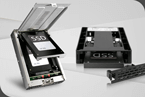
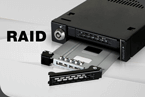
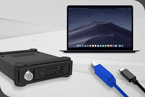


SSD form factors, PCIe generations, lane configurations, host interfaces, and connector types must be properly matched. Otherwise, compatibility issues can easily arise.
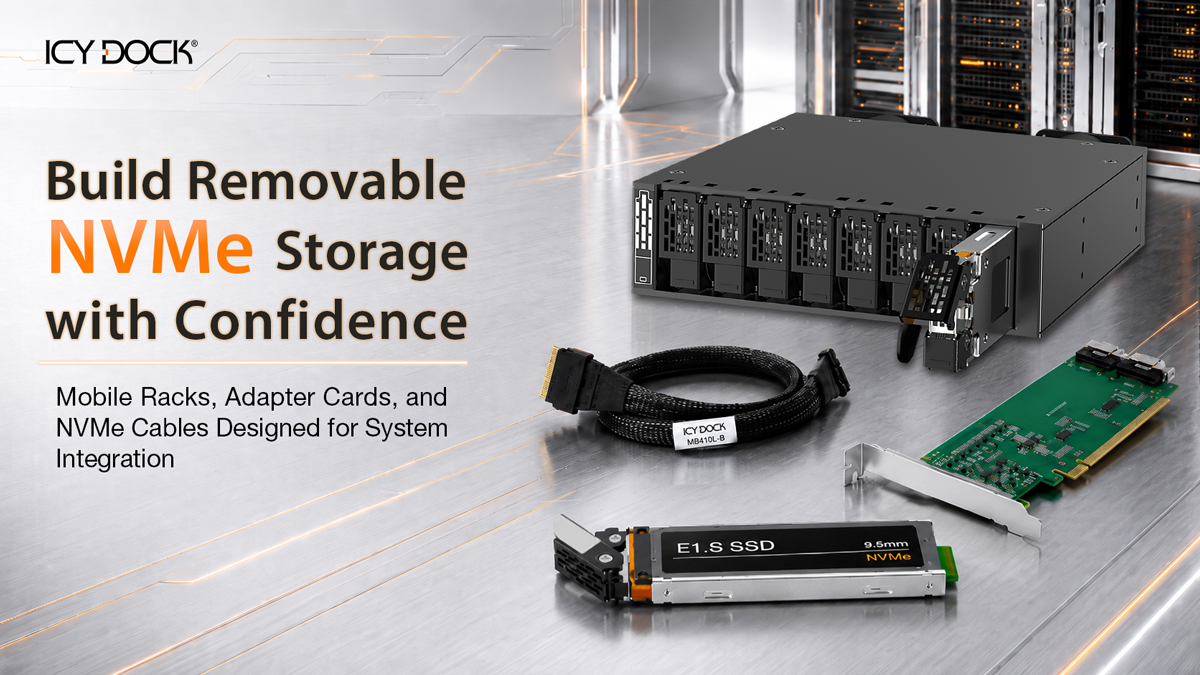
Implementing removable NVMe storage into a server, workstation, industrial PC, or edge computing system can be challenging. System builders must consider SSD form factor, PCIe generation, lane configuration, host interface, cable type, signal integrity, airflow, and long-term serviceability.
ICY DOCK simplifies NVMe storage integration by offering a complete ecosystem of removable NVMe mobile racks, compatible PCIe adapter cards, and high-speed NVMe cables for a wide range of system designs.
Whether your system uses M.2, U.2/U.3, E1.S, or E3.S NVMe SSDs, ICY DOCK provides removable storage enclosure solutions that help system integrators reduce compatibility uncertainty, shorten validation time, and build serviceable NVMe storage systems with greater confidence.
Common Integration Challenges
When Deploying Removable NVMe Storage
With PCIe Gen4 and Gen5, cable quality, cable length, and connector design become increasingly sensitive. Even a minor mismatch can affect system stability and extend the validation process.
In addition to specification compatibility, actual deployment must also account for available installation space, airflow design, and the efficiency of future SSD maintenance and replacement.
When the removable drive enclosure, cables, and adapter cards come from different suppliers, integration becomes more complex, while validation, troubleshooting, and support coordination often require more time.
Why Complete NVMe Integration Matters

Reduce Compatibility Testing
NVMe storage integration involves more than choosing the SSD. System builders must confirm physical fit, PCIe lane assignment, cable routing, host interface compatibility, airflow, and signal stability. ICY DOCK helps reduce this validation burden by offering removable racks, cables, and adapter cards designed to work together as part of a complete storage path.

Improve Signal Reliability
PCIe Gen4 and PCIe Gen5 NVMe storage require stable high-speed signal transmission. Cable length, connector quality, adapter card design, and enclosure layout can all affect system reliability. Using compatible components from one supplier helps reduce avoidable integration issues during system development.

Simplify Support and Maintenance
When the enclosure, cable, and adapter card come from different vendors, troubleshooting becomes more complicated. ICY DOCK provides a single point of support for the removable storage hardware path, making it easier for system integrators to identify and resolve issues during validation, deployment, and maintenance.

Build More Serviceable Systems
Removable NVMe storage allows SSDs to be accessed from a front bay, PCIe slot, or removable tray instead of requiring users to open the chassis. This helps improve serviceability, reduce maintenance time, and simplify SSD replacement workflows.
Note: Hot-swap functionality depends on the host system, controller, operating environment, and PCIe hot-plug support.
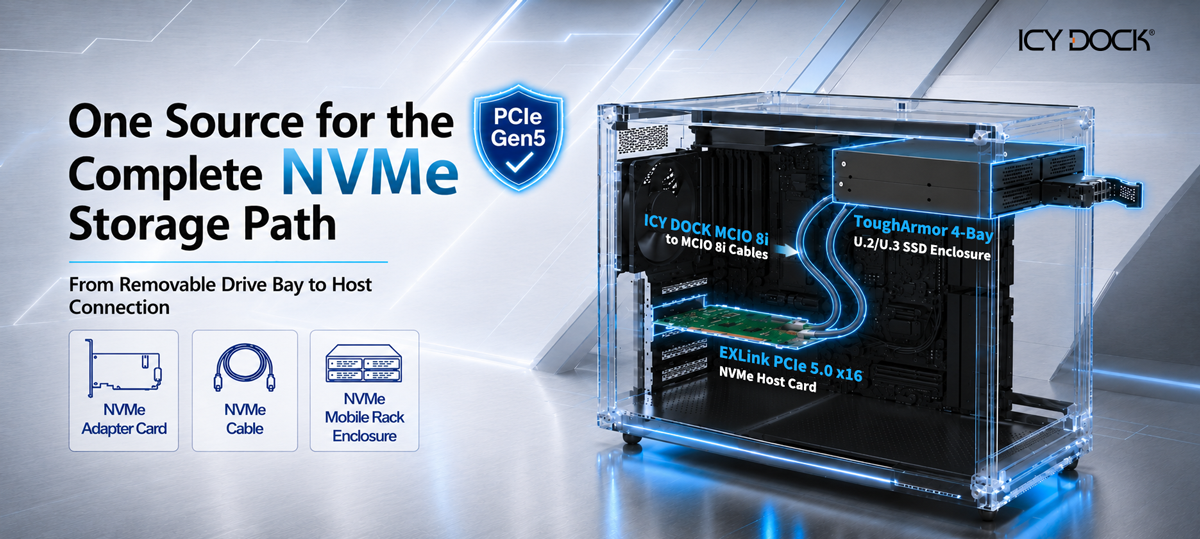
ICY DOCK Provides a More
Complete Approach by Offering
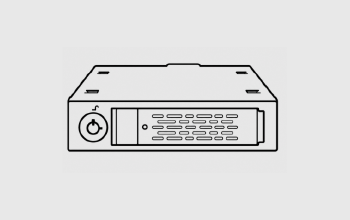
Removable NVMe Mobile Racks
Solutions for M.2, U.2/U.3, E1.S, and E3.S SSD deployment.
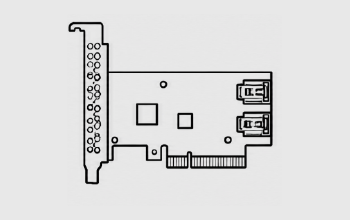
PCIe Adapter Cards
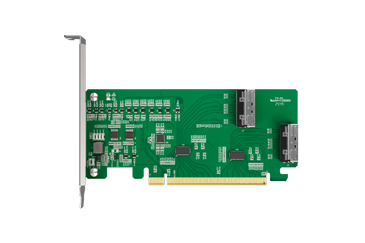
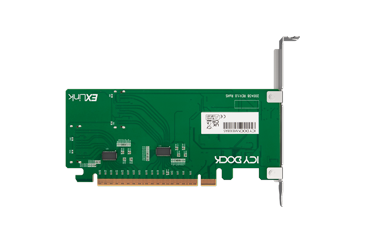
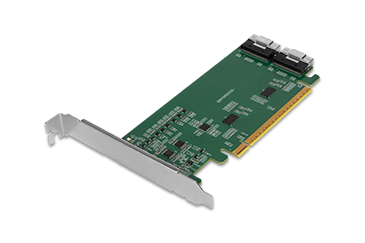
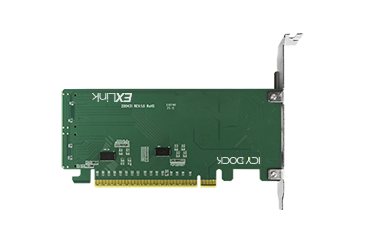
Host-side adapter cards designed to connect NVMe storage to the system.
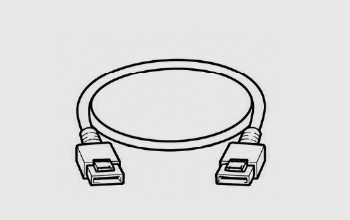
NVMe Cables
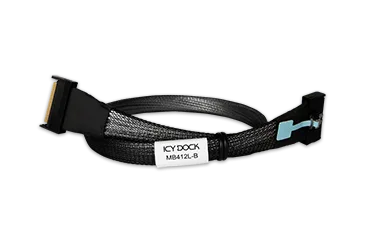
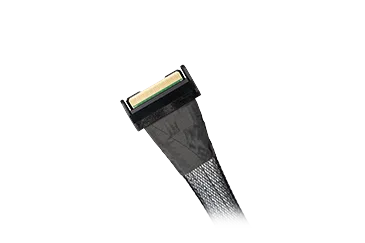
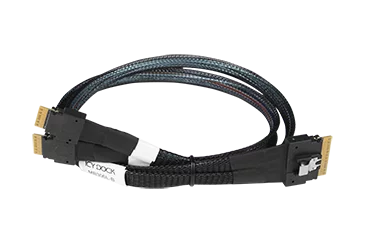
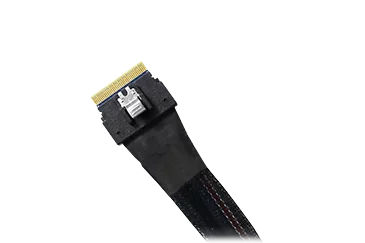
MCIO, SlimSAS, and U.2 cables for different system layouts.
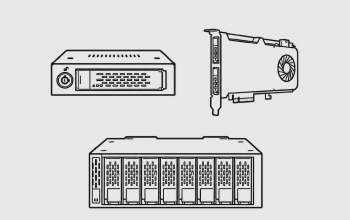
Flexible Storage Placement
Drive-bay, PCIe slot, and custom system integration options.
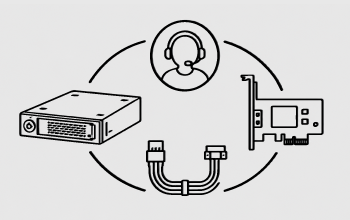
Technical Support
Support across removable racks, cables, and adapter card combinations.

KEY TAKEAWAYS
By sourcing the storage bay, cable, and adapter card from one supplier, system builders can reduce trial-and-error testing, simplify troubleshooting, and avoid coordinating support across multiple vendors.
Example NVMe Storage Solution Combos

Interface

Connector

NVMe SSDs

SSD Installation

128Gbps
Interface
Connector
NVMe SSDs
U.2/U.3 SSD
128Gbps
For AI Servers, GPU Workstations, Rackmount Systems, and Validation Platforms
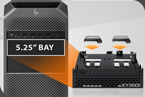
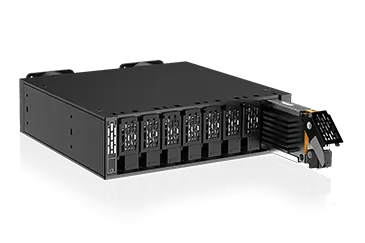
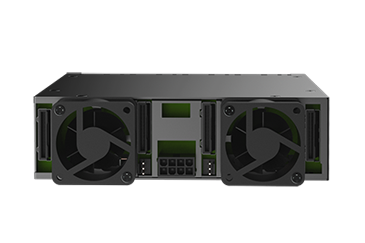
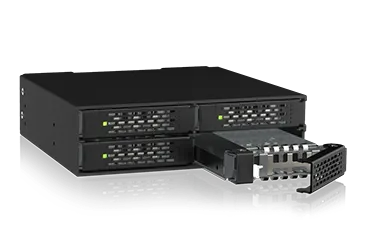
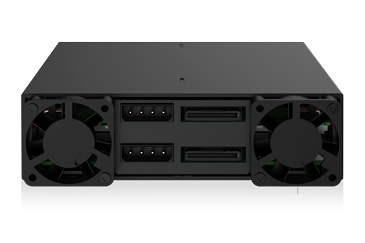
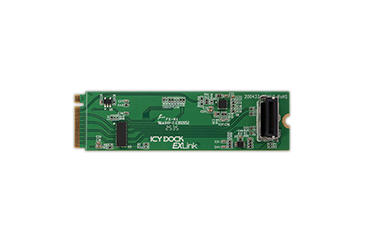
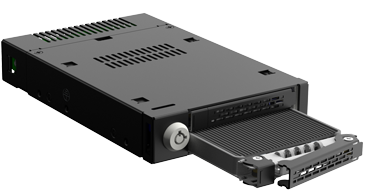
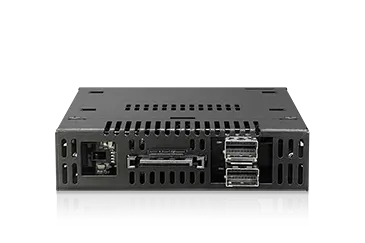
A 5.25" bay removable NVMe mobile rack allows system builders to add multiple removable NVMe SSDs within a standard chassis bay. Paired with compatible NVMe cables and a PCIe adapter card, this type of solution is ideal for systems that require high-density storage access, easier maintenance, and organized host connectivity.
Common Applications
- AI / GPU servers
- Enterprise rackmount systems
- Media production workstations
- Data acquisition systems
- SSD validation and testing platforms
- High-density NVMe storage expansion
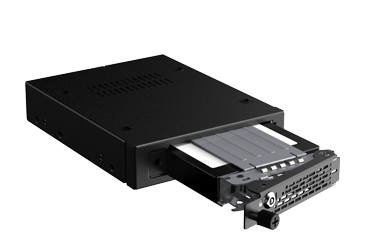

ToughArmor EX MB491V5K-B
2.5" U.2/U.3 PCIe 5.0 NVMe SSD Mobile Rack
with Key Lock & Thumb Screw
+
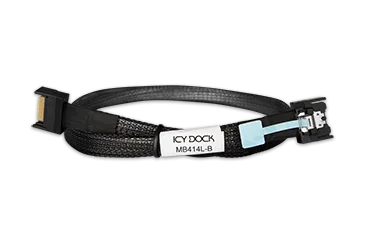
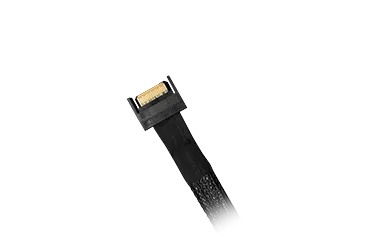
MB414L-B
+
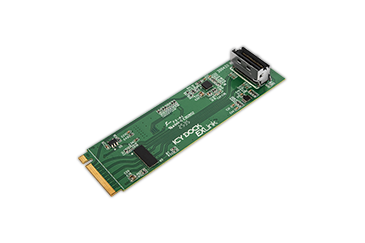
EXLink MB309A5


Connector
U.2/U.3 SSD

Cooling
128Gbps

NVMe SSDs
Sink Tray
SSD Installation
64Gbps
For Industrial PCs, Embedded Systems, and Compact Servers
For systems with limited chassis space, a 3.5" bay removable NVMe mobile rack provides front-access SSD serviceability without requiring a larger 5.25" bay. Combined with compatible NVMe cabling and host interface options, this solution is well suited for industrial, embedded, and compact system deployments.
Common Applications
- Industrial PCs
- Embedded computing systems
- Automation control systems
- Transportation systems
- Medical equipment
- Compact rackmount servers
Interface
NVMe SSD
Sink Tray
SSD Installation
128Gbps
Interface
NVMe SSDs
Cooling
SSD Installation
128Gbps
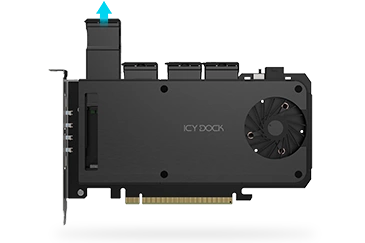
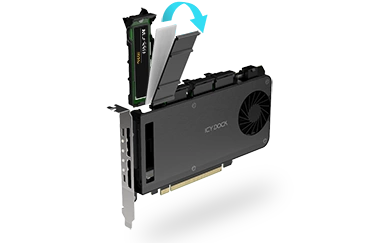
For Systems Without External Drive Bays
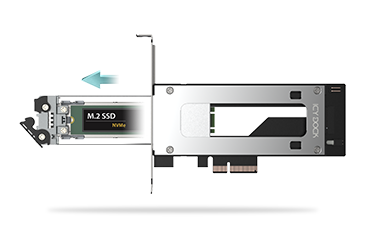
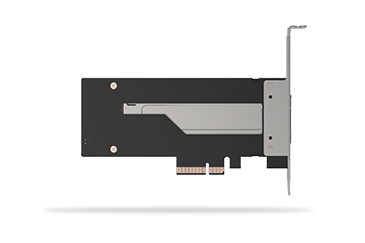
For systems without available 5.25" or 3.5" bays, PCIe slot-based removable NVMe solutions provide a practical way to add serviceable NVMe storage through an expansion slot. This allows system builders to implement removable M.2, U.2/U.3, E1.S, or E3.S storage without modifying the front panel of the chassis.
Common Applications
- Workstations
- Lab validation systems
- Test benches
- Edge computing appliances
- Small servers
- Systems without front drive bays
Find the Right NVMe Storage Solution
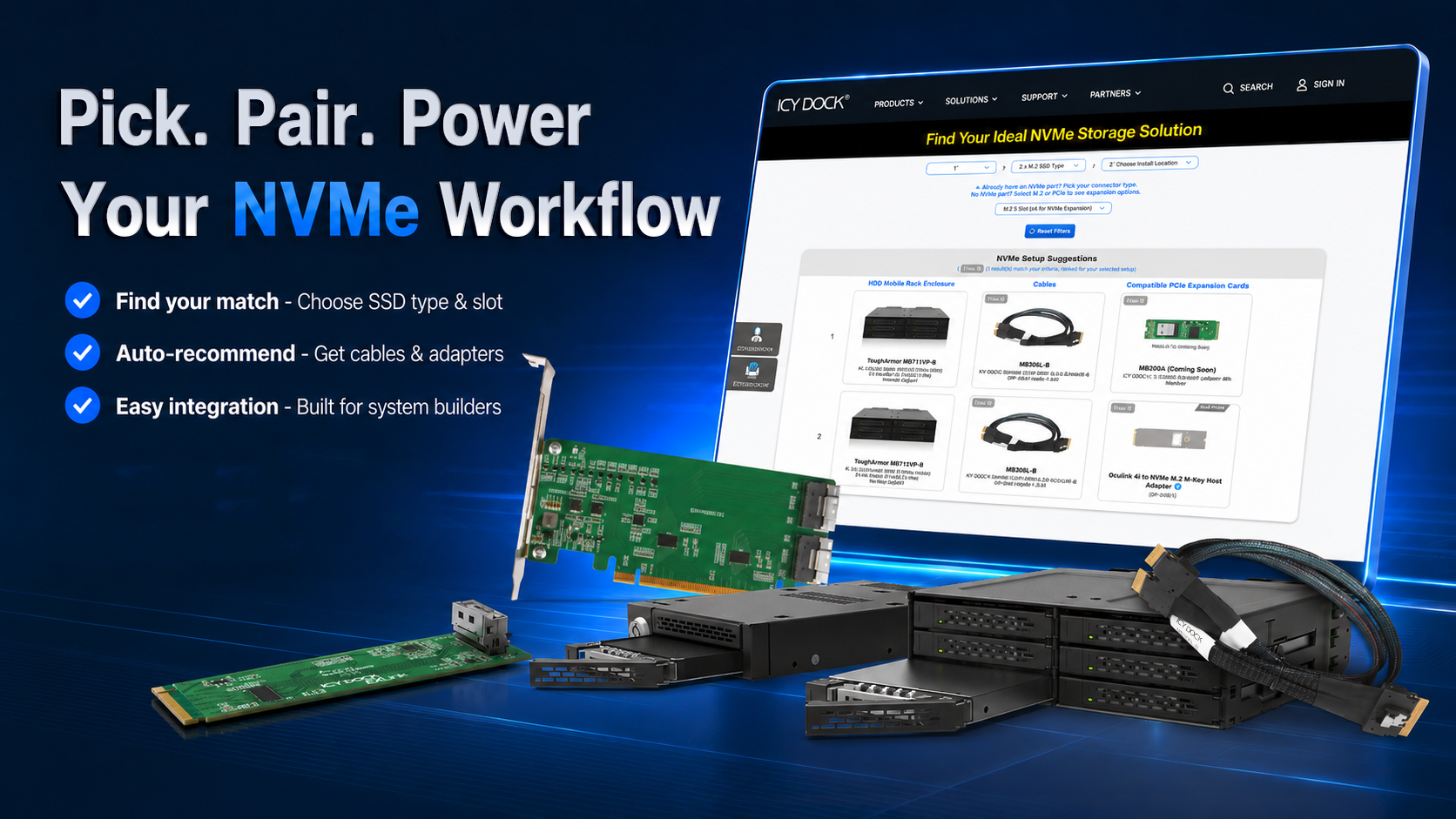
Not sure which removable NVMe mobile rack, cable, or adapter card works best for your system?
Use the ICY DOCK NVMe Selection Tool to narrow down compatible storage solutions based on SSD quantity, SSD form factor, installation location, host interface, and system requirements.
Related Articles
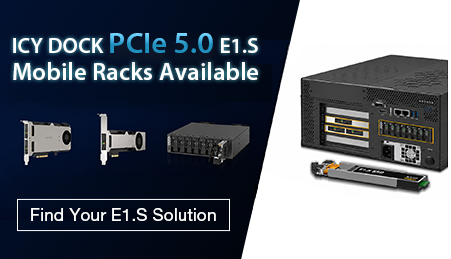
E1.S NVMe Mobile Rack Solutions for PCIe 5.0 Systems
ICY DOCK provides PCIe 5.0 E1.S removable NVMe storage solutions for servers, workstations, industrial PCs, and system integration projects.
Read More
Top 5 Overlooked NVMe Storage Mistakes
Even small oversights in NVMe storage setups can lead to reduced performance, drive failures, or system instability.
Read More
What is PCIe Bifurcation?
PCIe bifurcation is the process of splitting a single physical PCIe slot into multiple lane configurations.
Read More
